
FeaturedHow To
How to share Amazon affiliate links on Instagram
Choose the right Amazon destination, make the affiliate disclosure clear, and test your Instagram link before sharing it with your audience.
Kyle Colquitt6 min read
Read the storyBetter links. Less busywork. Practical reads for building your creator business.
Choose the right Amazon destination, make the affiliate disclosure clear, and test your Instagram link before sharing it with your audience.
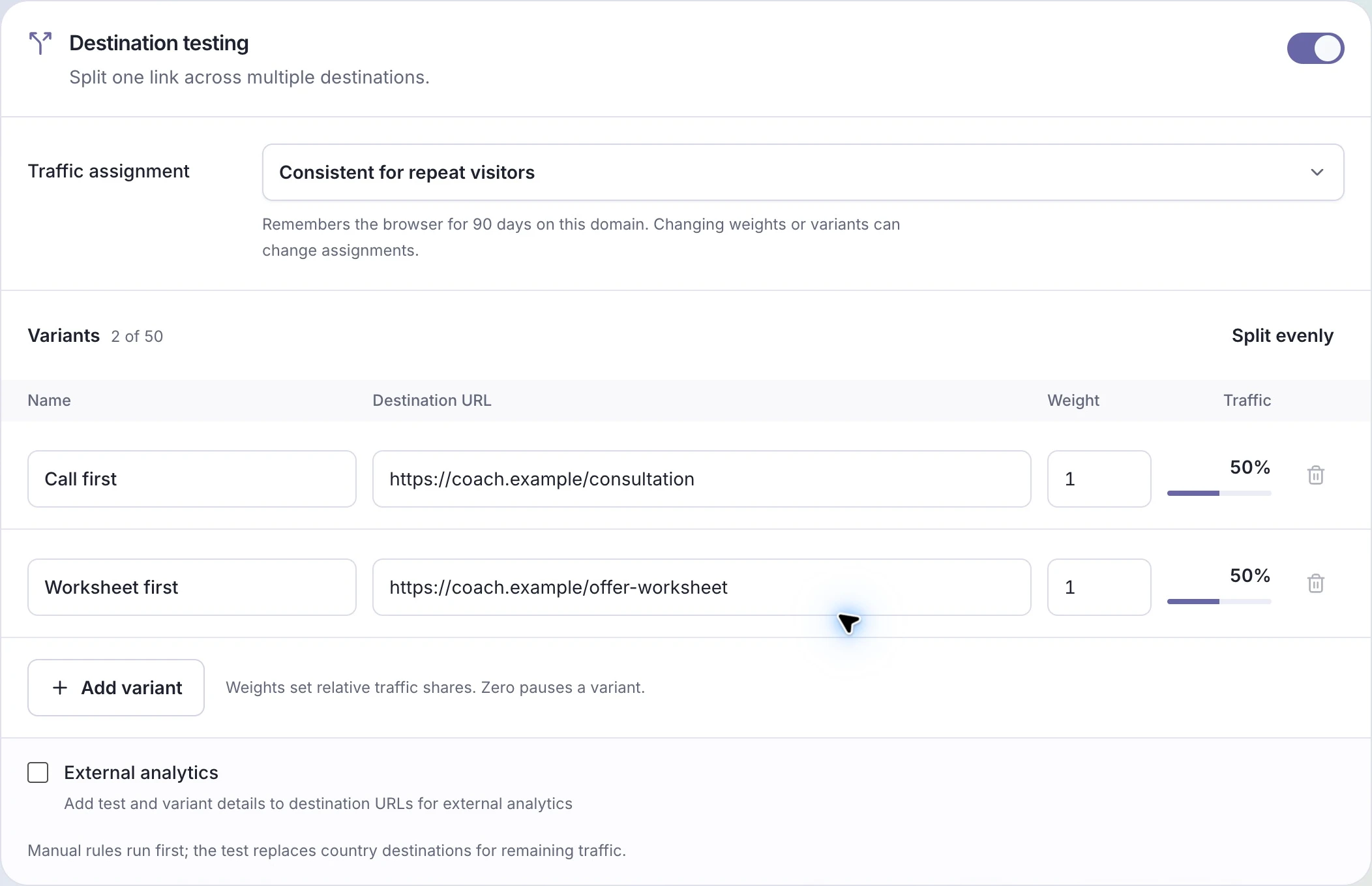
Should your coaching link open a booking page or a free worksheet? Set up a fair destination test and decide what the traffic report can actually tell you.
More capacity can make some skipped replies recoverable. Check the deadline, request the rerun, and confirm what actually happened in Activity.
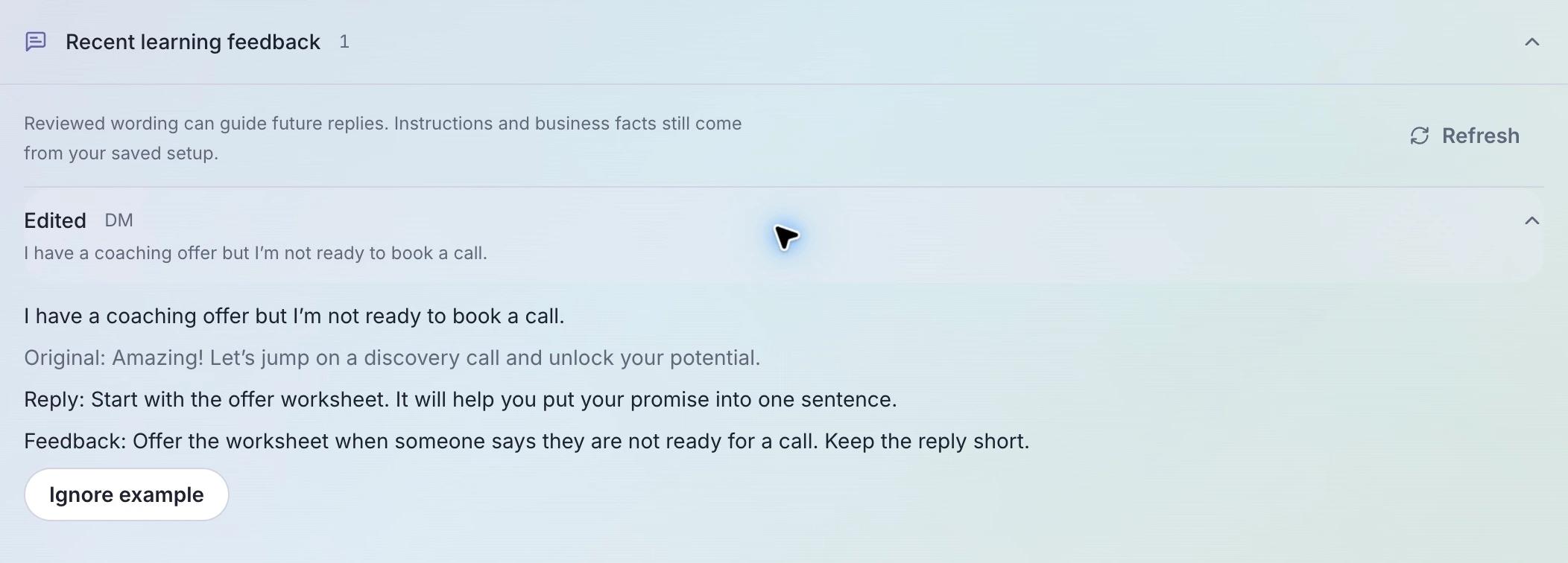
Your edits can become useful wording examples. Learn which feedback to keep, which to ignore, and which changes belong in the agent’s instructions.
Turn “where do I start?” into a clear choice: get the offer worksheet or book a discovery call. Here is how to connect each Instagram question to the right reply.
A blank page, missing button, and login error need different checks. Trace a consultation link from your social profile to its destination and record what fails.
Set one useful AI follow-up for an active coaching conversation, choose quiet hours, and check the message before it goes out.
Help buyers choose between a workbook and a workshop. Give an AI advisor clear fit rules, current offer facts, approved links, and a reason to hand off.
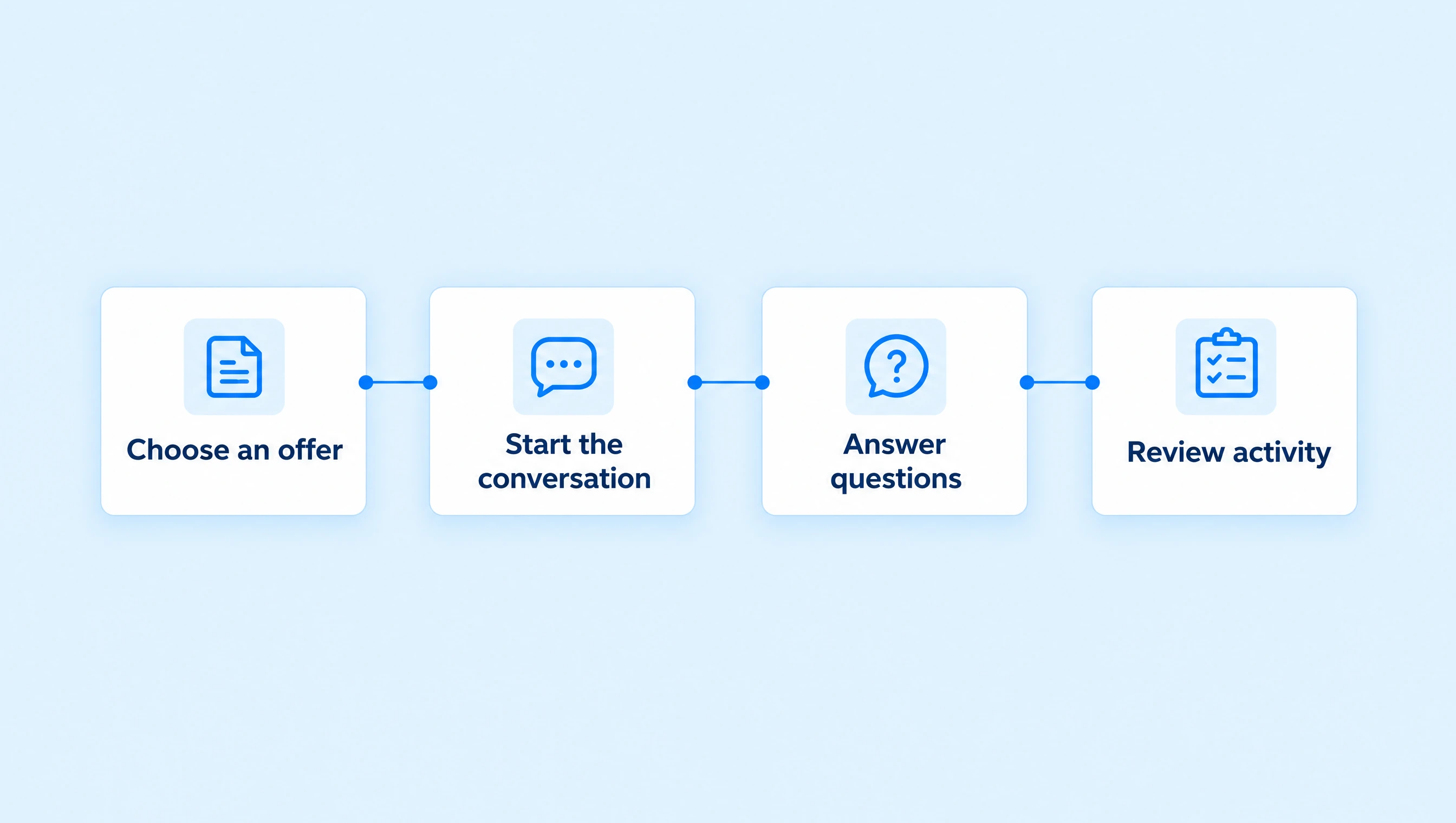
Choose the first Instagram workflow for your coaching offer, decide where AI fits, and use a launch checklist before expanding beyond one campaign.
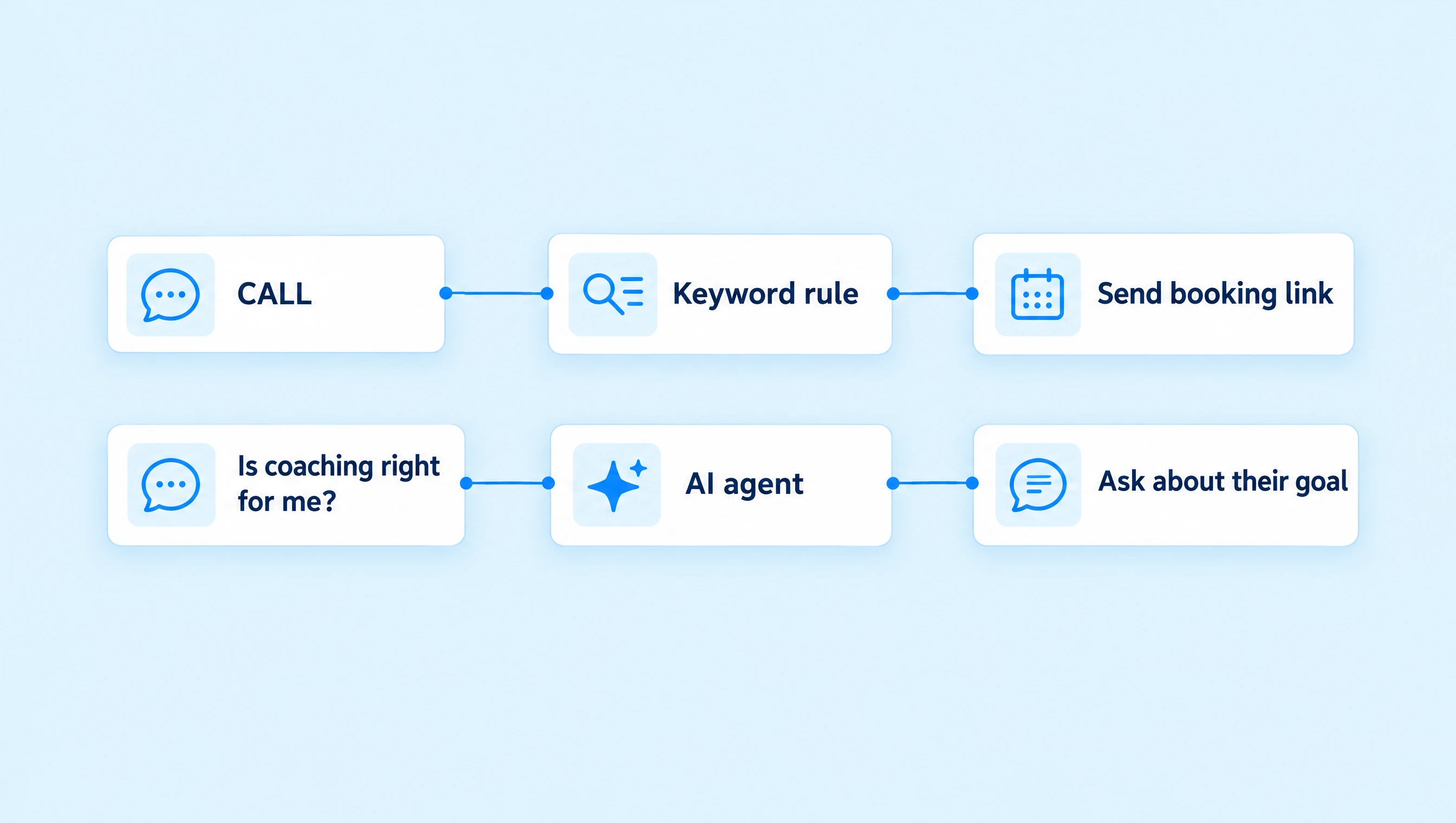
Choose a keyword workflow for a known request or an AI agent for a conversation. Compare entry rules, maintenance, and testing around one coaching offer.
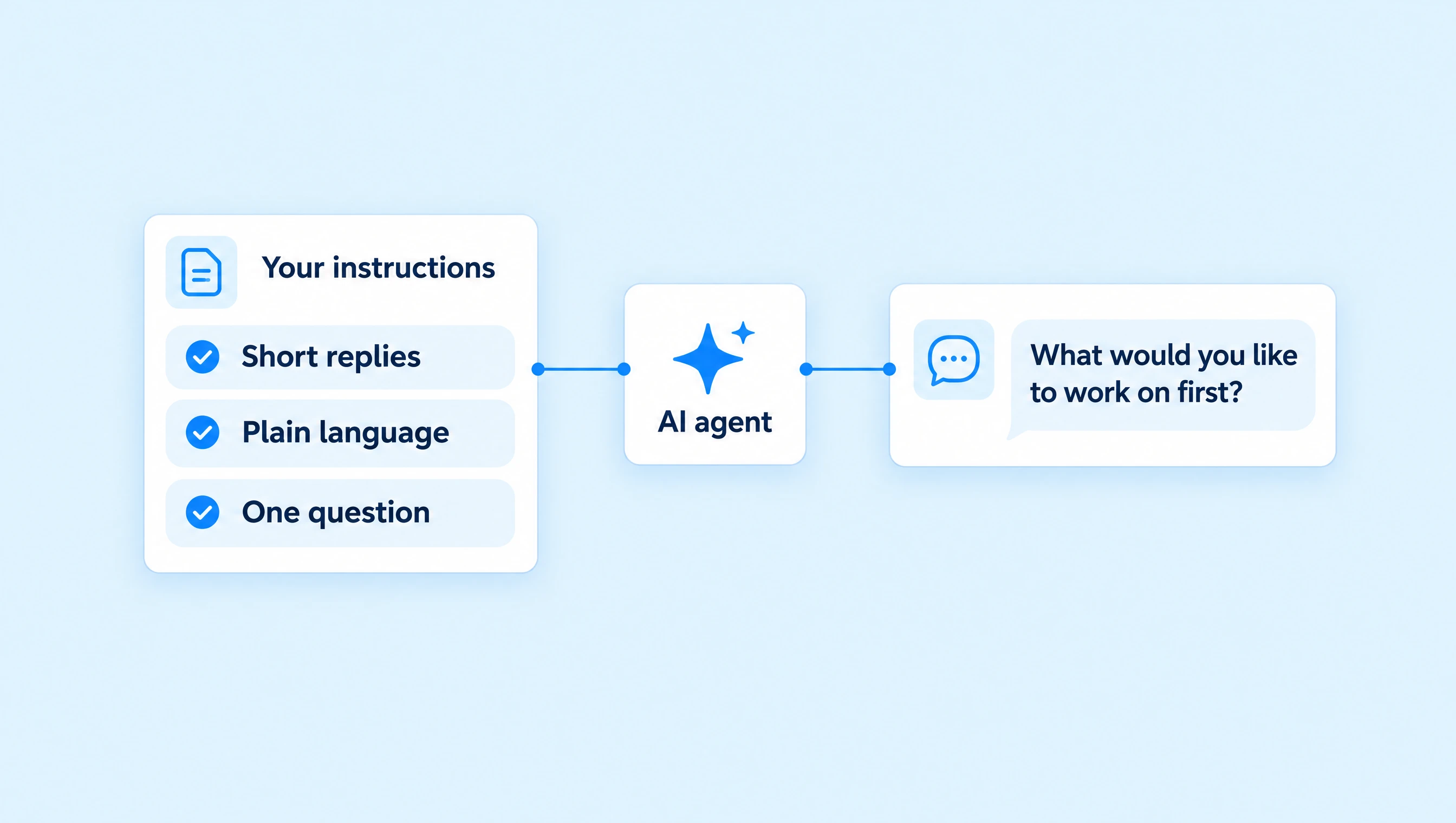
Give your agent clear writing rules, useful reply samples, and a voice you can check. Edit Instructions, test the habits that bother you, and publish the revision.
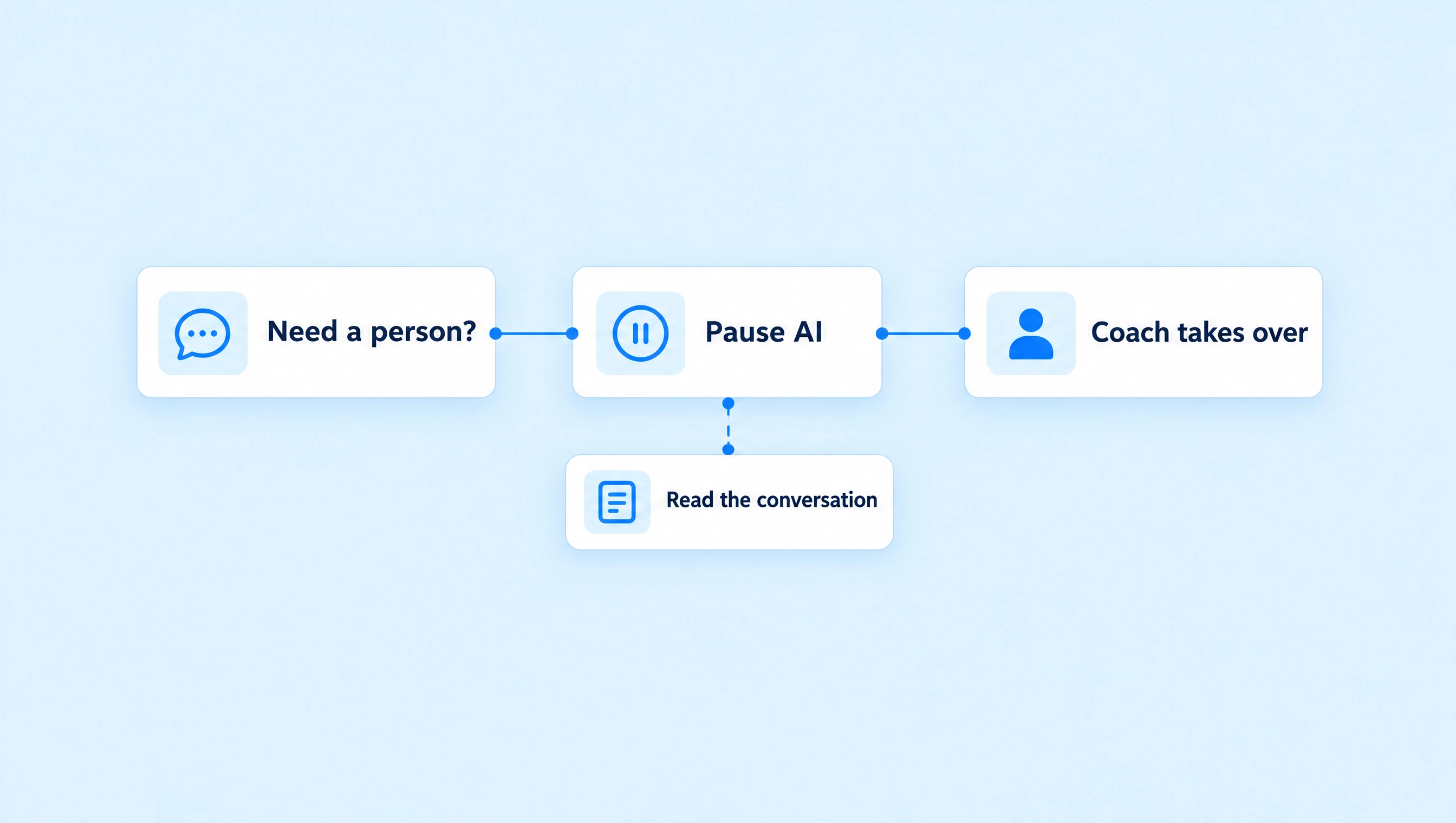
Take control of one AI conversation, choose what happens when you reply manually, and restart an agent only when it fits. Includes a practical takeover checklist.
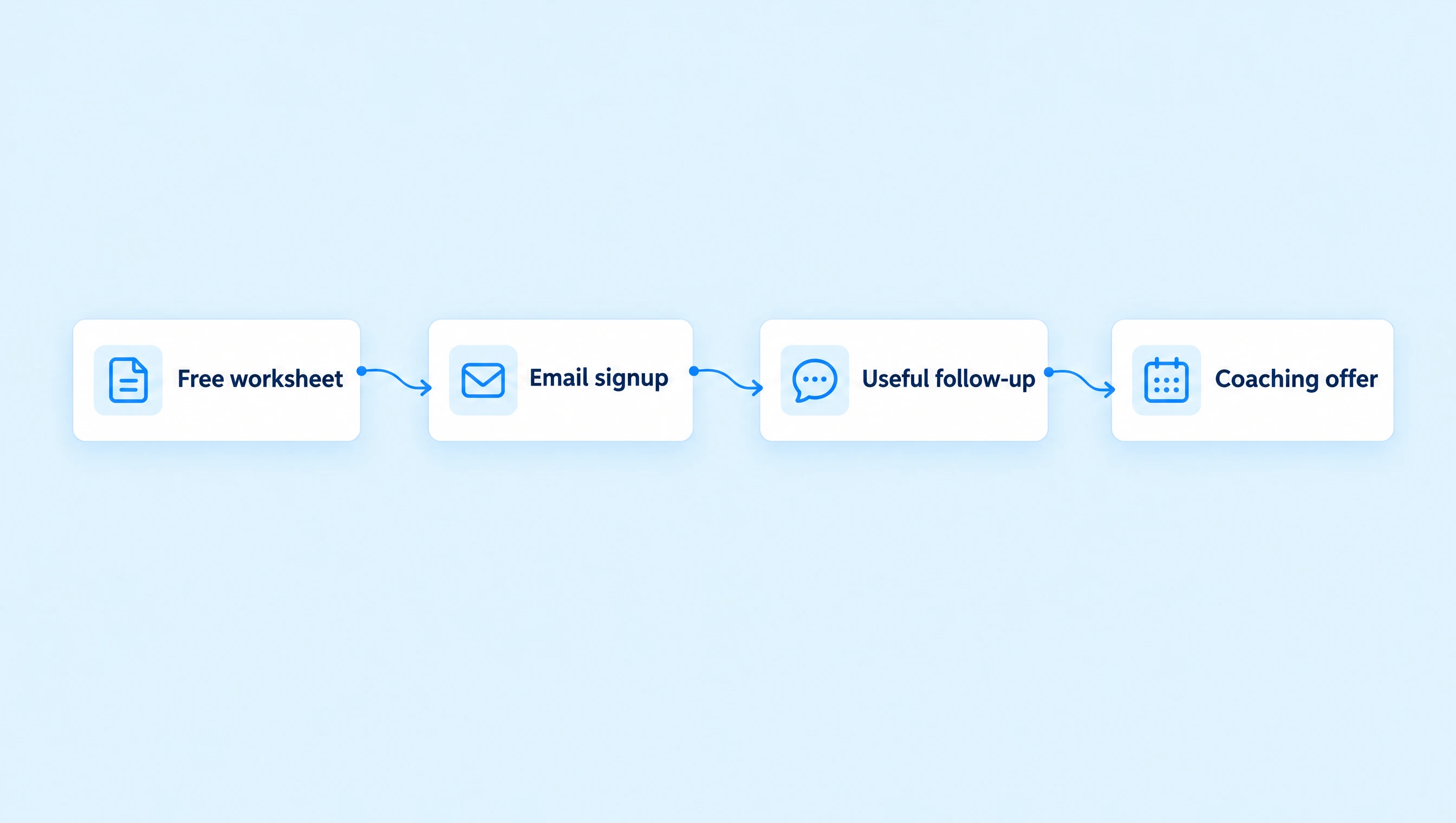
Give subscribers a useful worksheet, help them improve one part of their offer, then invite a discovery call with a three-email sequence.
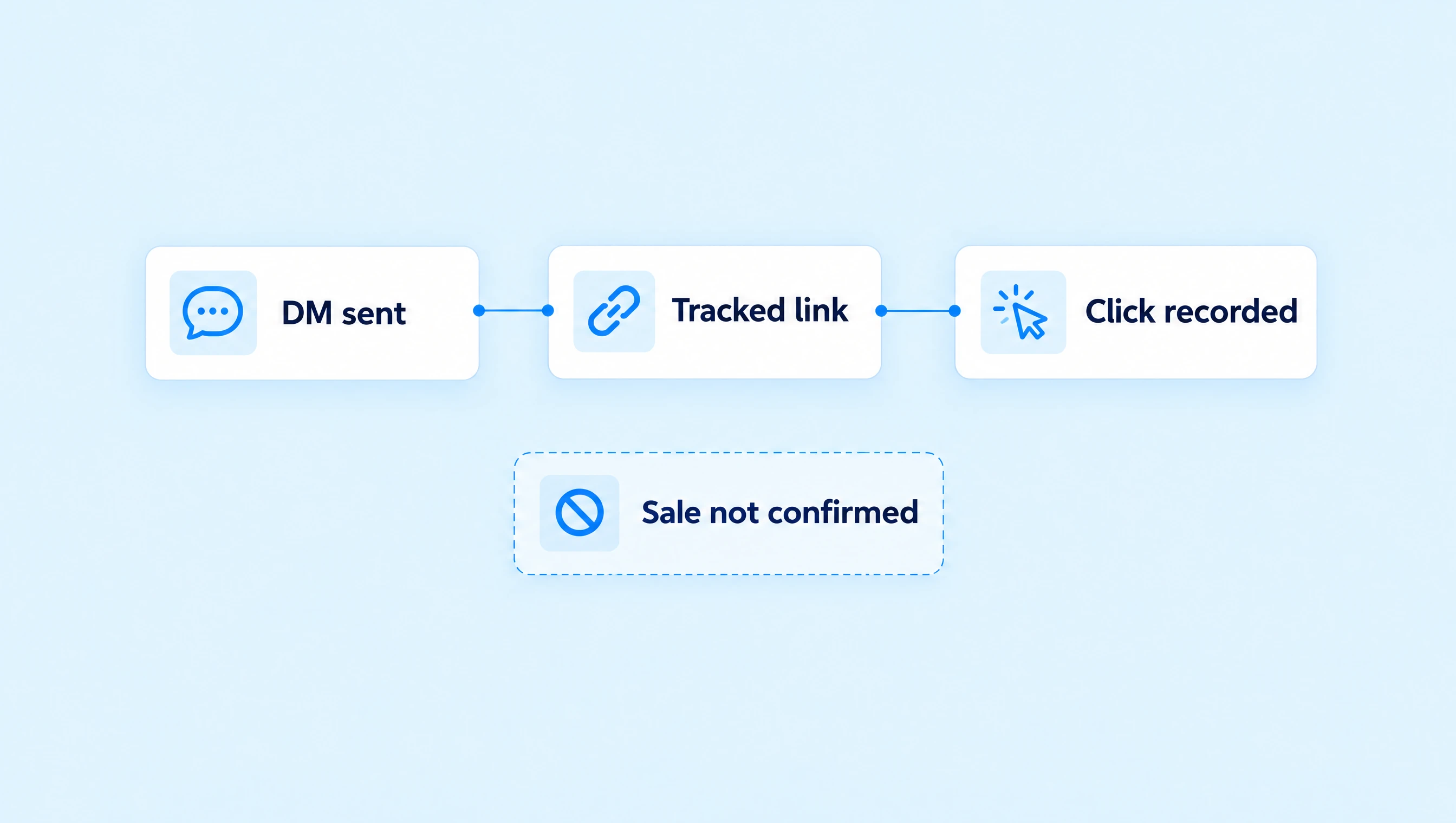
Separate workflow starts, sent DMs, tracked clicks, and confirmed bookings. Use a blank review sheet and understand what AI recipient attribution can tell you.
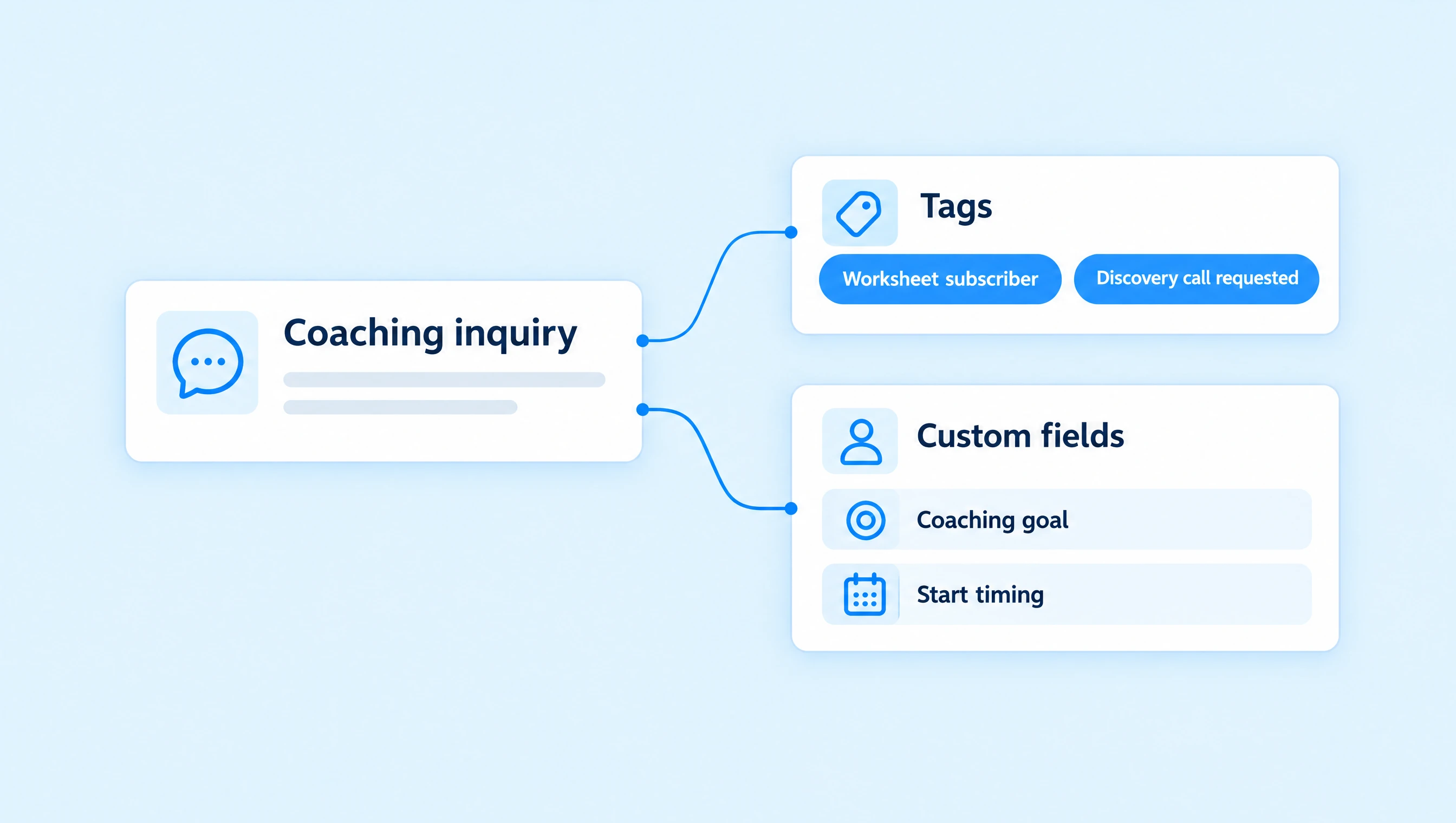
Use four coaching tags and three fields to keep signup source, call progress, and the owner’s actual goals clear in every contact record.
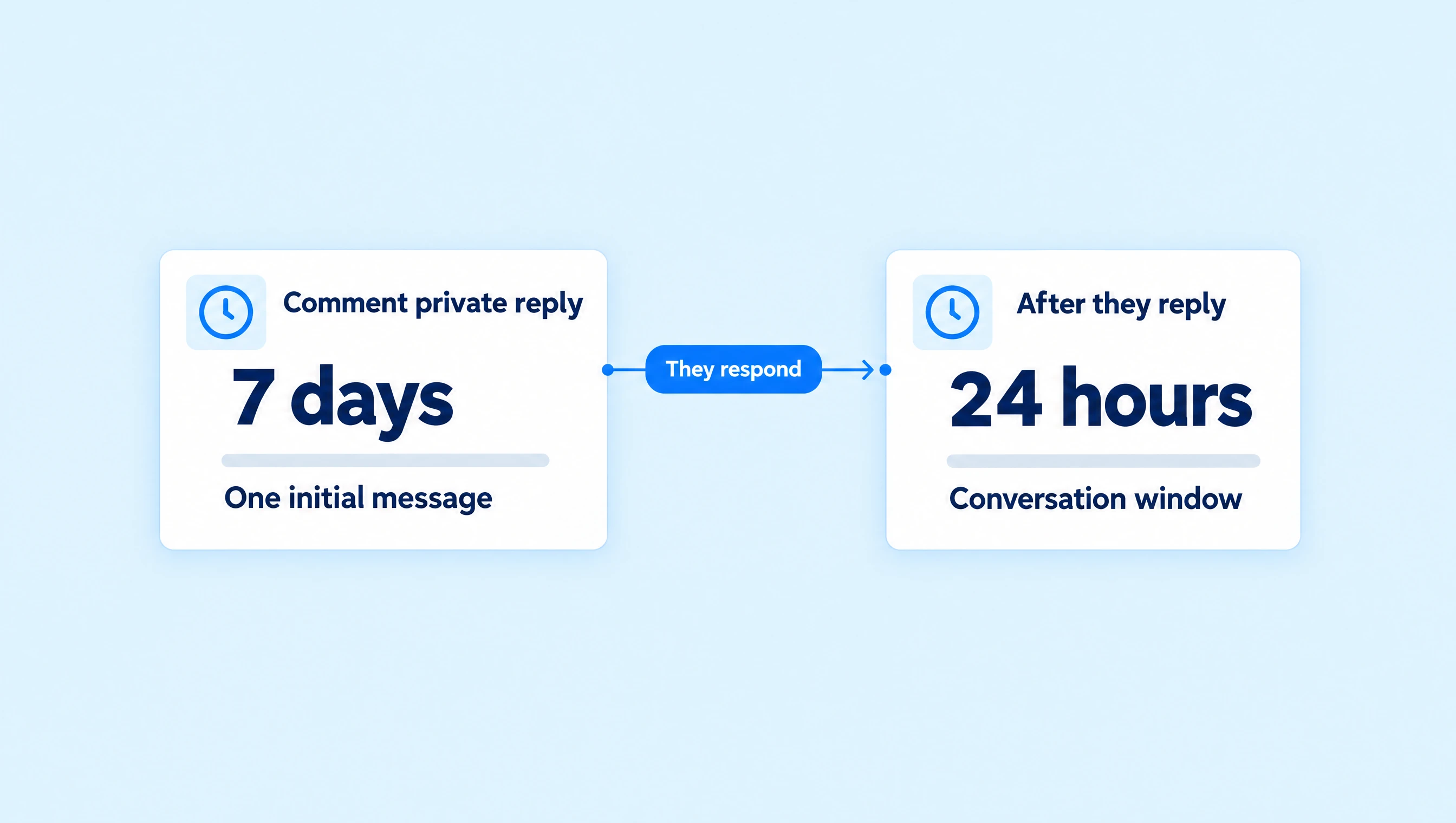
Plan your Instagram DMs around the first private reply and the conversation that follows. Use a CALL campaign timeline to check messages, buttons, and delays.
Set up an Instagram comment-to-DM workflow in LinkStack. Choose LINK, pick a Reel, write the public reply, and send one DM with the right destination.
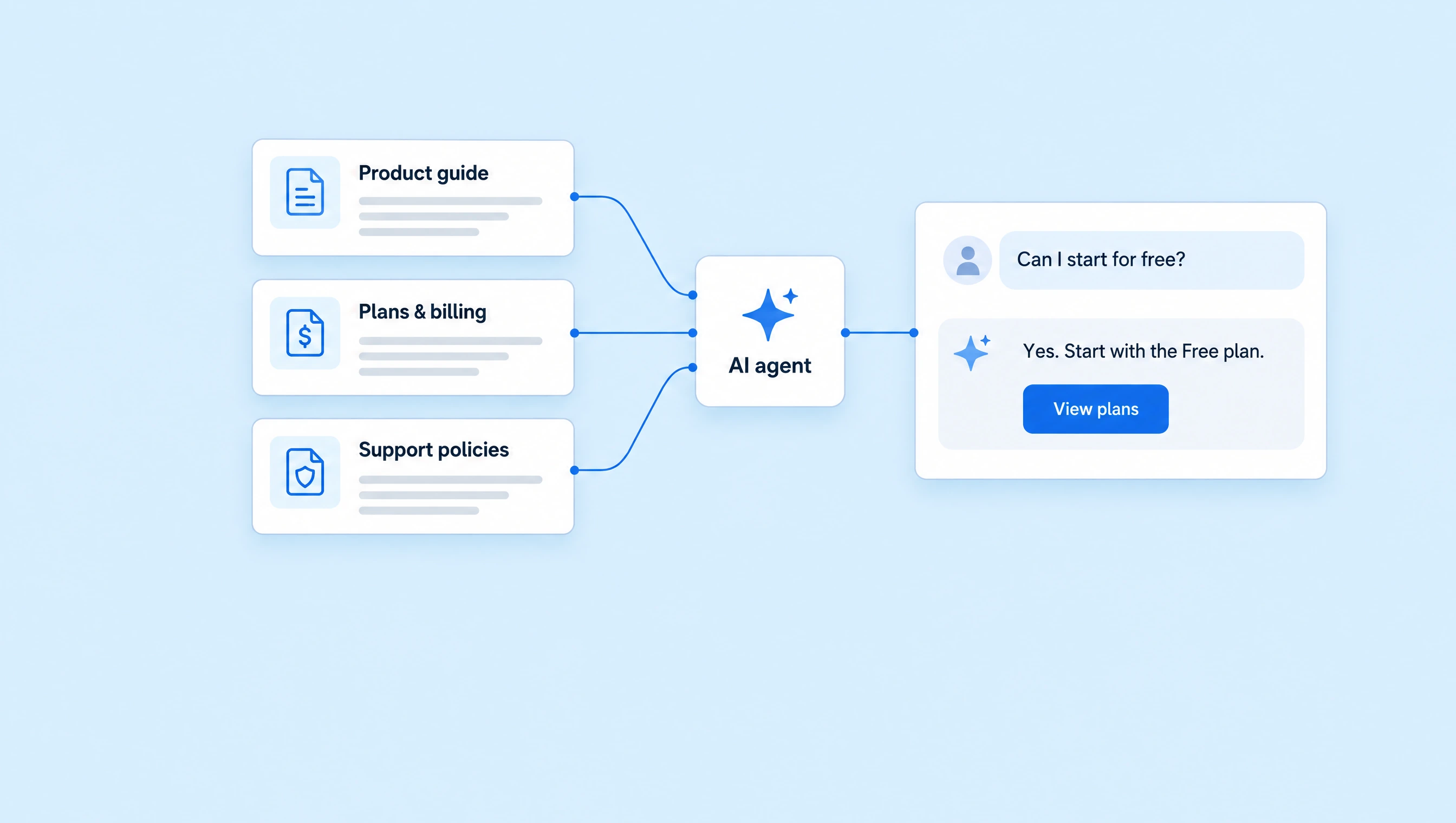
Build a SaaS product advisor with the right facts, a clear voice, and approved links. Follow the LinkStack setup, from three knowledge sources to reviewed replies.
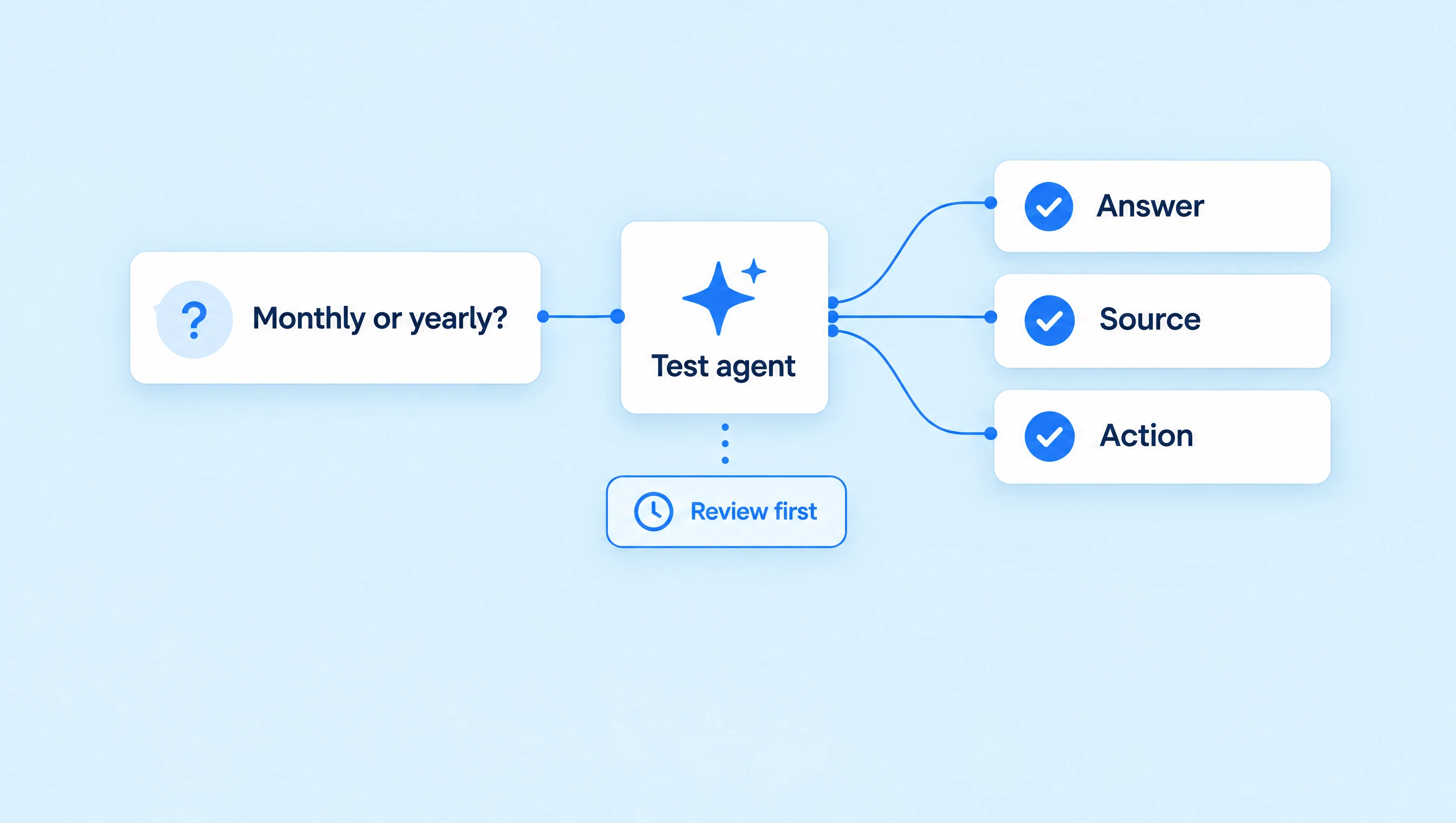
Check facts, links, handoffs, and follow-up replies before activating your agent. Includes a SaaS test plan and a downloadable checklist.

Turn your coaching method into a workbook and a short course, then use AI to help people choose the right offer.
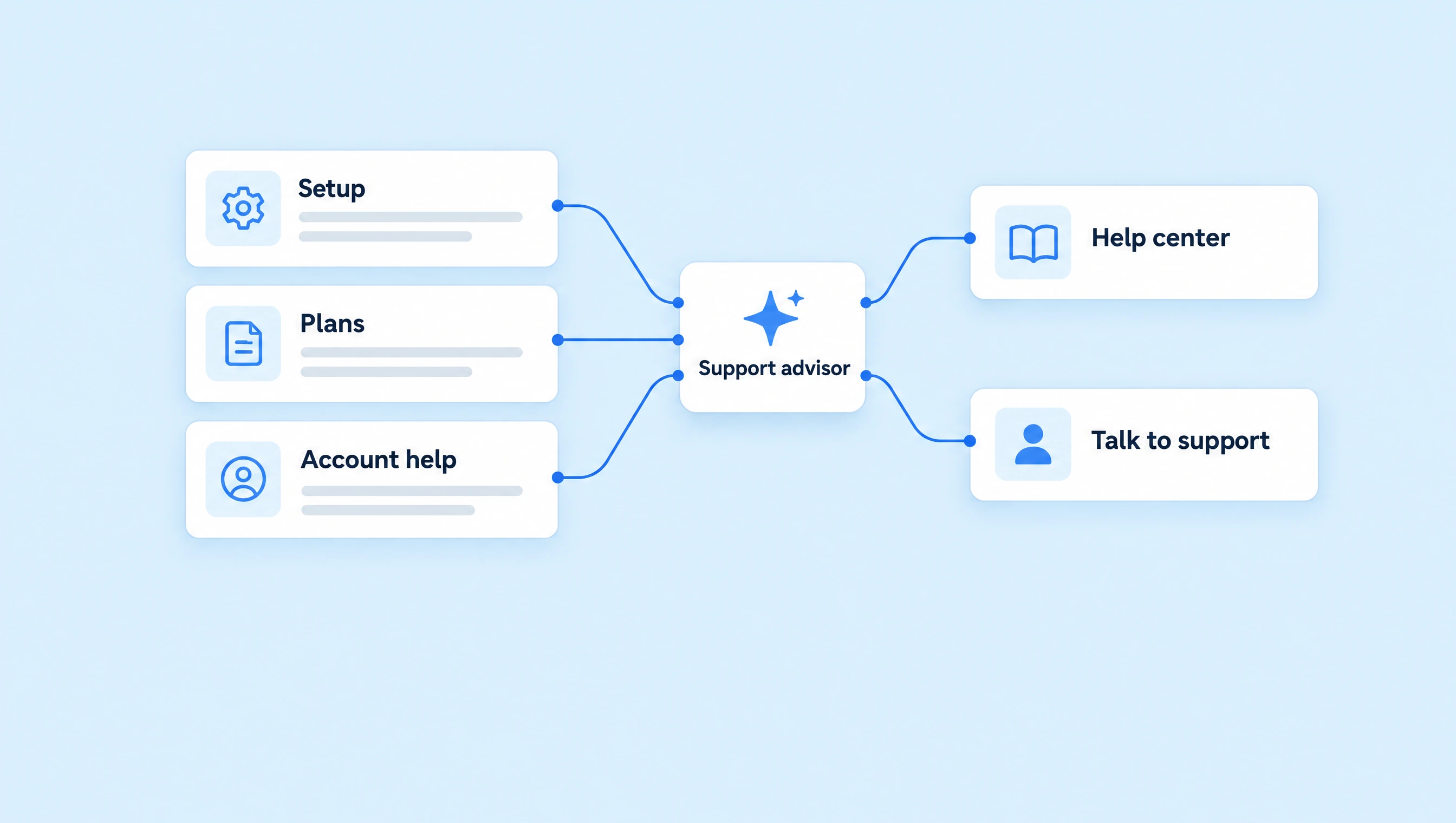
Build a support agent that answers setup questions, explains billing policies, and knows when a person needs to take over.
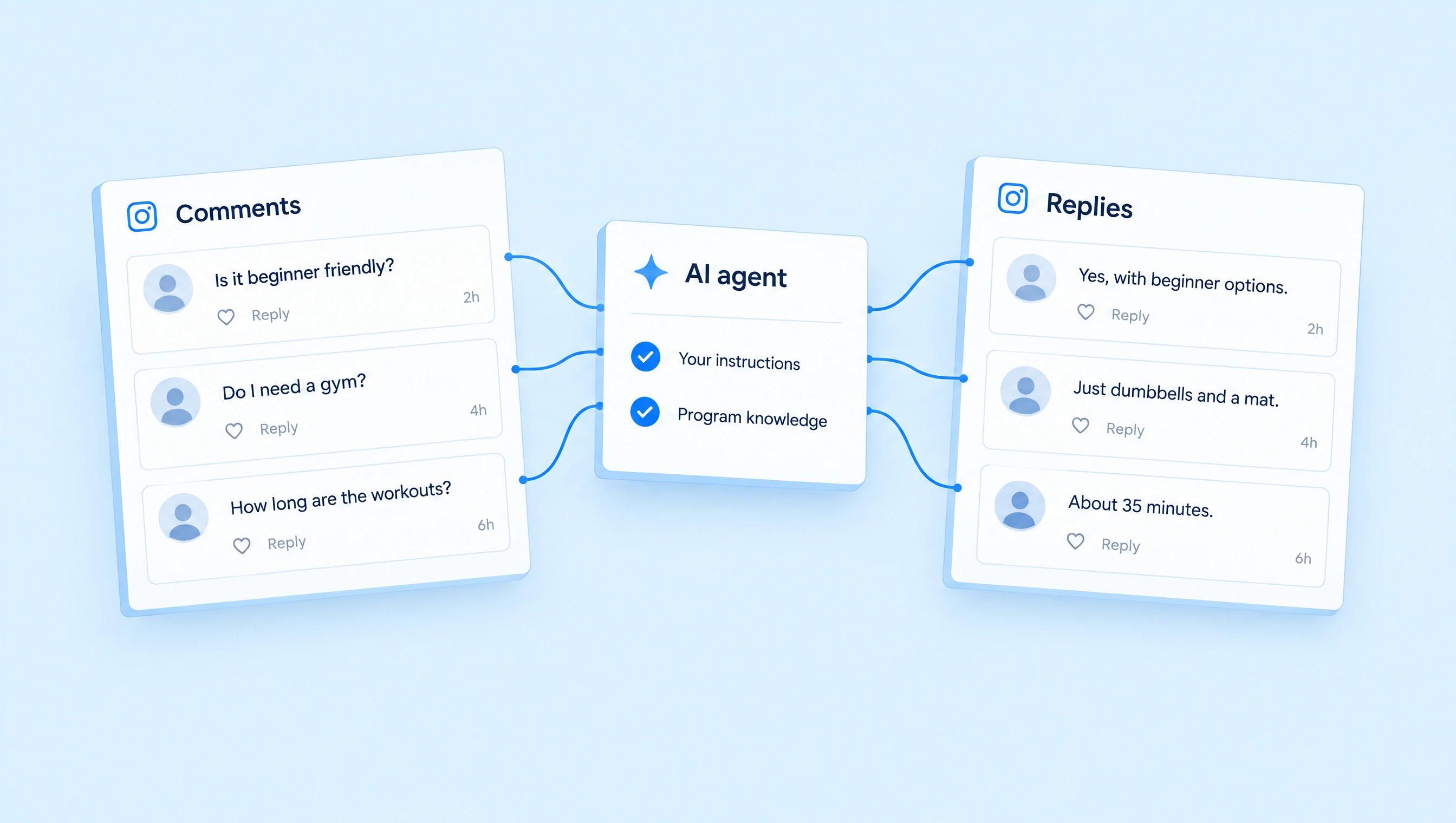
Set up an AI agent for every Instagram comment category. Includes a fitness-coach prompt, program knowledge, four setup screenshots, and the settings for automatic replies.
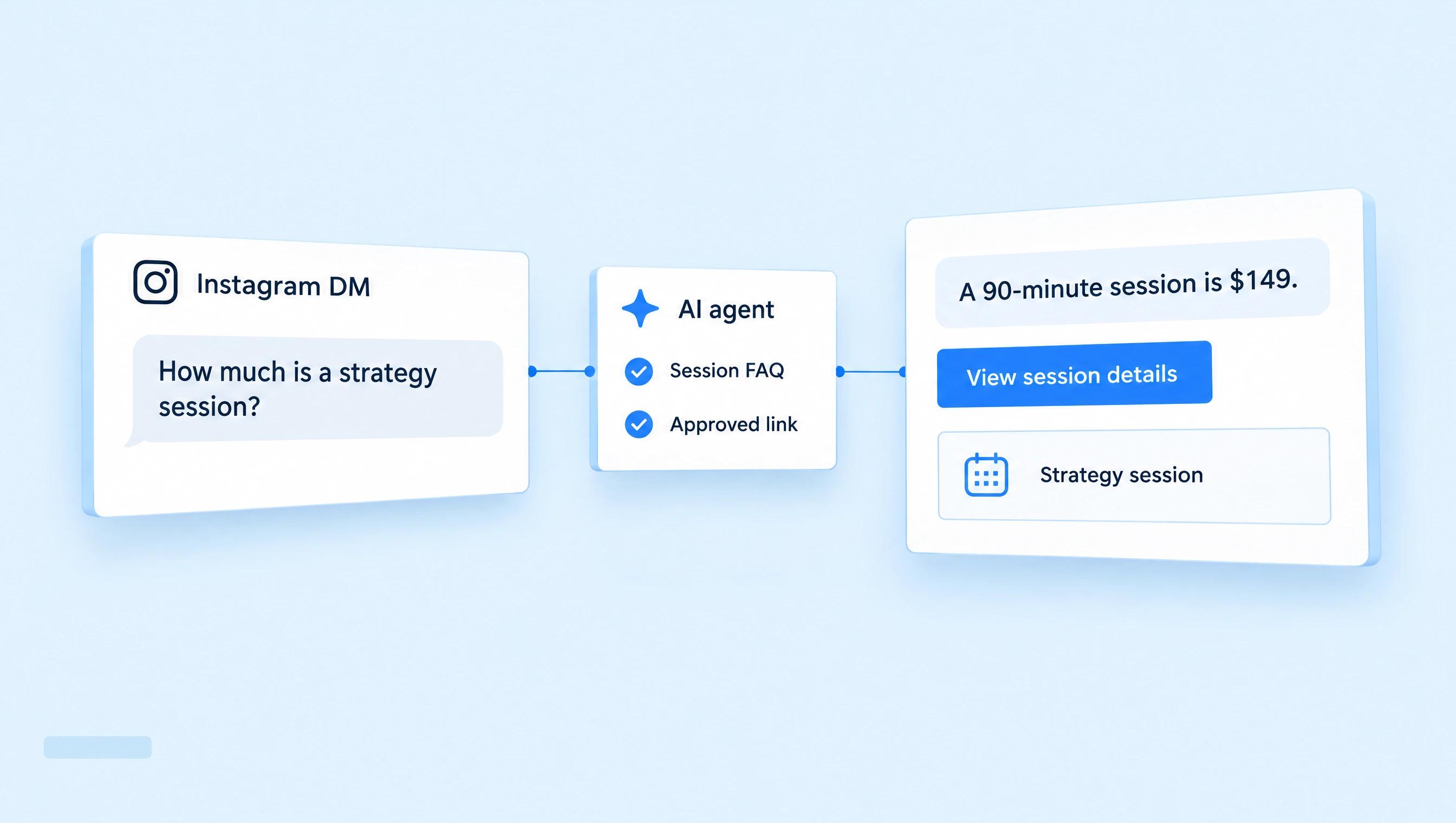
Answer pricing and fit questions, share an approved booking link, and hand a conversation to a coach. A complete AI DM setup with a copyable prompt and four screenshots.
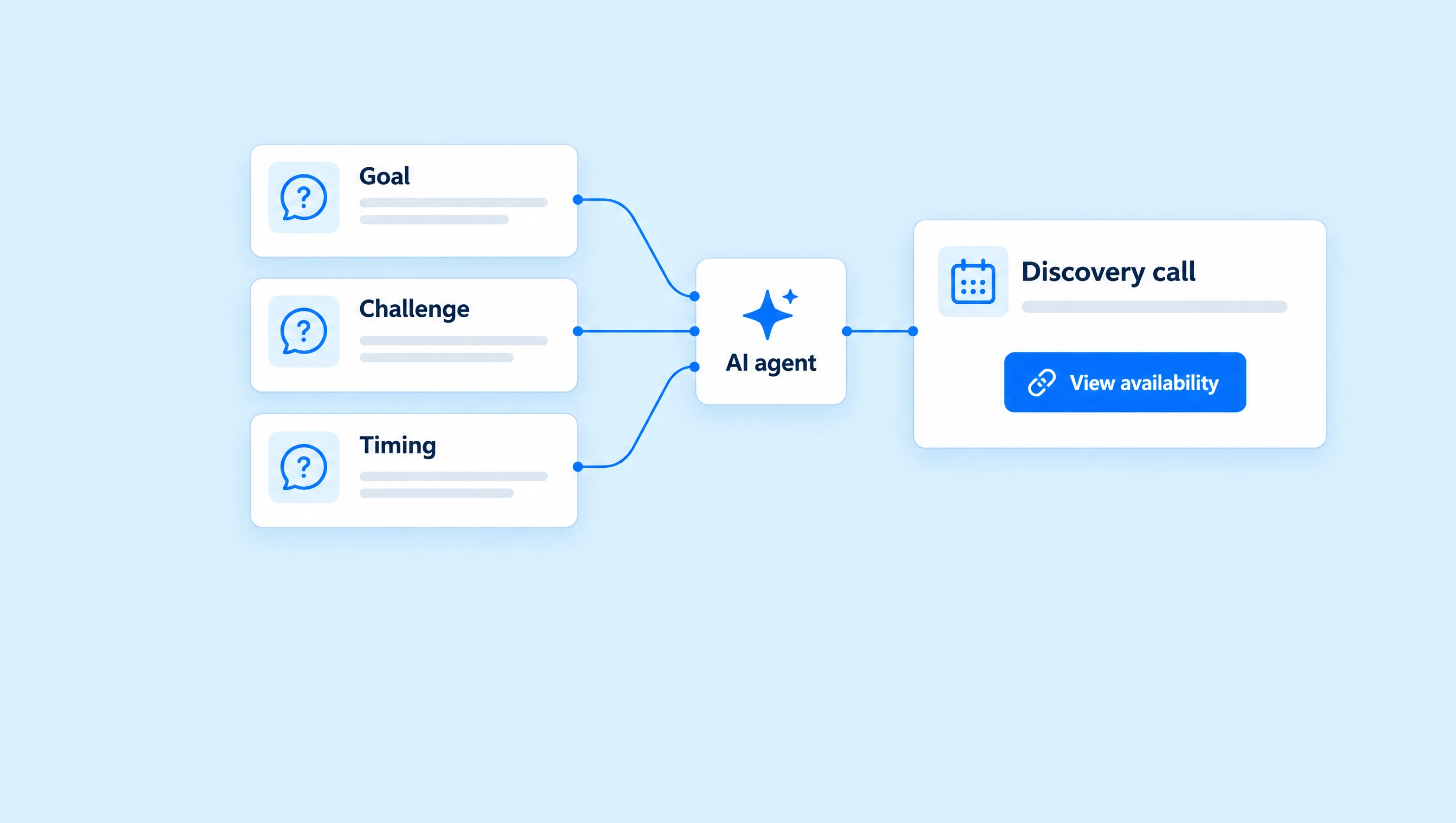
Ask about goals, obstacles, and timing before offering a discovery call. Build a coaching agent with clear fit rules and an approved booking link.
Send a microphone guide after a MIC comment, keep the affiliate disclosure visible, and check the guide’s product links before promoting the Reel.
Reply to CALL comments with your discovery-call booking page. Use a clear invitation, check the calendar, and measure confirmed appointments separately from clicks.
Send a weekly workout planner when a viewer replies PLAN to your Story. Choose the right Story, configure the DM, and test replies that should stay out.
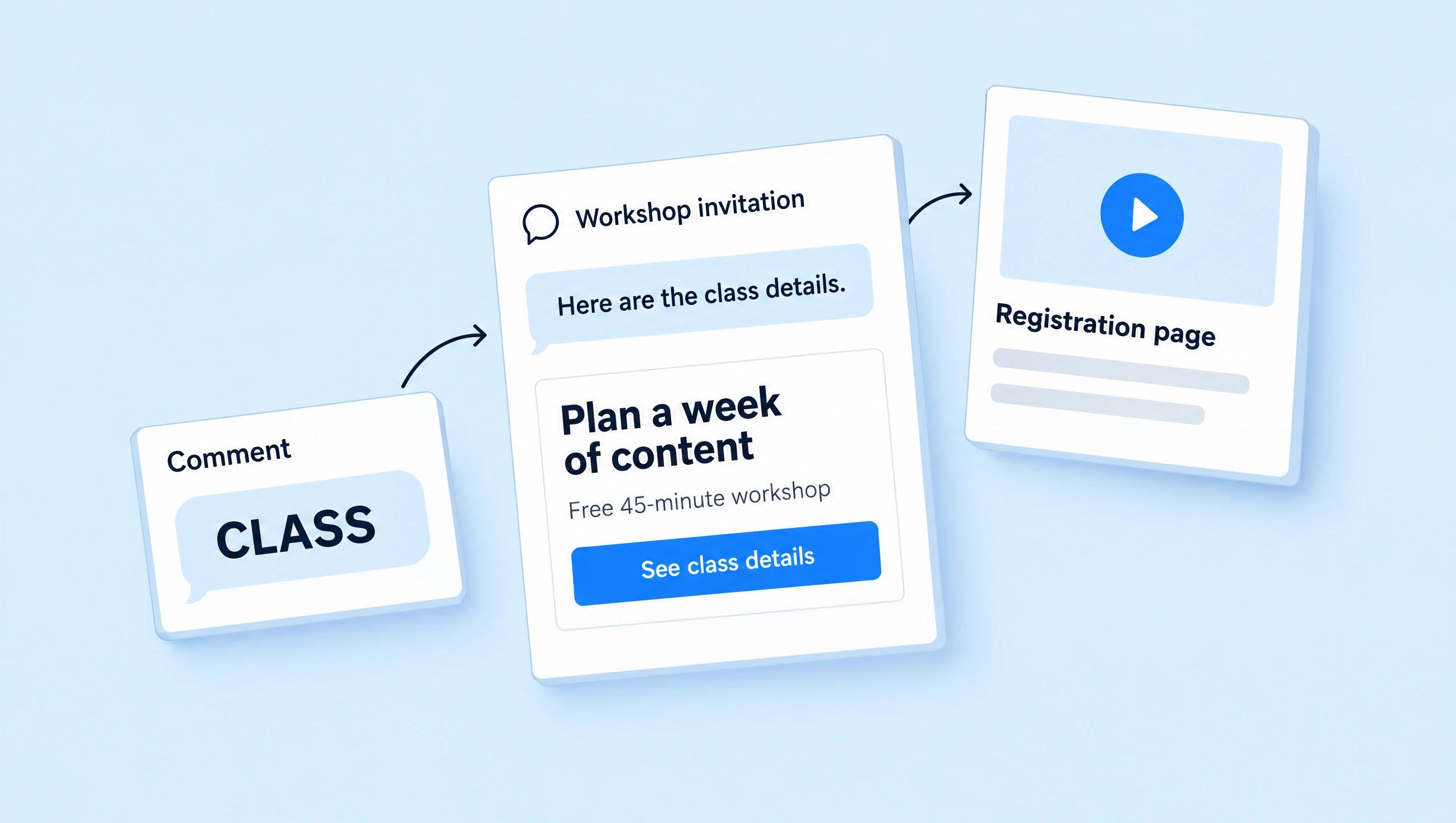
Send a class signup page after a CLASS comment. Includes a growth coach’s workshop invitation, real editor settings, and checks for registration and late arrivals.
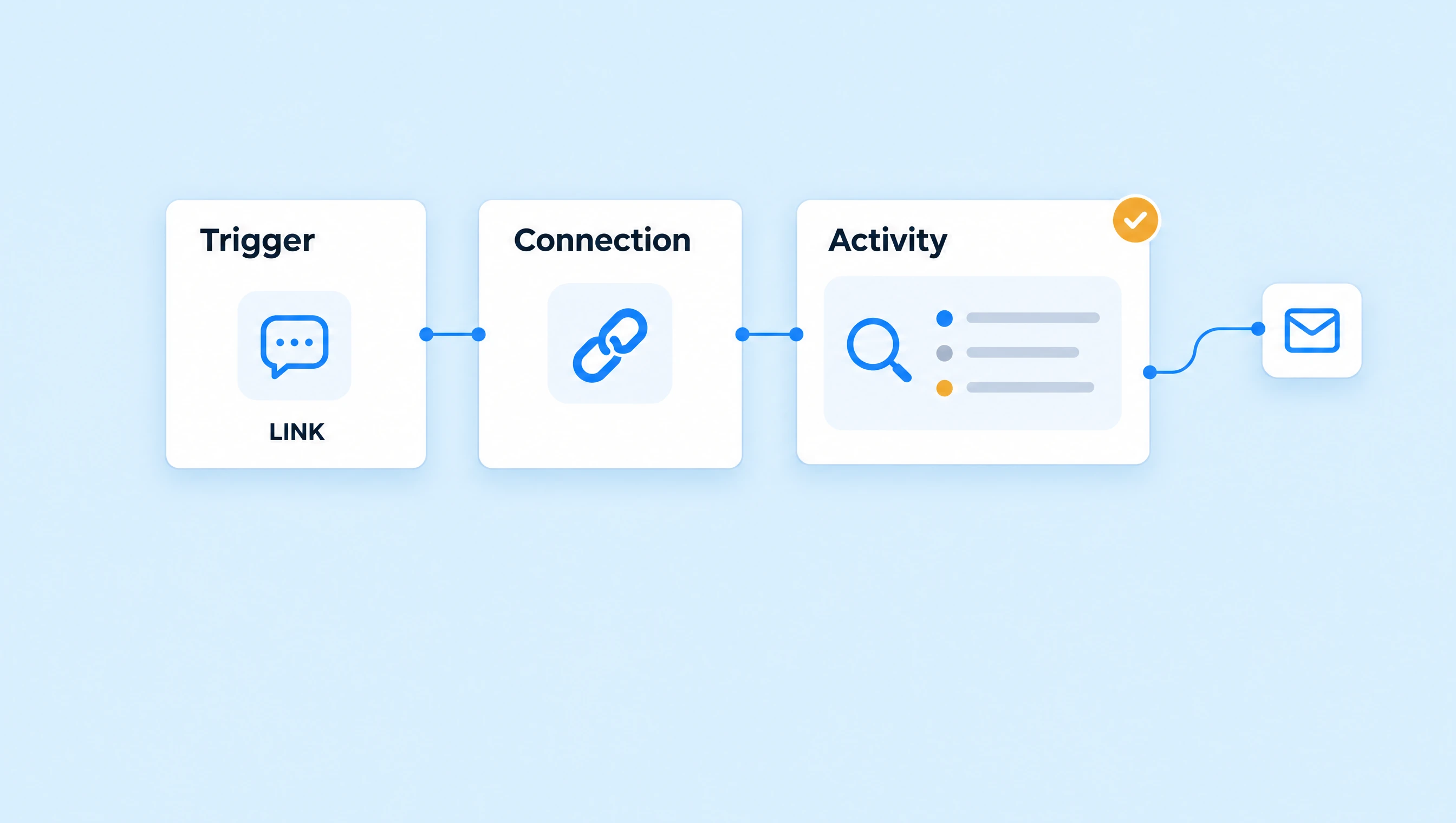
Find out whether your Instagram DM never started, is waiting, or failed. Check the trigger, connection, repeat limits, messaging window, and destination in order.
Use two fictional fitness-coach examples to describe your work, present audience data, and make a brand-partnership inquiry easier.

You can start selling without a monthly subscription. Compare LinkStack, Payhip, and Gumroad fees, then prepare a download people can buy and use.
Build a focused affiliate page with useful recommendations, clear disclosures, and links you can check and update.
Print a QR code for your workout planner, check the service and account limits, and keep its destination useful after the handouts leave your desk.
Collect emails with a free resource or bio signup, then send a useful first message. See how subscribers, broadcasts, and email flows fit together.
TikTok Shop allows approved, invite-only sellers to list certain virtual goods in the US. Learn what that means for courses, downloads, and your own store.
Understand Amazon Associates, Influencer storefronts, and Creator Hub, then share the right Amazon destination through LinkStack.
Find the link a creator mentions, add your own website to Instagram or TikTok, and check the account requirements before you start.

Compare LinkStack, Beacons, and Stan AutoDM using one real task: deliver the requested link, check it on a phone, and understand what can happen next.
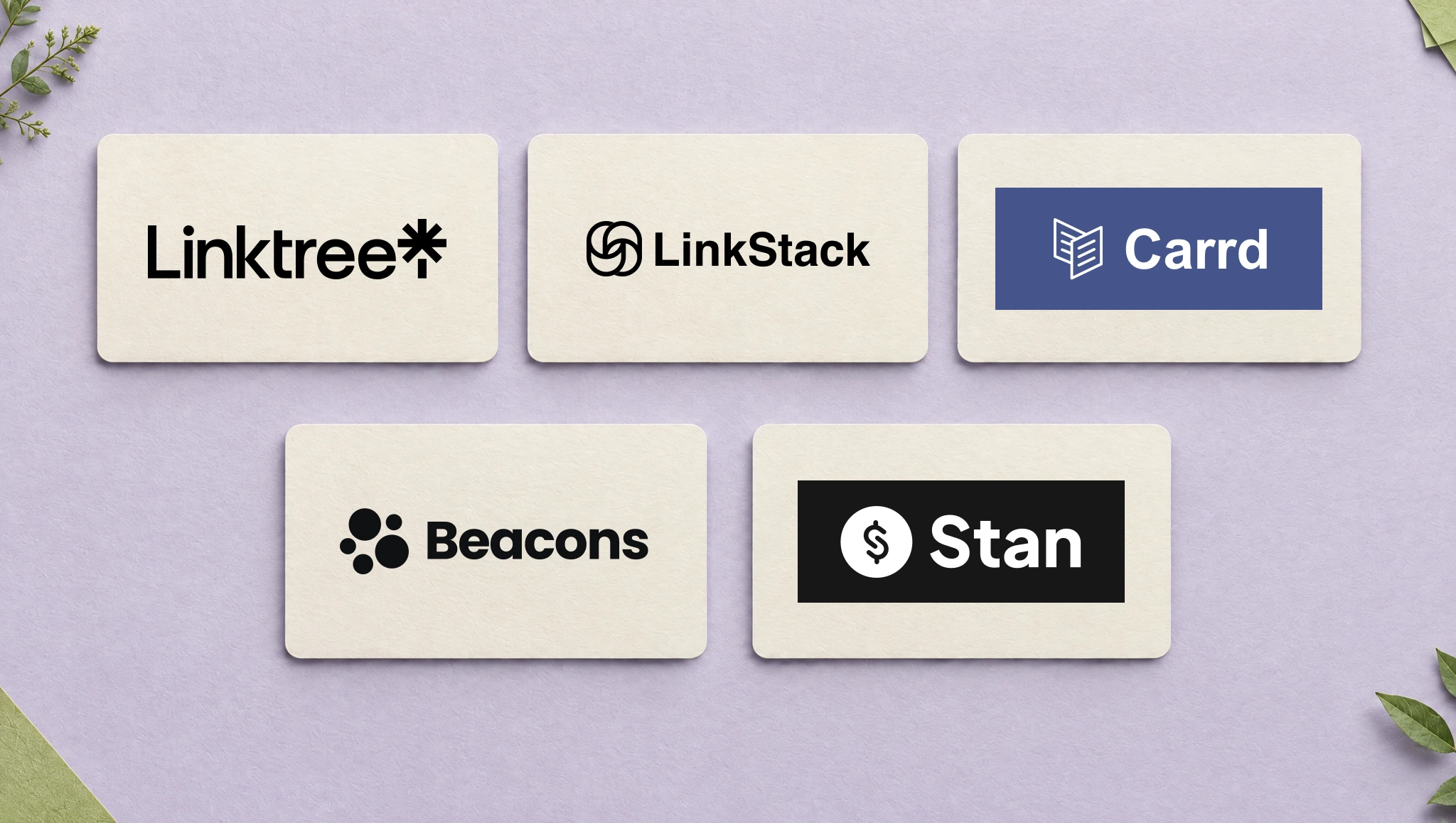
LinkStack is our pick for coaches selling through Instagram. Build your bio page, sell products, capture leads and deliver offer links from one account.
Compare LinkTwin's links, bio pages and email capture with LinkStack's Instagram automations, digital products and email workflows.
Offer a content calendar in a Reel, explain the email signup in the DM, and deliver it after a valid reply. Set up opt-in and retry paths.
Auto-DM and link in bio solve different moments. The strongest creator setup uses both, with Smart Links connecting the path.
Comment-to-DM works best when it sends the thing fast, keeps the reply human, and routes the click through a Smart Link.
Compare Instagram replies, Manychat contact charges, checkout and file delivery for a workout planner.
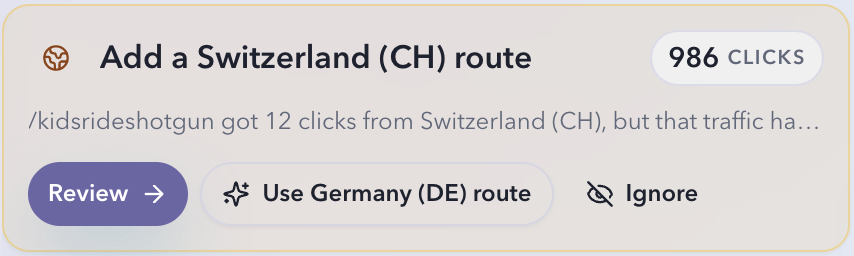
A small Switzerland routing gap was sending 1,000+ weekly Amazon clicks to the US store. Opportunity Feed spotted it and turned the fix into one click.
Use one saved Link for a discovery call in your Instagram replies and bio page. See which reports track delivery, clicks and completed bookings.
Check product destinations, country routes and app fallbacks before sharing your bio page. Learn what LinkStack can route and what its reports can confirm.
Use a saved Link behind a bio-page recommendation. Keep its destination manageable, check routing and read page taps separately from purchase results.
Keep your bio page while you check one Amazon recommendation. Review the product, regional tags, app opening, and browser fallback before changing tools.
Compare regional destinations, Amazon Associates links, URLgenius Marketplace offers, and click costs before moving your product recommendations.
Compare click costs, Amazon routing, and the tools a fitness coach needs to sell a planner and share equipment recommendations.

Check regional Amazon destinations and distinguish OneLink setup from LinkStack routing. Use country traffic to choose what to inspect, without guessing lost commissions.
Check one product recommendation across phones and countries, then compare LinkStack clicks with Amazon orders and earnings without overstating the result.
Find out whether your Amazon destination, phone, or Link settings need attention, then test the app and browser paths before sharing again.
Build your page. Share your links. Keep creating.