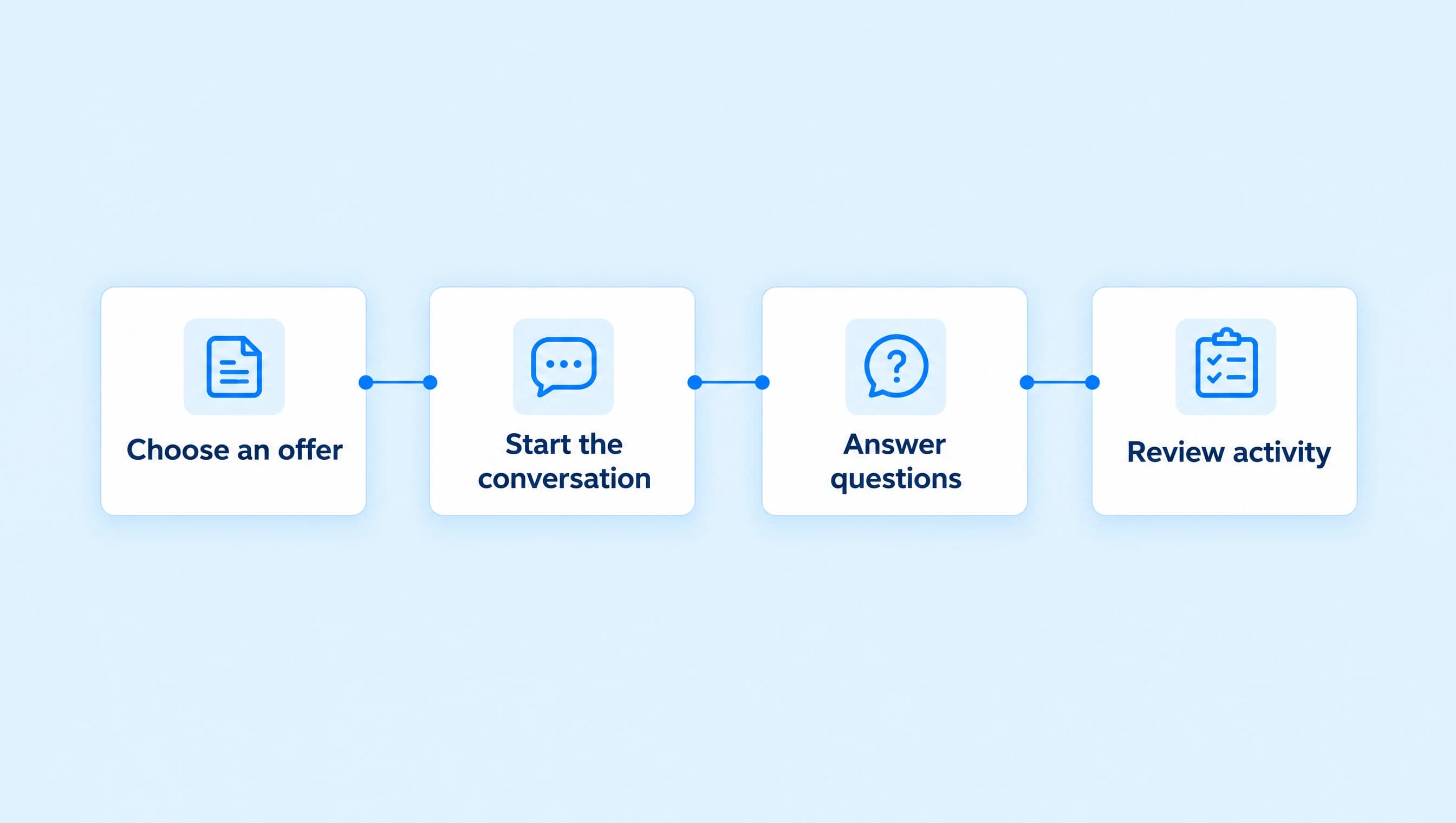
How to recommend the right product in Instagram DMs
Help buyers choose between a workbook and a workshop. Give an AI advisor clear fit rules, current offer facts, approved links, and a reason to hand off.
 LinkStack
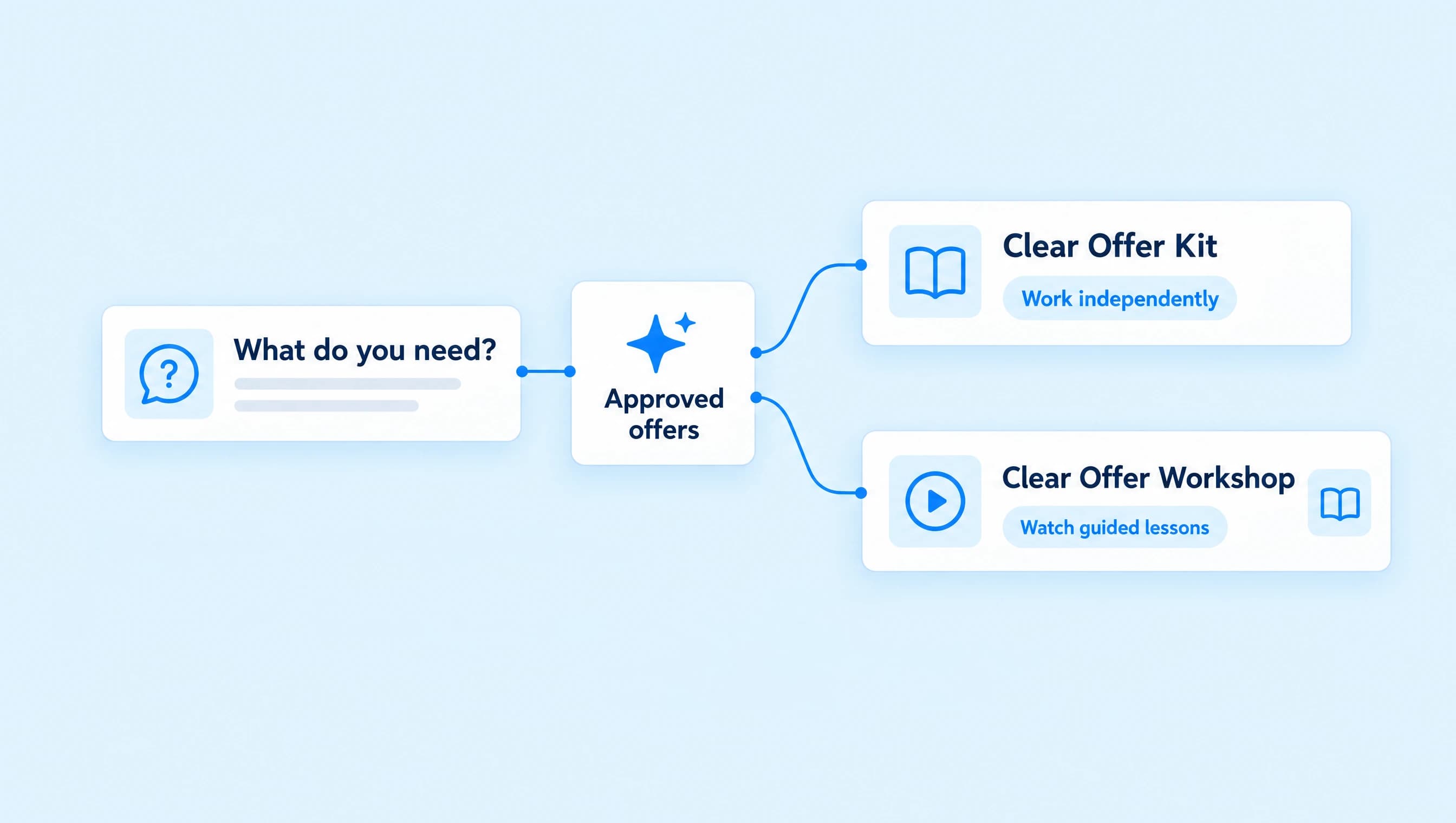
When someone asks which product to buy, an AI agent needs more than a list of links. Give it the differences between your offers, the question that helps someone choose, and a rule for when neither offer fits. It can then explain its recommendation and share the approved destination.
Clear Offer Coaching has two products for independent consultants: a $39 workbook and a $149 workshop that includes the workbook. The useful question is whether the buyer wants written exercises or recorded teaching. Sending both checkout links would leave that decision with the person who just asked for help.
Write the selection rules before the prompt
The Clear Offer Kit helps a consultant describe one service clearly. The Clear Offer Workshop teaches the same process through three recorded lessons. Neither includes individual coaching.
| What the person wants | Recommend | Reason to give |
|---|---|---|
| Written exercises they can work through independently | Clear Offer Kit, $39 USD | The PDF workbook contains the complete exercise sequence. |
| To watch the method applied before completing the exercises | Clear Offer Workshop, $149 USD | The recorded lessons add teaching, and the workbook is included. |
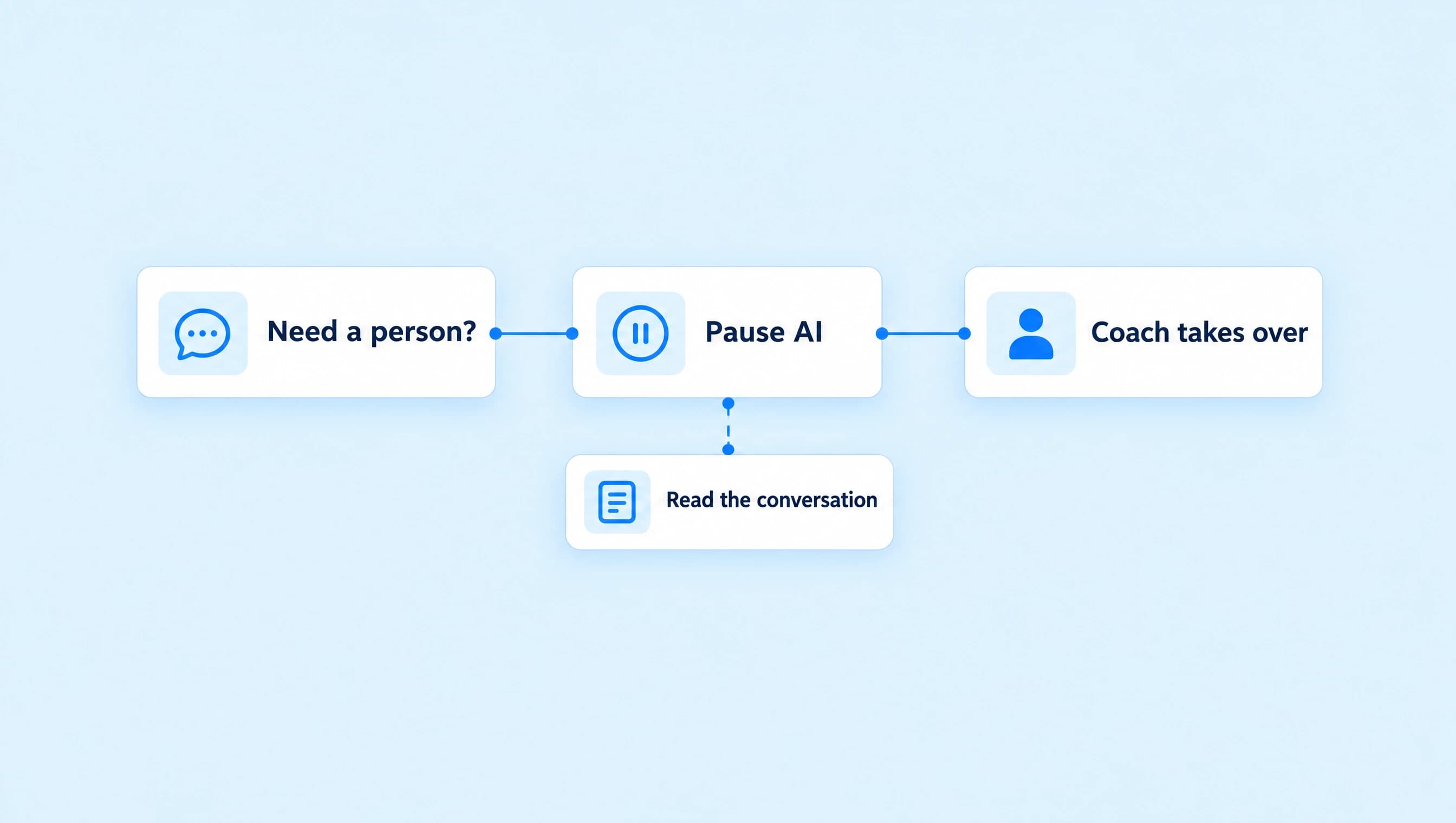
| Personal feedback on their offer | A conversation with the coach | Neither self-paced product includes personal review. |
| A guarantee of new clients or income | Explain the limit before suggesting anything | Neither product promises a business result. |
| The link to a product they have already chosen | That product's approved link | They have already made the decision. |
The workshop includes the kit. Put that sentence in the catalog and the agent's instructions so someone who buys the workshop is not encouraged to buy the same workbook again.
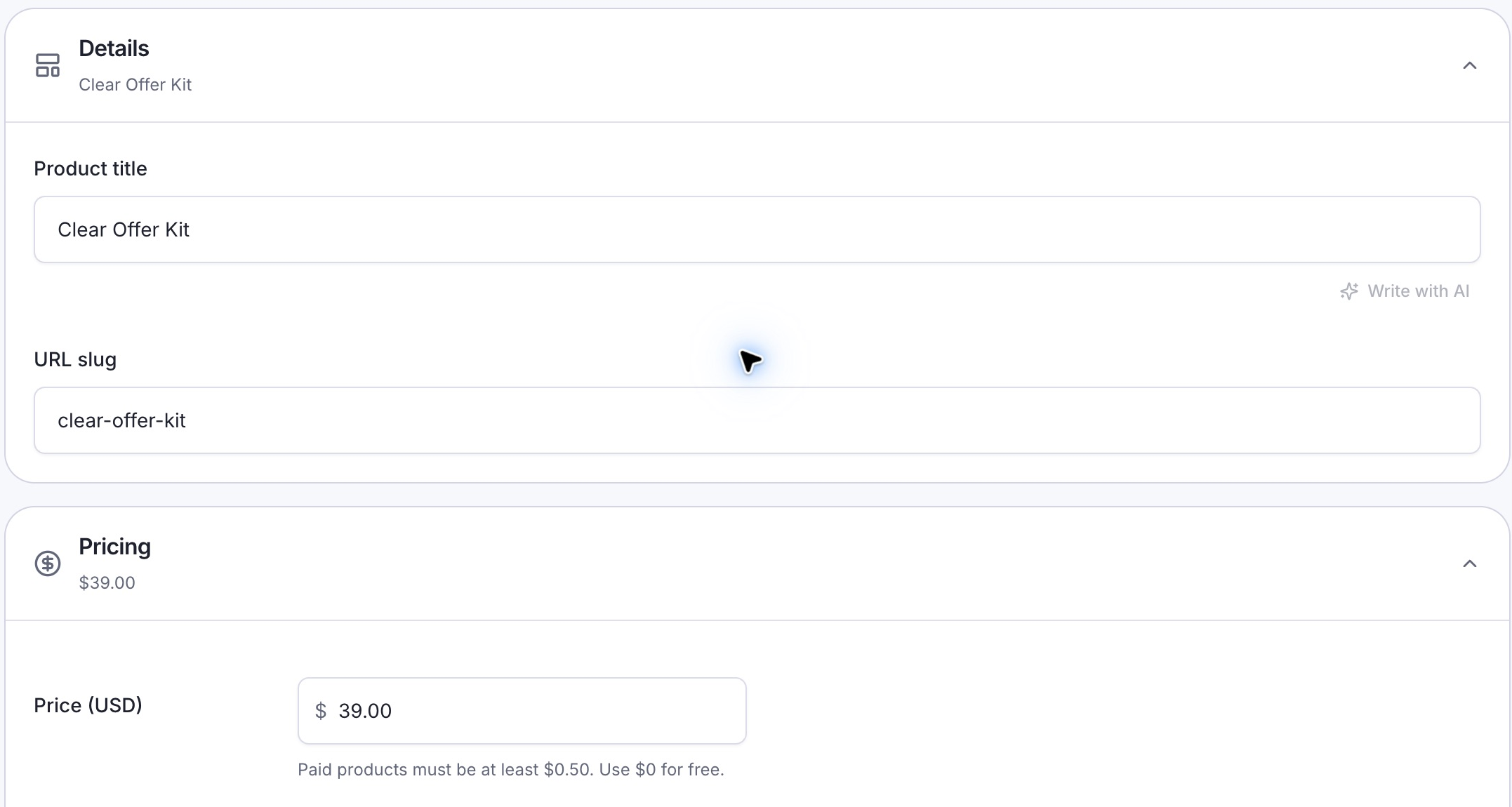
Keep the catalog's price and product name consistent with the offer page. This capture shows the Clear Offer Kit configured as a draft.
If you are still deciding what goes in each offer, finish the workbook and workshop setup first. The agent cannot resolve overlapping packages that the business has not defined.
Put the facts in one short offer catalog
In AI Agents, choose Create agent and Set up myself. Name it Clear Offer advisor. Add the instructions below, then continue to Knowledge and use Write text to add Clear Offer catalog. For an existing agent, add it under Knowledge.
Record the current price, format, contents, intended buyer, and exclusions for each product. The catalog for these offers contains:
| Detail | Clear Offer Kit | Clear Offer Workshop |
|---|---|---|
| Price | $39 USD, one-time | $149 USD, one-time |
| Format | 12-page PDF workbook | Three recorded lessons plus the complete workbook |
| Included material | Four exercises, six copyable AI prompts, and a finished service description | Lessons on choosing a buyer, setting service scope, and editing an offer; worked service descriptions and a self-review checklist |
| Best fit | Someone comfortable completing written exercises independently | Someone who wants to see the process taught |
| Personal review | Not included | Not included |
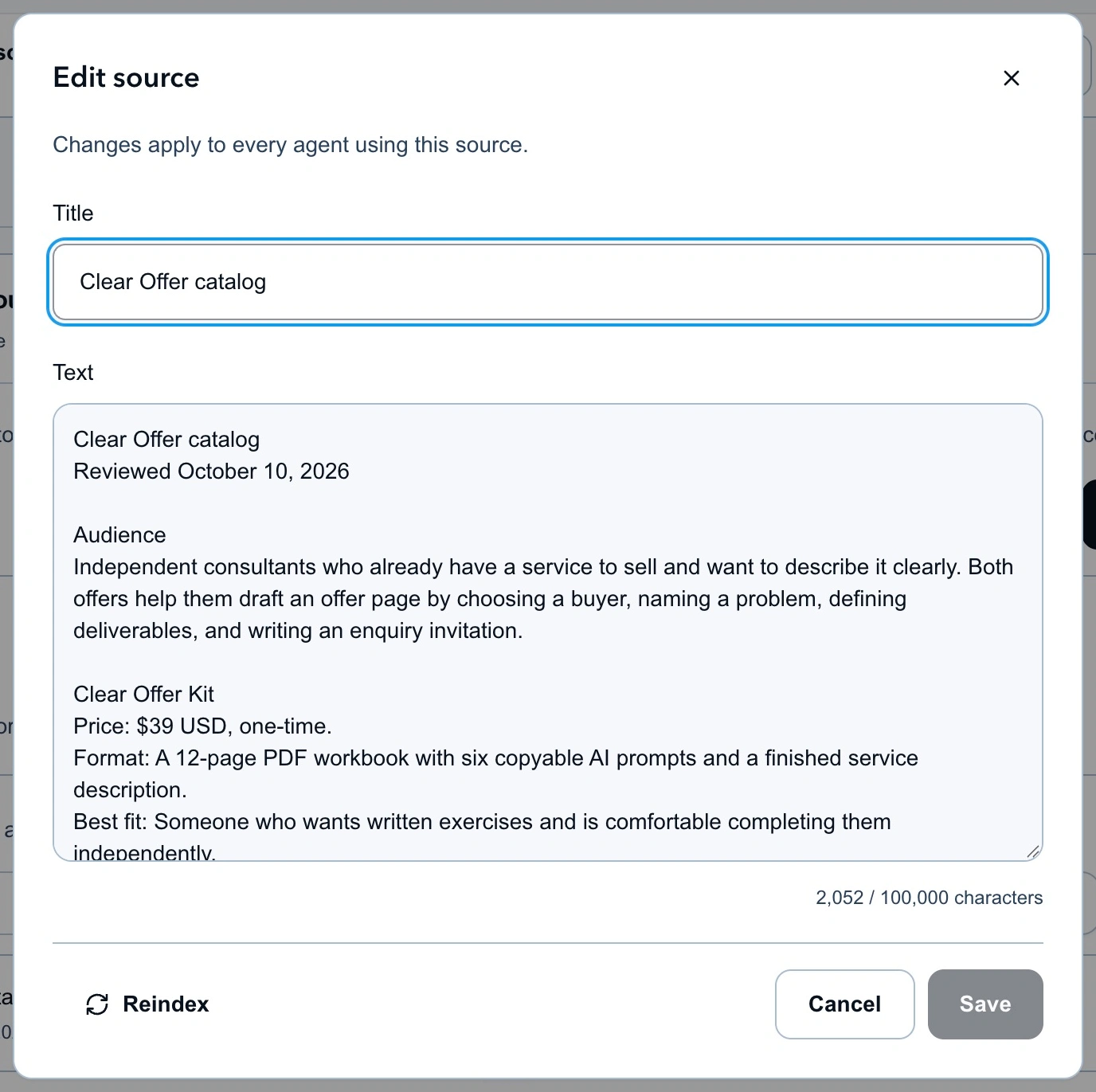
Store offer facts in Knowledge. Include the overlap between packages as well as their differences.
Add only terms you have decided and published. If you have not supplied refund terms or a credit for upgrading from the kit to the workshop, tell the agent to send those questions to you. A higher-priced package does not imply a credit, discount, or longer access period.
Wait for the source to finish indexing, assign it to the advisor, and check that it appears in the agent's knowledge list. The business-knowledge guide covers source setup and maintenance in more detail.
Give the agent a useful question and a stopping rule
Use this as the starting instructions, then replace the offer facts with your own:
Help independent consultants choose between the Clear Offer Kit and Clear Offer Workshop using the assigned catalog.

Answer the person's question first. Keep replies short and direct. Ask one question at a time and use what they have already told you.

If their preference is unclear, ask whether they want written exercises to complete independently or recorded lessons showing the method in use. Recommend the Kit for written exercises and the Workshop for recorded teaching plus the workbook. Explain the reason in one sentence.

The Workshop includes the Kit. Never recommend buying both. Respect a stated budget. If someone asks directly for one product, share that approved link without repeating qualification questions.

If they want personal feedback, done-for-you work, or guaranteed results, explain the limit and offer a human handoff. Do not force either product to fit.

Share only the approved Clear Offer Kit or Clear Offer Workshop link, one destination at a time. Do not invent discounts, upgrade credits, policies, or outcomes. Hand off questions the catalog cannot answer. Stop recommending products after a refusal.
“Do you prefer written exercises or recorded lessons?” changes the recommendation. Asking for company size, revenue, and a launch date would add friction to this particular choice without helping the agent choose between the two products.
Use an answer already in the conversation. If someone says, “I learn better by watching and want the workbook too,” the advisor has enough information to explain the workshop. If they say, “Can you review my offer afterward?”, it needs to explain that personal feedback is outside both packages.
Approve the two destinations
Create a saved Link for each finished sales page in Links. Give them recognizable names: Clear Offer Kit and Clear Offer Workshop. Open each destination on a phone and check the product, price, and purchase terms.
In the advisor's Knowledge → Resources and actions, choose Links, select those two saved Links, and enable Send saved links. A URL written in the instructions does not grant permission to send a saved Link.
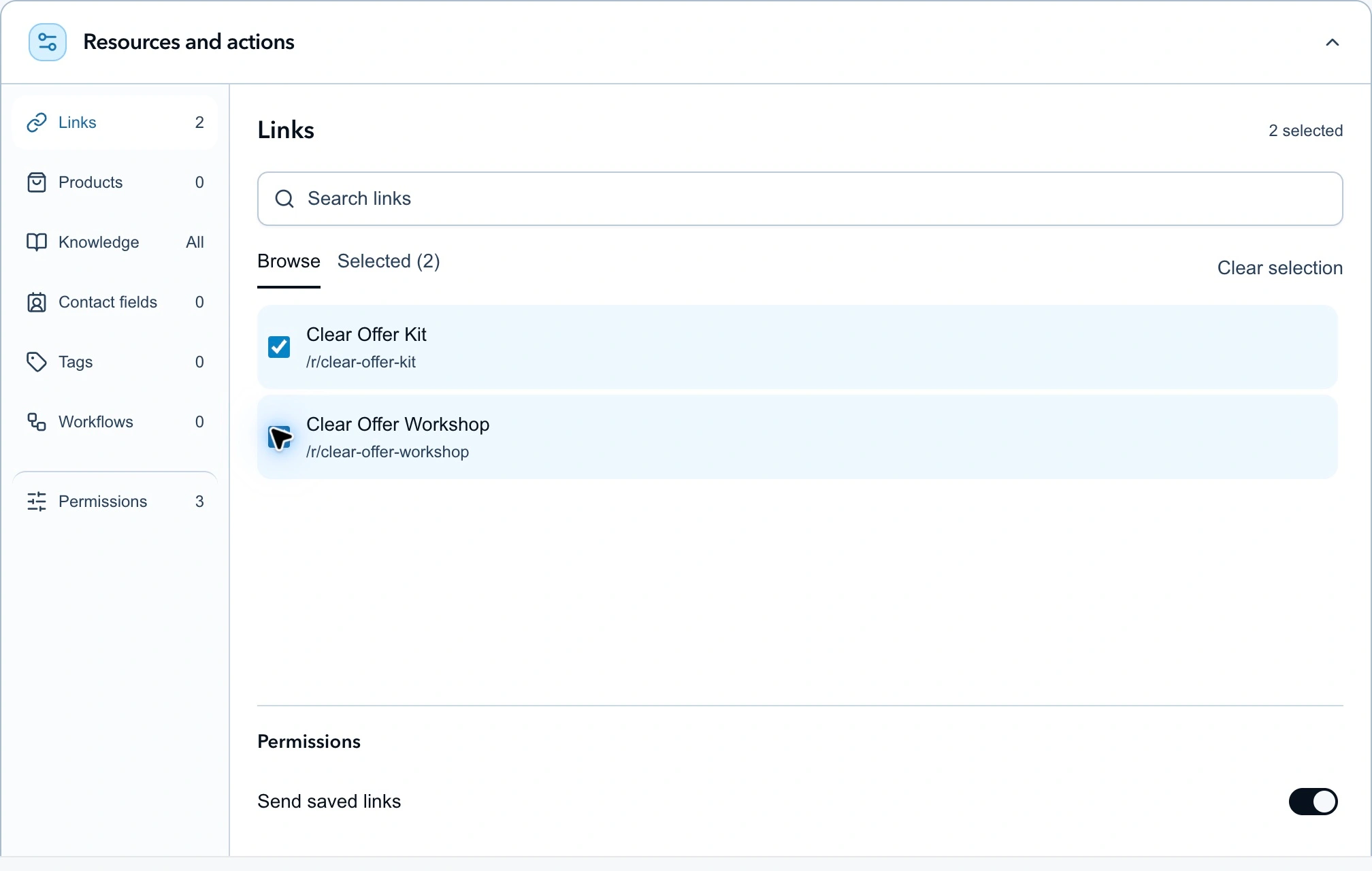
Approve the destinations the advisor can send, then use Instructions to explain when each fits.
Allow human handoff for requests outside the catalog. Leave unrelated actions off. This job does not need permission to collect an email address, update a contact field, or start a separate workflow.
Keep direct messages in Review first and routing on Manual only while checking the setup. Leave public comments off for this advisor. Creating and running an agent requires the plan access and AI credits described in the agent setup guide.
Check the decisions before turning on replies
Use Test agent with messages that could change the product choice. Check the destination as closely as the wording.
| Test message | What a useful response should do |
|---|---|
| “I just want something written I can work through.” | Recommend the $39 Kit and explain the independent-work fit. |
| “I'd like to watch the lessons and get the workbook.” | Recommend the $149 Workshop and say the workbook is included. |
| “I bought the Kit. Is the Workshop cheaper for me?” | Hand off the unsupplied upgrade-policy question. |
| “Will you personally review my offer?” | Explain that neither package includes personal review. |
| “I have $50 to spend.” | Keep the recommendation within that budget if the written format fits; do not invent a discount. |
| “Send me the Kit link.” | Send the approved Kit destination without an unnecessary questionnaire. |
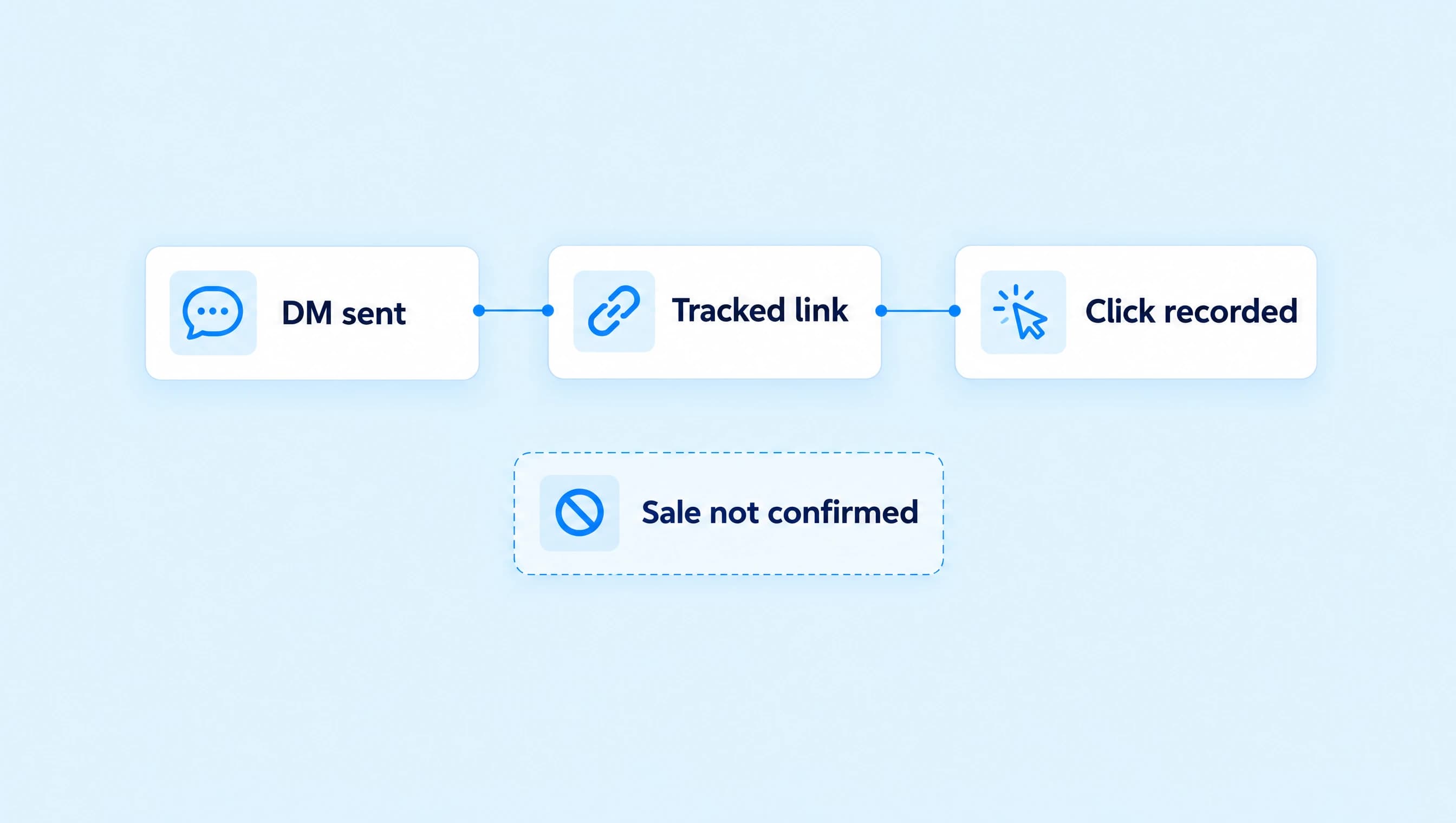
These are acceptance checks, not recorded customer conversations. Test agent does not establish live Instagram delivery. After the decisions and links look right, use the normal review and activation process, assign the advisor to a conversation you control, and inspect the proposed reply before approving it.
For the full test sequence, use the agent testing guide. Keep a note of failures by cause: missing fact, wrong selection rule, incorrect destination, or an answer that should have gone to a person. Fix the relevant source or instruction and repeat that check.
Start with the choice buyers already ask about
Choose two offers people regularly confuse. Write the difference in one sentence, put their current terms in Knowledge, and approve only their sales pages. Keep your first replies under review until the advisor handles those questions consistently.