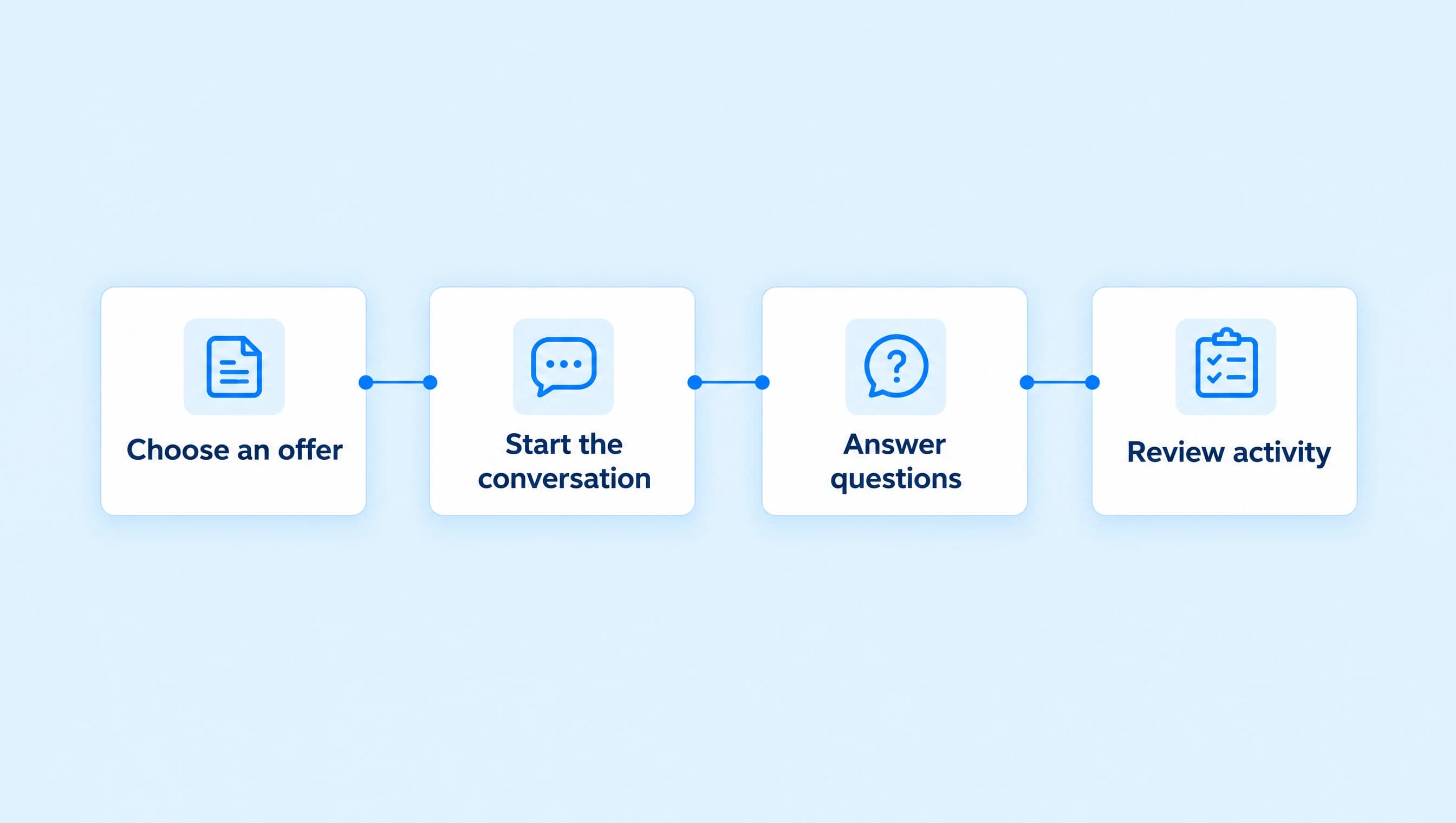
How to follow up with Instagram leads automatically
Set one useful AI follow-up for an active coaching conversation, choose quiet hours, and check the message before it goes out.
 LinkStack
To follow up with an Instagram lead automatically, give an assigned AI agent a short follow-up instruction and enable its schedule. Start with one follow-up after two hours, keep it inside Instagram's reply window, and use Review first while you check the wording.
For a business coach, that message can help someone finish a decision about a discovery call. It should answer an unresolved question or ask what they still need to know. A second copy of the booking link rarely adds much to the conversation.
Northline Coaching's Discovery call assistant already asks about the owner's goal, obstacle, and timing. This setup adds one check-in when an interested person goes quiet.
Start with a real DM conversation
Someone comments CALL, receives the booking link, and leaves. That alone is not enough to start a sequence of reminder DMs.
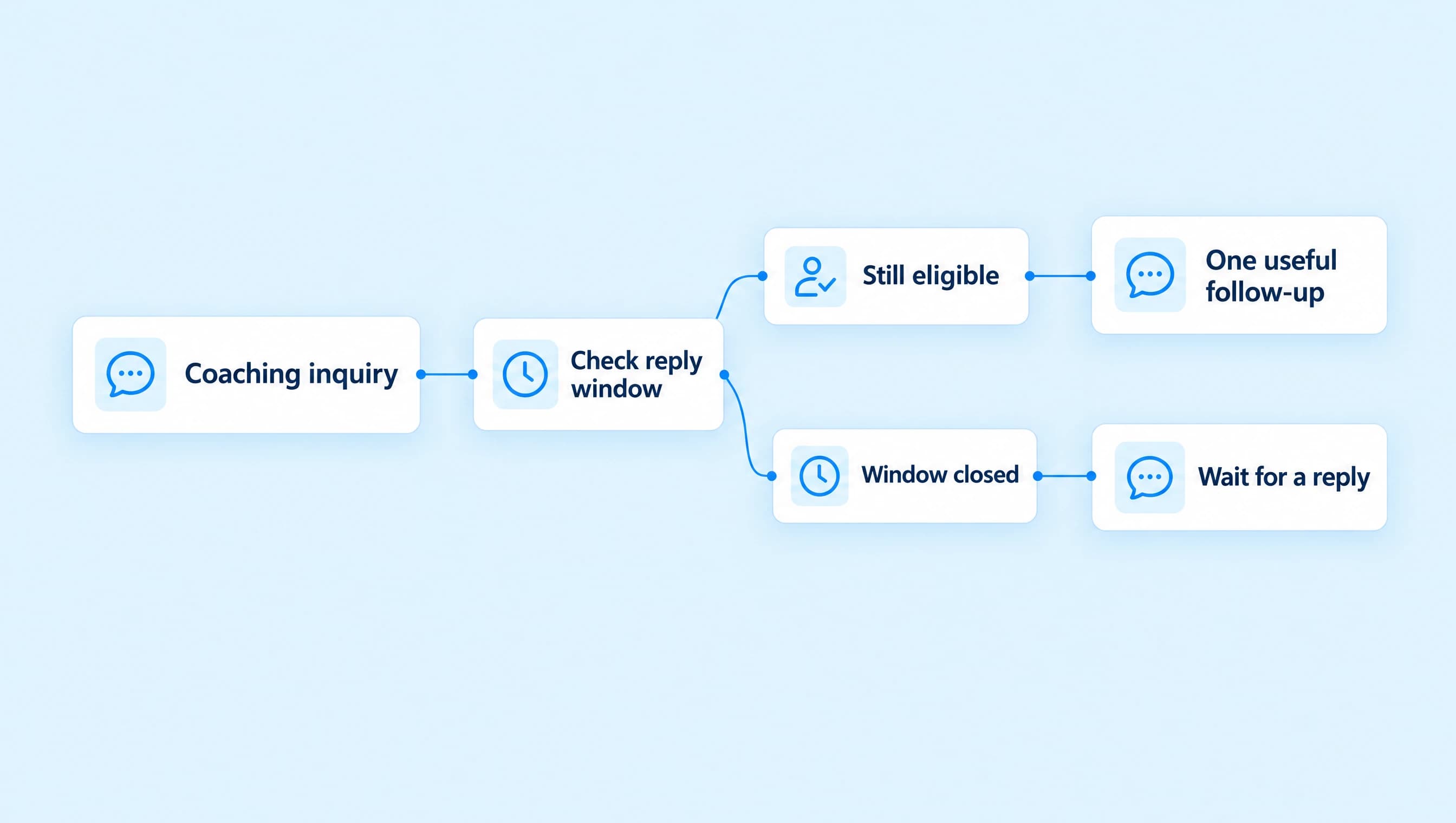
Instagram allows one private reply to a qualifying comment within seven days. Ordinary automated DM follow-ups need an open 24-hour window after the person messages or makes a qualifying interaction in chat. A website button click and an outbound message do not extend that window. The messaging-window guide explains which interactions count.
Use this follow-up after the person has replied in the conversation and an agent is assigned. If your starting point is still a comment with no chat reply, finish the comment-to-DM setup first. Adding a delay cannot create permission to send another message.
You need a connected Instagram professional account, an agent on Starter or Growth, and available AI credits. Check current plans before building the sequence.
Give the agent the call details
Open AI Agents and choose the agent that handles coaching inquiries. Keep its job narrow enough that the follow-up has a clear purpose.
Northline's offer is a free 20-minute online discovery call for service-business owners who want help with their offer, client acquisition, or delivery. The call is about fit. It does not include a written business plan or ongoing coaching.
Put those facts in an assigned knowledge source. Include what happens on the call, who it fits, and anything the agent should hand to the coach. Wait for the source to finish indexing before testing.
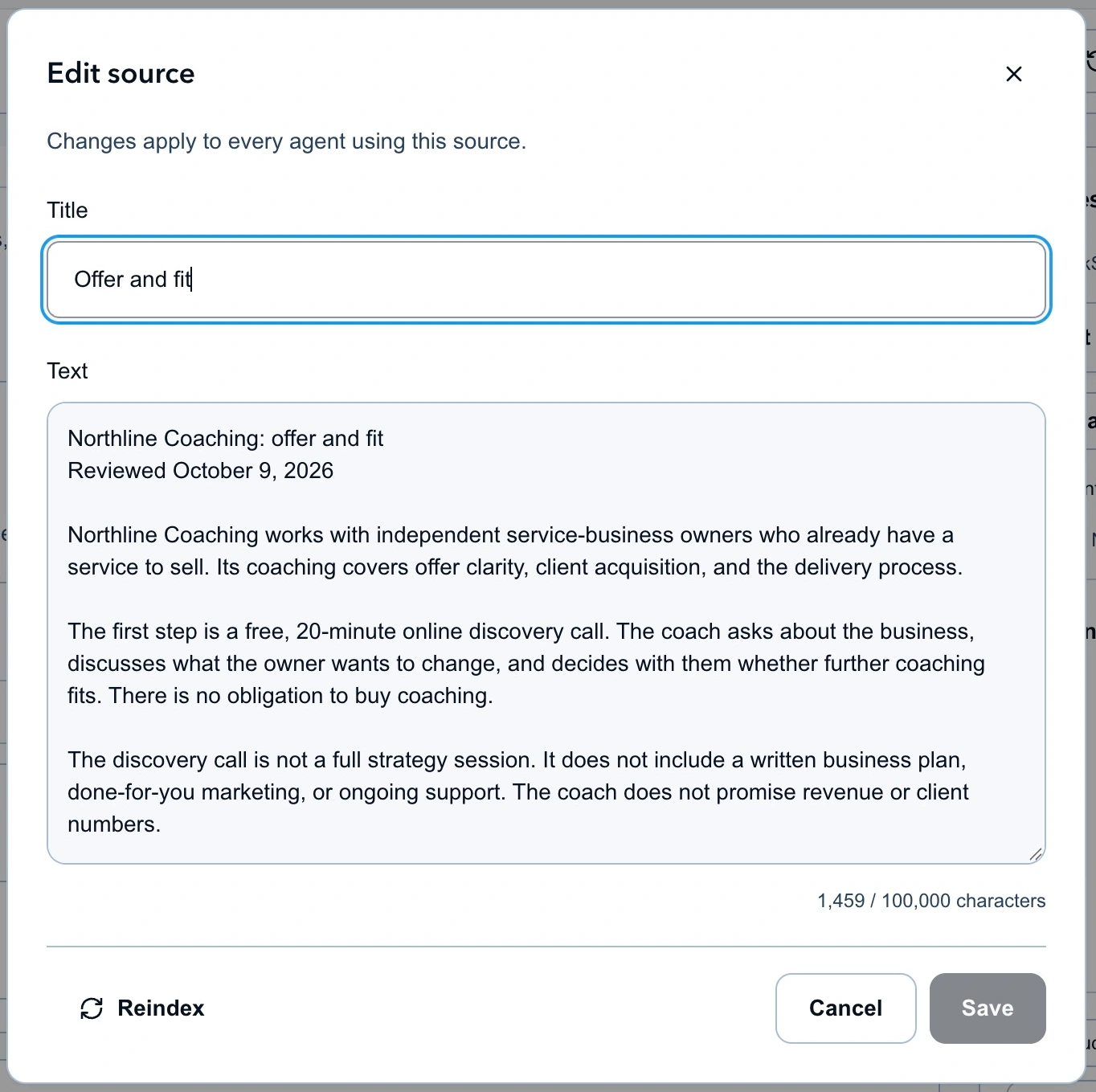
The source gives the agent enough information to answer a call question without inventing a coaching package or price.
In Knowledge, open Resources and actions. Select the saved booking Link and enable Send saved links. Use your own booking page, open it on a phone, and check that it shows the right service and time zone. Sharing this Link does not reserve an appointment.
If the agent still needs its basic questions and handoff rules, follow the lead qualification guide before adding the reminder.
Add a follow-up rule to Instructions
Keep the existing coaching instructions and add this section. It tells the agent what to do when a scheduled follow-up runs; the schedule itself is configured separately.
Follow-up after a coaching inquiry

Use a scheduled follow-up only when the person has shown interest
in a discovery call and a useful question or decision remains open.

Read the conversation before writing. Refer to the goal or obstacle
they actually described. Keep the message to one or two short
sentences and ask at most one question.

If you shared the booking link, ask whether they need anything
clarified before deciding. Do not say they failed to book or that
you saw them open the page. A click does not confirm a booking.

Do not follow up on a declined offer, a completed conversation,
a complaint awaiting the coach, or a request to stop. Cancel the
follow-up when it is no longer useful. End the agent session when
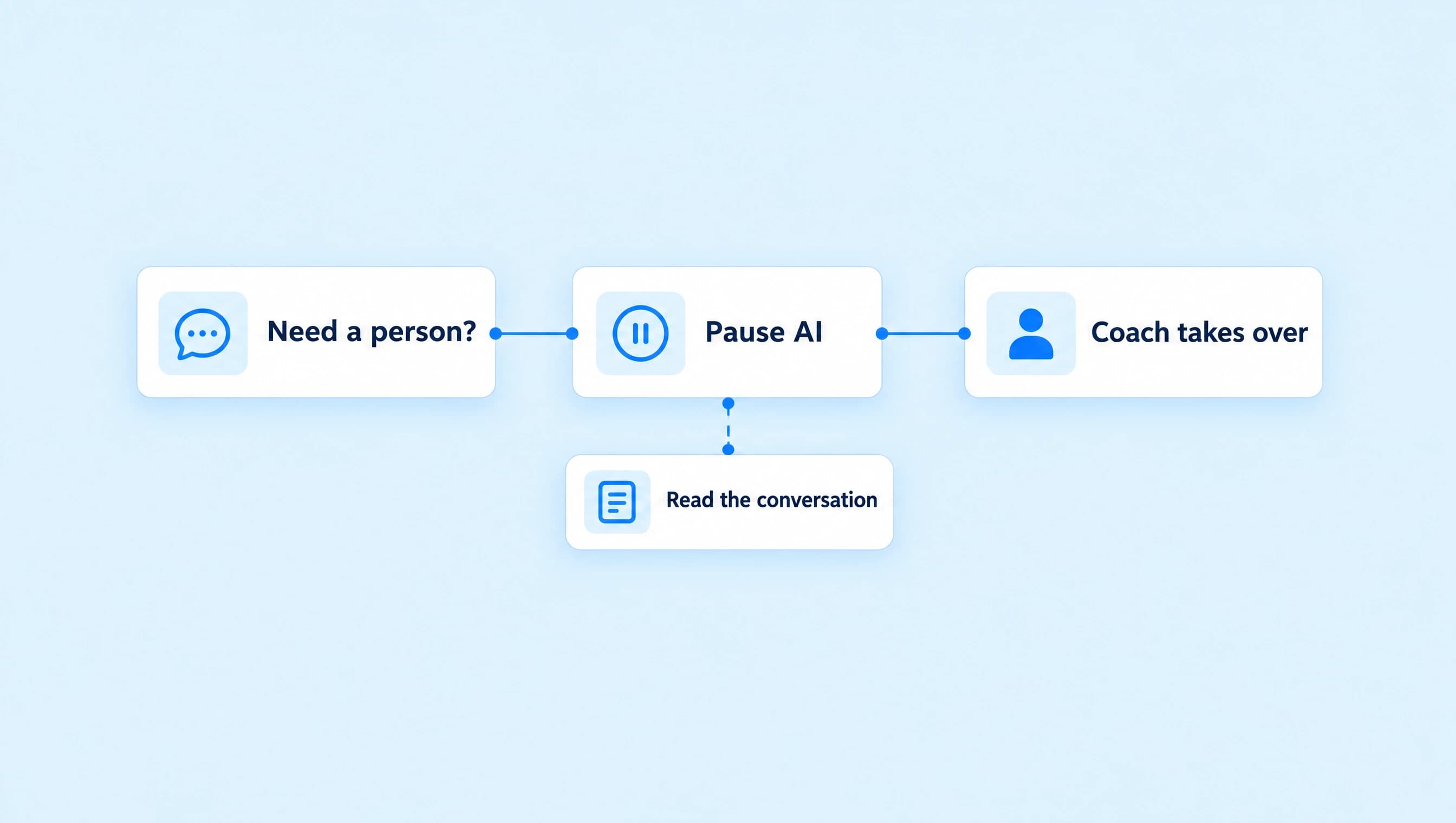
the conversation is finished. Hand over when they ask for a person.

Never invent availability, a deadline, a discount, or a result.
Share only the approved booking link, and only when it helps answer
the person's current request.
In Resources and actions, open Permissions and allow the cancellation, end-session, and human-handoff actions described in these instructions. Keep link sharing limited to the booking Link. Written instructions do not grant an action permission by themselves.
A suitable message after a discussion about an unclear offer is:
Would it help to clarify what we cover on the discovery call before you decide? We can talk about the offer you described and whether coaching fits.
That wording does not claim the agent has checked the calendar or watched the person browse. If the last unanswered question was about the call's format, answer that question instead of using the same message every time.
Set one follow-up and sensible quiet hours
Open Settings, then Follow-ups and session limits. Enable Allow scheduled follow-ups and enter these starting values:
| Setting | Value | Reason |
|---|---|---|
| Delay in minutes | 120 | Leave room for the person to finish what they were doing. |
| Maximum follow-ups | 1 | Keep this conversation to one check-in. |
| Quiet hours start | 20 | Avoid sending during the evening. |
| Quiet hours end | 9 | Resume during the morning. |
| Timezone | America/Denver | Use the time zone chosen for this coaching schedule. |
| Time limit | Off | Keep the session available for later eligible replies. |
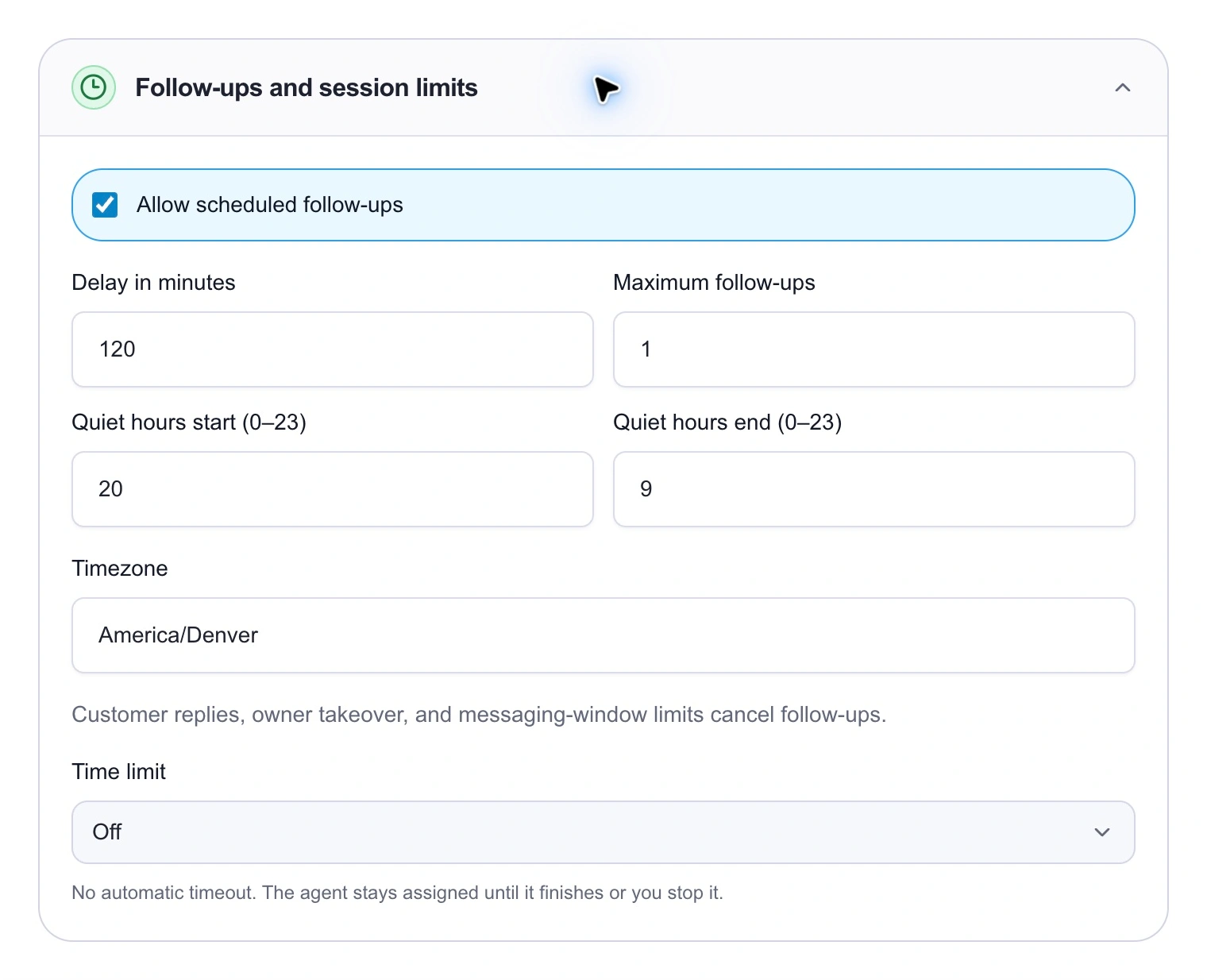
Start with one follow-up after two hours. Quiet hours can move it later; Instagram still checks whether a reply is allowed.
Choose the time zone that fits your business and audience. This setting does not infer each recipient's local time. Time limit Off also does not extend Instagram's messaging window. If quiet hours push the reminder past that window, a scheduled message is not a reason to bypass it.
Save the draft. In the agent's direct-message settings, keep Review first and Manual only for the initial rollout. You will choose the conversations the agent handles and approve its proposed replies. The agent setup guide covers routing and activation.
Test the wording and the stopping rules
Use Test agent to check the draft against a few specific situations. The Playground simulates actions; it does not wait two hours and deliver a real Instagram reminder.
| Situation to test | What to inspect |
|---|---|
| The owner wants a clearer offer and asks what happens on the call. | The reply explains the call using the source. |
| The owner has received the booking link but has not answered. | The follow-up offers useful clarification without claiming they did not book. |
| The owner says, "No thanks, I am leaving this for later." | The agent stops suggesting the call and cancels the follow-up. |
| The owner asks for the coach. | The agent hands over instead of adding another sales question. |
| The owner says they already booked. | The agent acknowledges the message without claiming it verified the reservation. |
Read the proposed actions as well as the text. A polite reply accompanied by an unwanted action still needs fixing. Save the revised instructions and repeat the cases that failed.
When the draft is ready, use Review & activate, then assign it to a controlled Instagram conversation. Let that contact send a fresh DM and review the agent's first reply before checking the scheduled path. Inspect the proposed follow-up in AI Replies and approve only when the message still fits. A new reply or owner takeover makes an old reminder stale; a closed messaging window can prevent delivery.
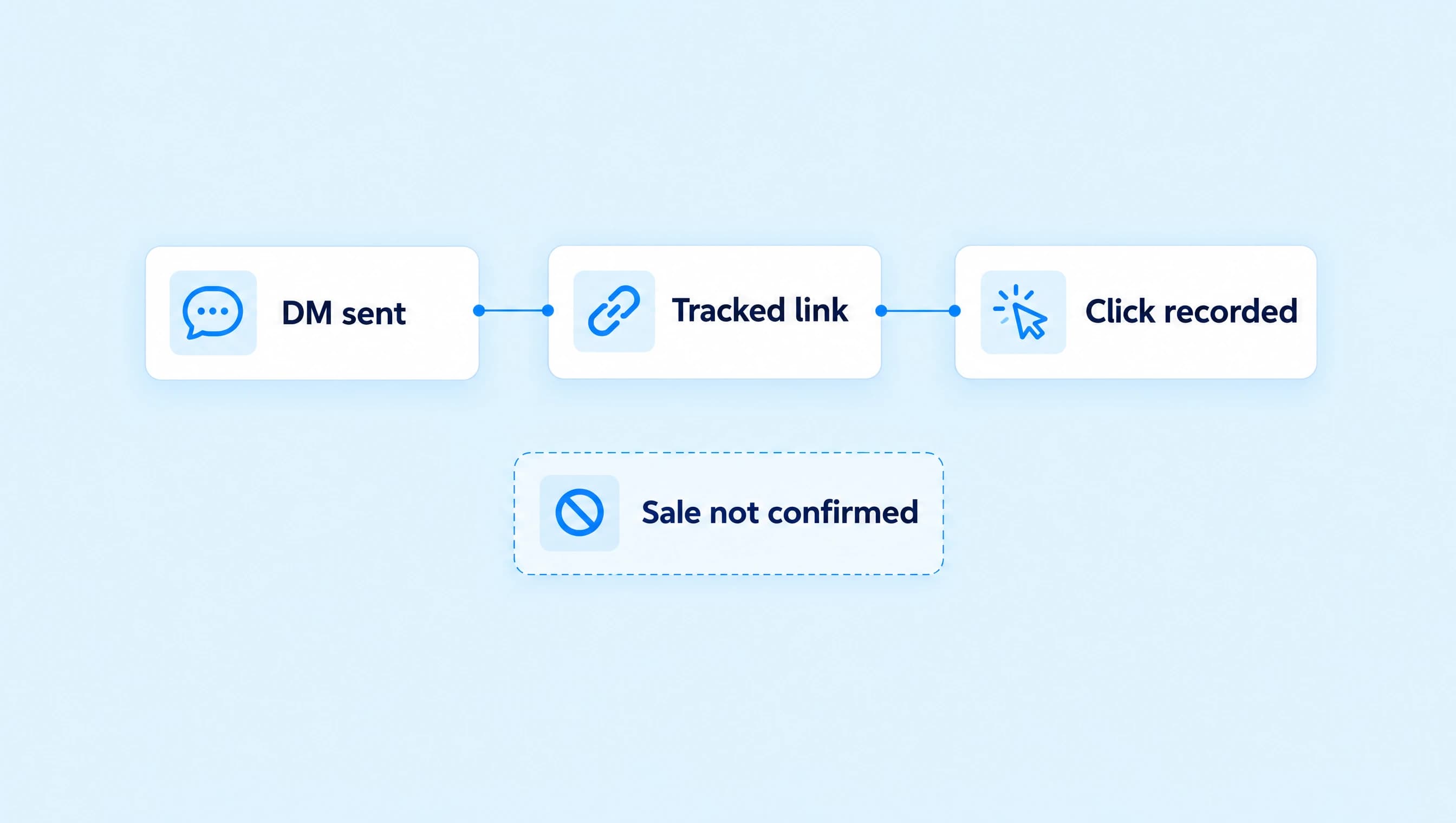
During the first few conversations, check the actual Inbox thread before changing the delay or allowing automatic sending. Count delivered follow-ups, replies, and confirmed bookings separately. A tracked click records the link being followed; the booking system tells you whether a time was reserved.
Start with the agent that already handles your coaching inquiries. Add the instructions, keep the maximum at one, and review what it proposes before widening its use.