A/B test two destinations behind one coaching link
Should your coaching link open a booking page or a free worksheet? Set up a fair destination test and decide what the traffic report can actually tell you.
If you are unsure whether your coaching link should open a discovery-call page or an offer worksheet, you can send traffic to both behind the same public Link. Start with two destinations, equal weights, and consistent assignment for repeat visitors. Decide how you will measure success before sharing the Link.
LinkStack handles the destination split and reports the traffic. For bookings or purchases on another website, you also need that website’s tracking. A destination receiving more clicks has not necessarily persuaded more people to book.
Write down the decision before building the test
For this example, a business coach has two ways to help someone clarify a coaching offer:
| Variant | First destination | What the visitor can do |
|---|---|---|
| Call first | Discovery-call page | Read about the call and choose a time |
| Worksheet first | Offer worksheet page | Work on their offer, then find the same call invitation |
The question is whether starting with the worksheet leads to more qualified discovery calls. Use the same definition of a qualified booking for both paths. Comparing worksheet downloads with call bookings would answer two different questions.
Write down the traffic source, start date, outcome, and review date. Keep the promotion and offer stable while you compare the paths. Two variants are enough for this decision; dividing a small audience among more pages makes the result harder to interpret.
This is an example setup, with fictional coaching URLs. It does not report a measured lift.
Set the two destinations in LinkStack
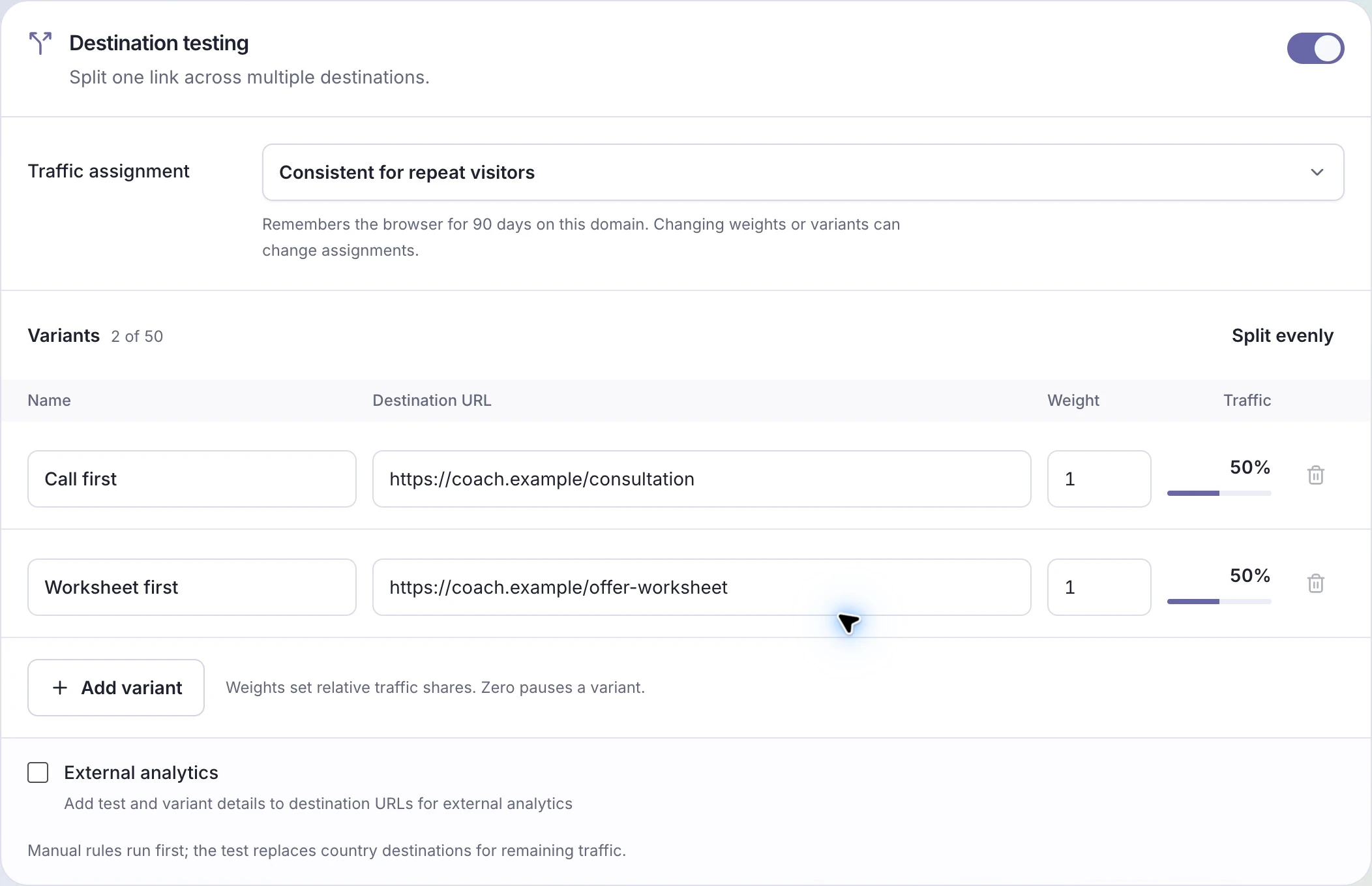
Open your Link in the web editor, then Routing → Destination testing. Turn on Enable test, name the variants Call first and Worksheet first, and enter their real destination URLs.
Choose Consistent for repeat visitors under Traffic assignment. This helps someone return to the same page when they revisit the Link from the same browser and domain. Changing devices, clearing cookies, privacy settings, or changing the test can still change their assignment. Random on each click makes a fresh selection every time.
Choose Split evenly, or give both destinations a weight of 1, then Save. Weights describe proportions; they do not need to total 100. Equal weights give equal chances over time, without promising an exact half of every small batch.
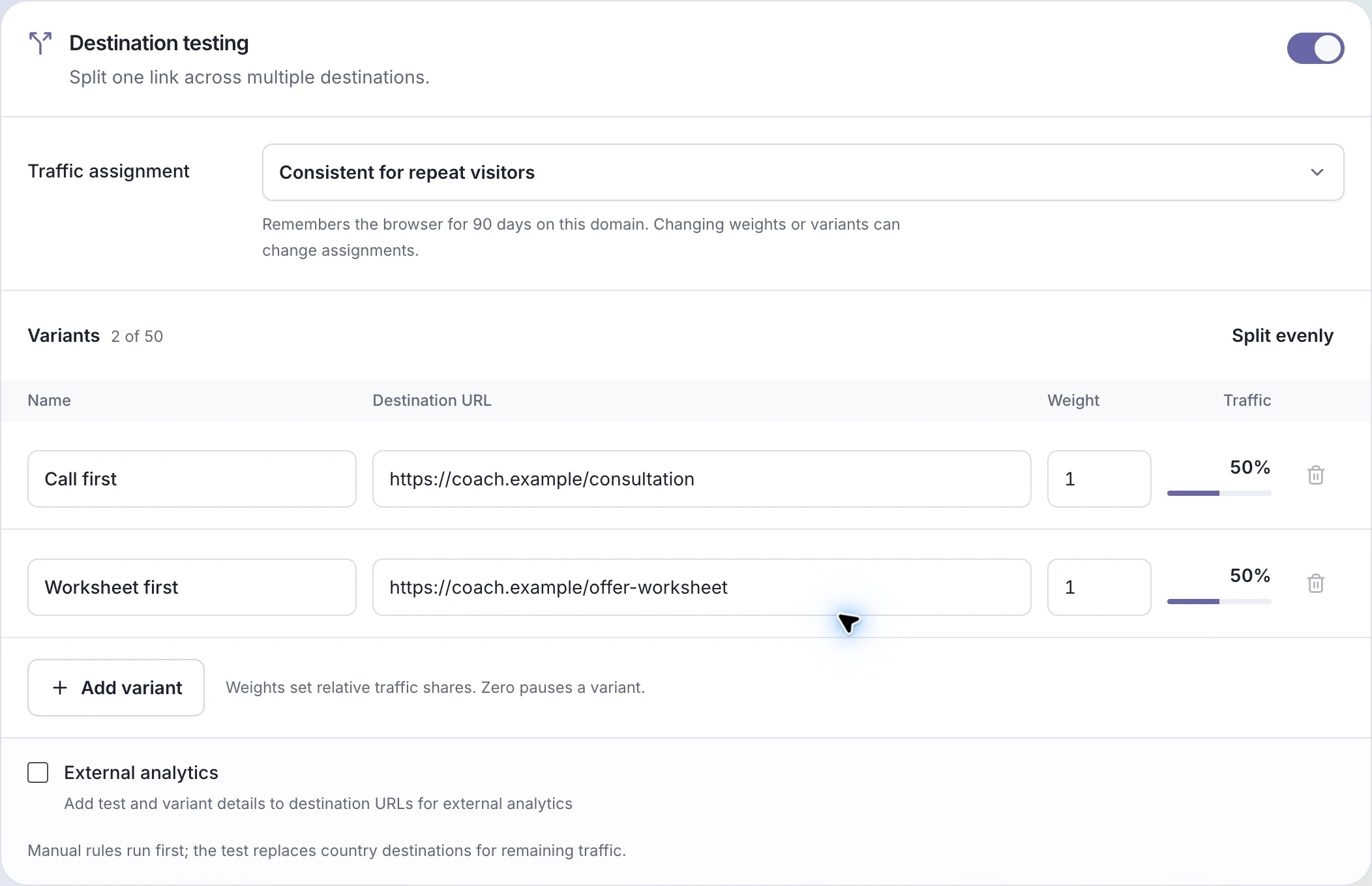
Example configuration: one public Link, two fictional coaching destinations, and a 50/50 intended split.
Manual routing rules take priority. The test handles the traffic left after those rules and replaces its usual country or default destination. Review any existing rules so you know which visitors enter the comparison. The destination-testing guide covers setup and stopping the test.
Connect the outcome to the variant
Turn on External analytics if your destination analytics can capture URL parameters. LinkStack adds ls_test, ls_variant, and ls_variant_name. Configure your analytics or booking flow to retain the variant through the event you care about, and verify that it does.
Adding parameters does not install tracking on the other site. If you cannot connect a booking to its variant, use the test to check routing and traffic distribution while you finish that measurement setup. Avoid declaring a sales winner from a click count.
Read the report in two passes
First, open the Link’s analytics and inspect Destination test results. Link clicks and Traffic share tell you where traffic went. Visitors is an estimate, and one person may appear in more than one row. App open attempts counts attempts, rather than confirmed app launches.
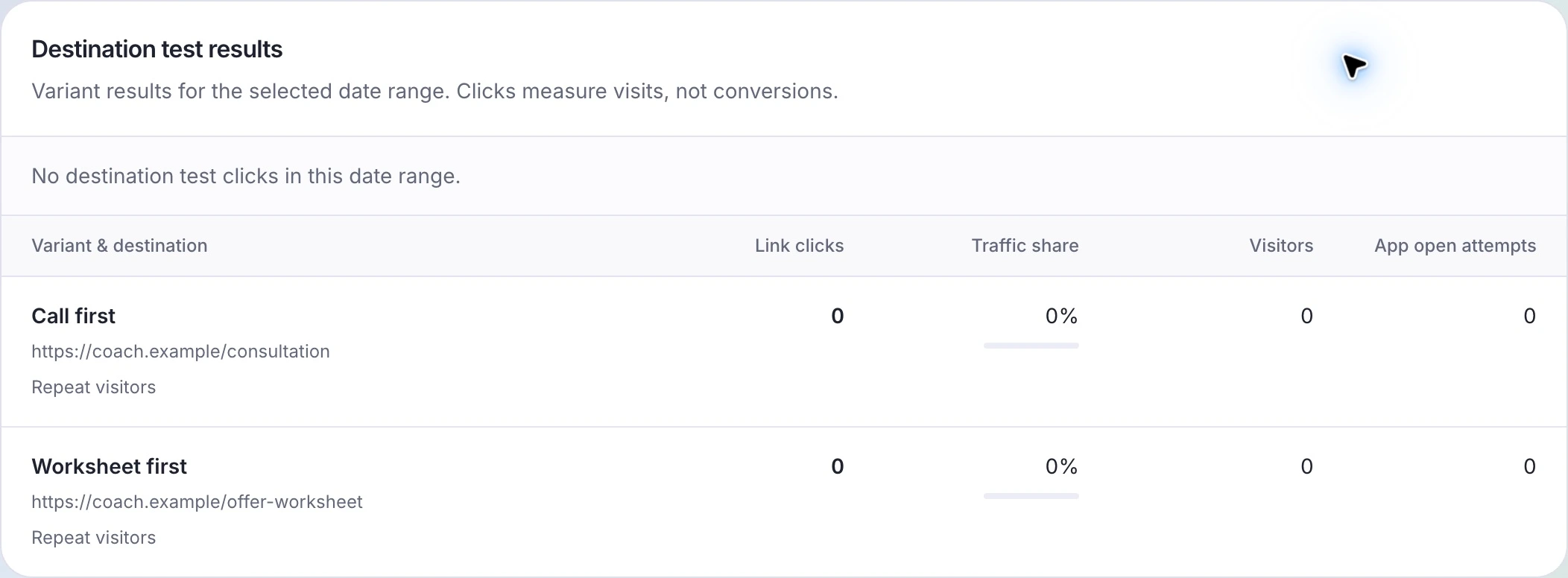
This example has no traffic yet. Once clicks arrive, the report helps check distribution; it does not fill in external booking results.
Then inspect the agreed outcome in your destination system, using the same period and attribution rules for both variants. If there are too few bookings to make a useful comparison, keep the uncertainty visible. A small lead is a reason to keep watching, not a guarantee that one route is better.
Keep names, URLs, and assignment settings stable during the test. Changes can create separate historical rows marked Previous settings.
Make one deliberate change
To pause a destination, set its weight to 0 and save. At least one variant must stay active. Split evenly reactivates all variants, so check the weights after using it.
To finish, turn off Enable test and save. Normal routing resumes and the test history remains. Open Links to choose the coaching Link you want to compare.