Teach your AI agent from replies you have reviewed
Your edits can become useful wording examples. Learn which feedback to keep, which to ignore, and which changes belong in the agent’s instructions.
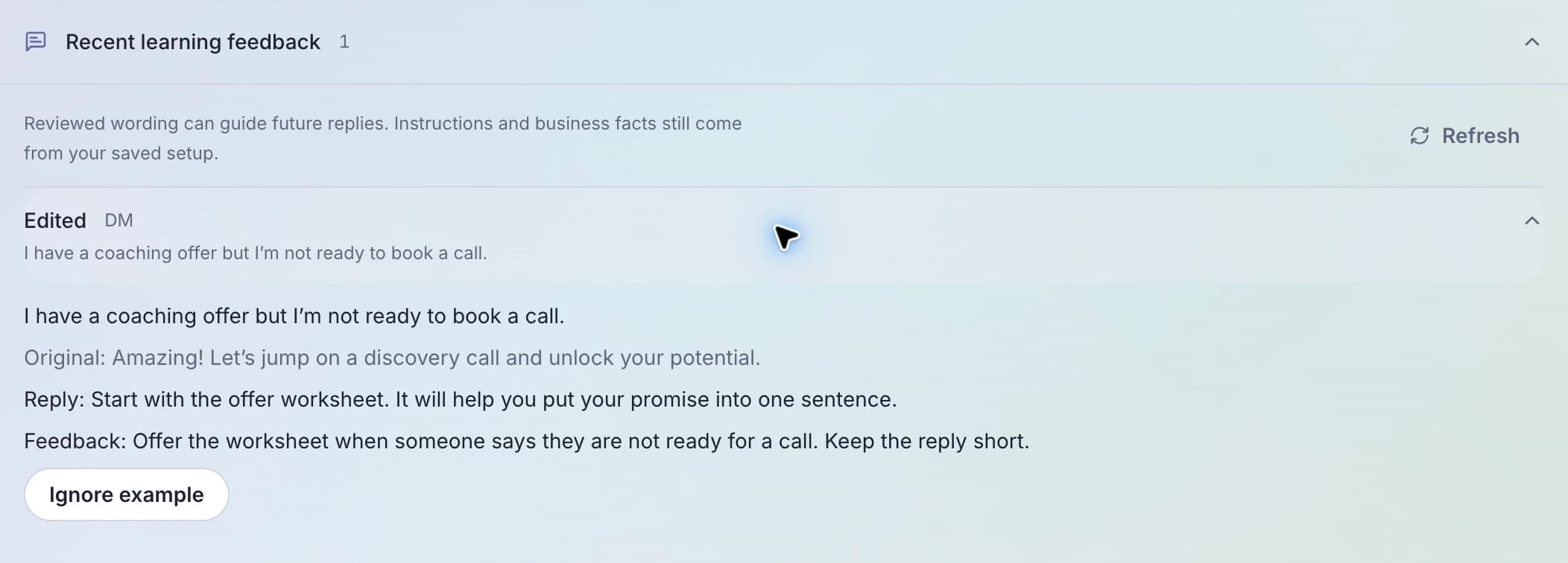
When you approve or edit an AI reply in LinkStack, that reviewed wording can help the agent answer similar questions later. Learn from reviewed replies is on by default in the agent’s Settings. Use it to reinforce the way you want to respond, while keeping current facts and rules in Instructions and Knowledge.
The useful habit is simple: edit toward a reply you would be happy to send again in a similar situation. A quick correction can otherwise preserve an awkward phrase or an exception you did not mean to repeat.
Give the agent a reply worth reusing
Consider this example message to a business coach:
I have a coaching offer but I’m not ready to book a call.
A poor draft ignores that hesitation:
Amazing! Let’s jump on a discovery call and unlock your potential.
A more useful edit gives the person something they can do now:
Start with the offer worksheet. It will help you put your promise into one sentence.
This example changes both the tone and the next step. The reply is short, names a specific resource, and respects what the prospect said. Your real reply can include the approved worksheet link from the agent’s current knowledge.
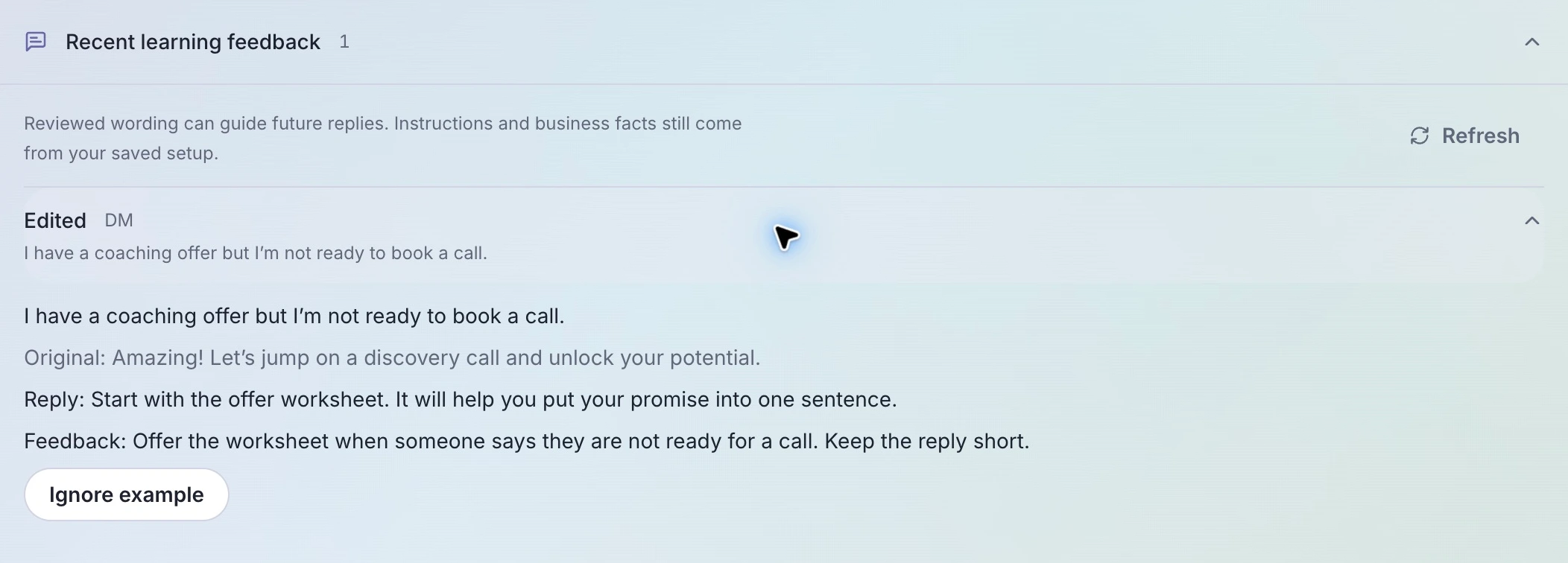
Sample review history for the coaching example. The original, edited reply, and feedback remain visible together.
When rejecting a reply, explain the problem if you want that feedback to guide later wording. “Too salesy” leaves room for interpretation. “They said they are not ready for a call; offer the worksheet and keep the reply short” names the mistake and a better response. An unexplained rejection stays in history but is not used as a learning example.
If you need the review workflow first, follow Review AI replies before sending.
Put the change where it belongs
Reviewed examples help with wording. They should not carry your only copy of a business rule or an offer detail.
| Change you need | Where to make it |
|---|---|
| A shorter, calmer way to answer a hesitant prospect | Edit and review the reply |
| Always respect a request to stop discussing calls | Instructions |
| A new worksheet URL or changed offer details | Knowledge |
| An old example that should no longer influence replies | Recent learning feedback → Ignore example |
An agent uses a small selection of relevant eligible examples when drafting an answer. This does not retrain the model, and it does not guarantee that the next reply will reproduce your edit. Current instructions and business knowledge remain authoritative. Including examples can add input tokens to normal AI usage.
For a broader tone change, the guide to making an agent sound like you covers the saved voice and instruction choices alongside review feedback.
Remove exceptions from the learning pool
Open the agent’s Activity tab and expand Recent learning feedback. Expand an entry to inspect the incoming message, original reply, reviewed wording, and any note.
Choose Ignore example if it is outdated, unusually specific, or simply a reply you would now write differently. That keeps the record in history and does not undo a message already sent. Use example restores its eligibility, subject to the normal learning rules.
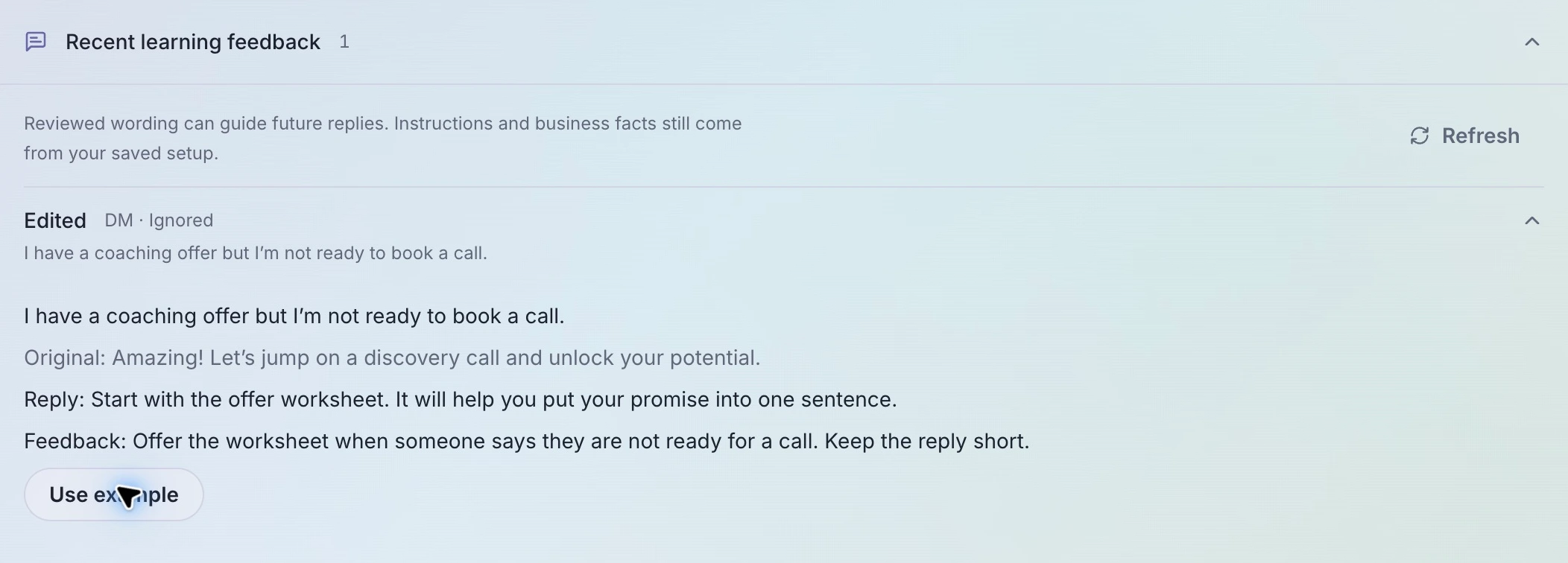
An ignored example remains inspectable. Restoring it makes it eligible again; it does not force its use in the next answer.
The panel shows up to 60 recent entries. Draft voice examples stay tied to their draft until that source version is published.
Check the next answer with different wording
In Playground, try “I want to work on my offer before booking anything.” Check that the agent respects the request, gives the current resource, and stays within its instructions. Then try a prospect who is ready to book, so you can see whether the two situations get appropriate replies.
If the correction should apply as a lasting rule, update Instructions or review an Improve AI proposal, then save and publish the change. Proposals do not apply themselves.
Open AI Agents to inspect one agent’s recent feedback. AI Agents require Starter or above. The learning setup guide covers the setting and exclusion controls.