Instagram automation for coaches: what to build first
Choose the first Instagram workflow for your coaching offer, decide where AI fits, and use a launch checklist before expanding beyond one campaign.
 LinkStack
Start with the request you already answer most often. If people want a planner or booking page, a keyword workflow can send that destination. If they need help deciding whether an offer fits, a focused AI agent can answer from your business information. Keep a clear way to reach you for decisions the setup cannot make.
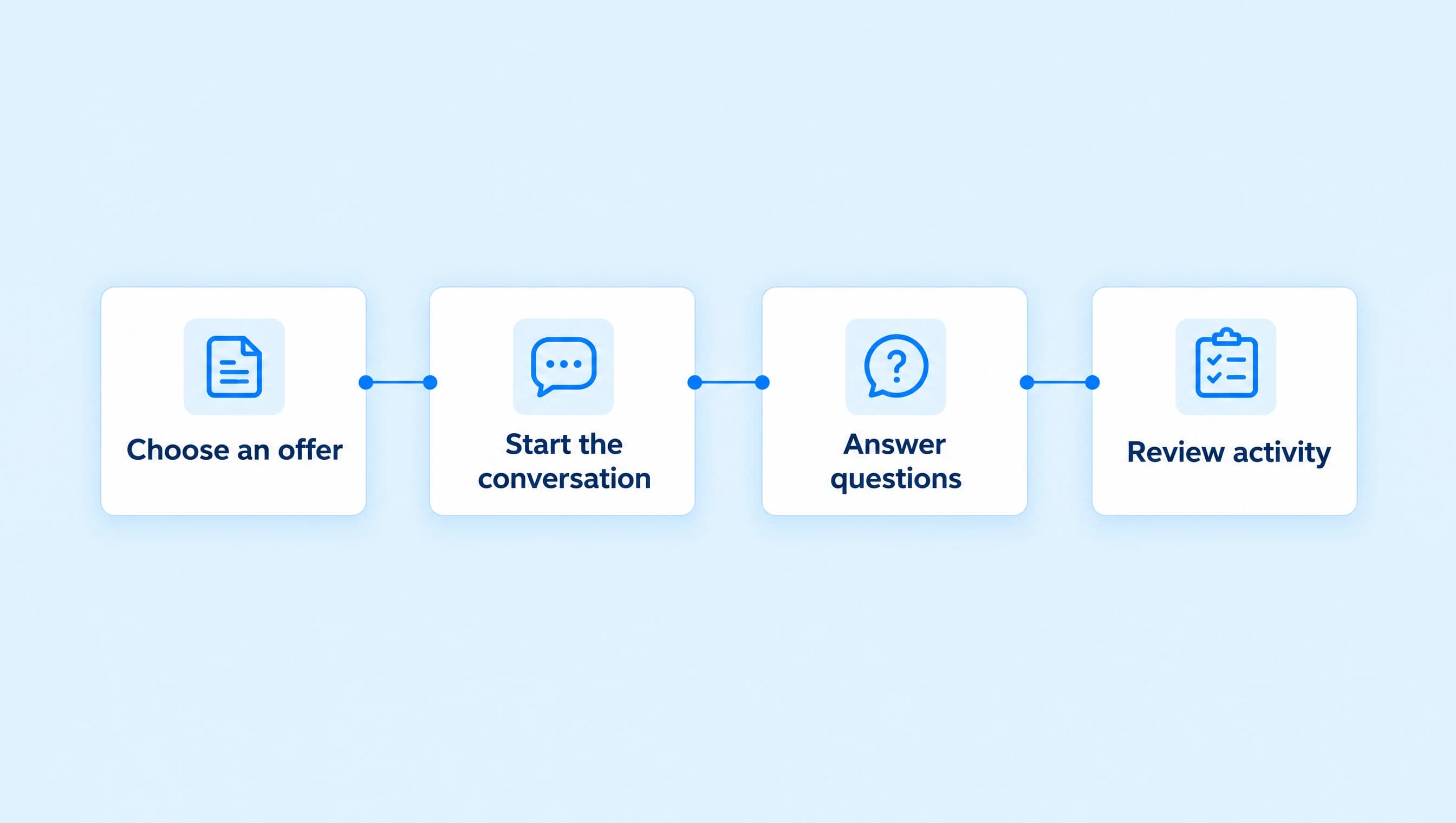
For your first launch, choose one offer and one entry point. Check the message and destination, watch the first conversations, and expand after you know where people get stuck.
Choose the conversation that needs help
A fitness coach delivering a workout planner has a different job from a business coach discussing a discovery call. Pick the setup that matches the request before choosing a template.
| The request you keep receiving | Start with | What to prepare |
|---|---|---|
| “Can you send the workout planner?” | A keyword comment or Story reply workflow | The finished planner and its public destination |
| “Where is the content calendar?” | A resource-delivery workflow | The calendar, a specific request word, and a short delivery message |
| “Can I book a call?” | A workflow that sends the booking page | Call purpose, duration, available times, and the correct public URL |
| “Is your coaching right for my situation?” | An AI agent in Review first | Offer scope, fit criteria, exclusions, and handoff instructions |
| “Which of your products should I buy?” | An AI advisor with a small offer catalog | The difference between the products and their approved destinations |
| “I need you to resolve a payment or client issue.” | A person handling the request | The right owner and access to the relevant account records |
Choose a Story reply for a workout planner when the request begins in a Story. Use comment-to-DM delivery when the Reel asks for a keyword. The AI agents and keyword workflows guide helps when the conversation needs both fixed steps and judgment about the reply.
If you have two paid products, settle their differences before asking an agent to recommend one. The product recommendation guide shows how to define the choice without pushing every visitor toward the higher price.
Give the first journey a clear finish
Northline Coaching works with independent service-business owners on their offer, client acquisition, and delivery process. Its first step is a free, 20-minute discovery call. That gives the Instagram journey a specific finish: a visitor reaches the booking page and, if they choose, confirms a time there.
Write a short launch brief before opening the builder:
| Decision | Northline's first launch |
|---|---|
| Audience | Owners who already sell a service |
| Offer | A free, 20-minute discovery call |
| Entry point | A CALL comment on the coaching Reel |
| First message | The call's purpose and one View call times button |
| Destination | The public discovery-call booking page |
| Follow-up questions | What the person wants to change, what is getting in the way, and when they want to work on it |
| Human boundary | Unpublished fees or policies, complaints, and requests for personal help |
| Completed outcome | A confirmed appointment in the booking tool |
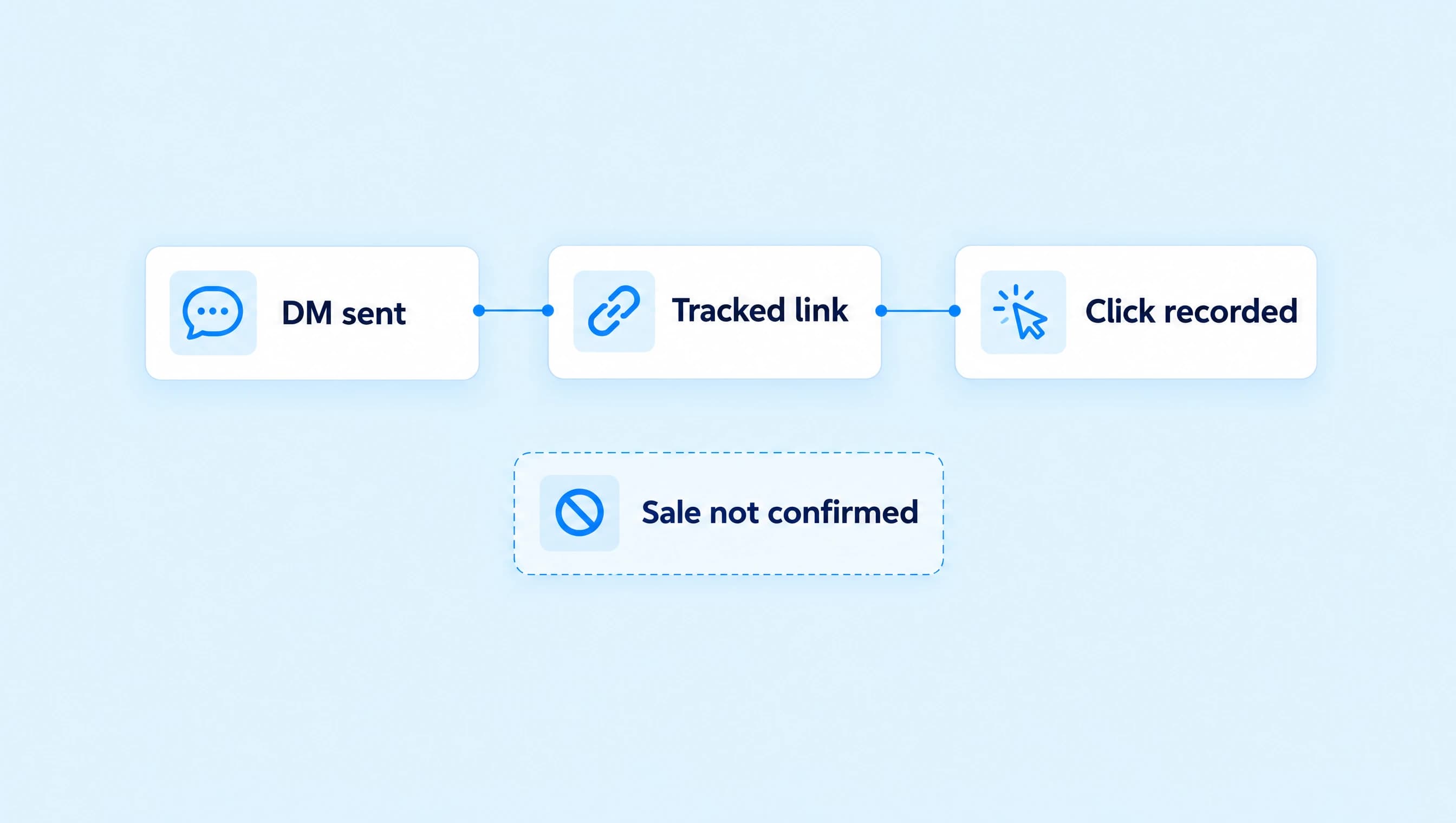
A sent DM is a useful checkpoint, but the booking tool owns the appointment. Keep its available times and confirmation process working before inviting people to book. Use the booking-link guide for that setup.
For a resource offer, change the finish to opening the promised resource. You can plan the next conversation after delivery with the free-download-to-coaching guide. Someone asking for a worksheet should receive the worksheet before a different sales request.
Launch one entry point you can recognize
In Automations, build a comment workflow for CALL and the intended coaching Reel. Choose Specific post when it is already live. Next post is useful while preparing a Reel, provided you publish the workflow first and the intended Reel is the next post you publish.
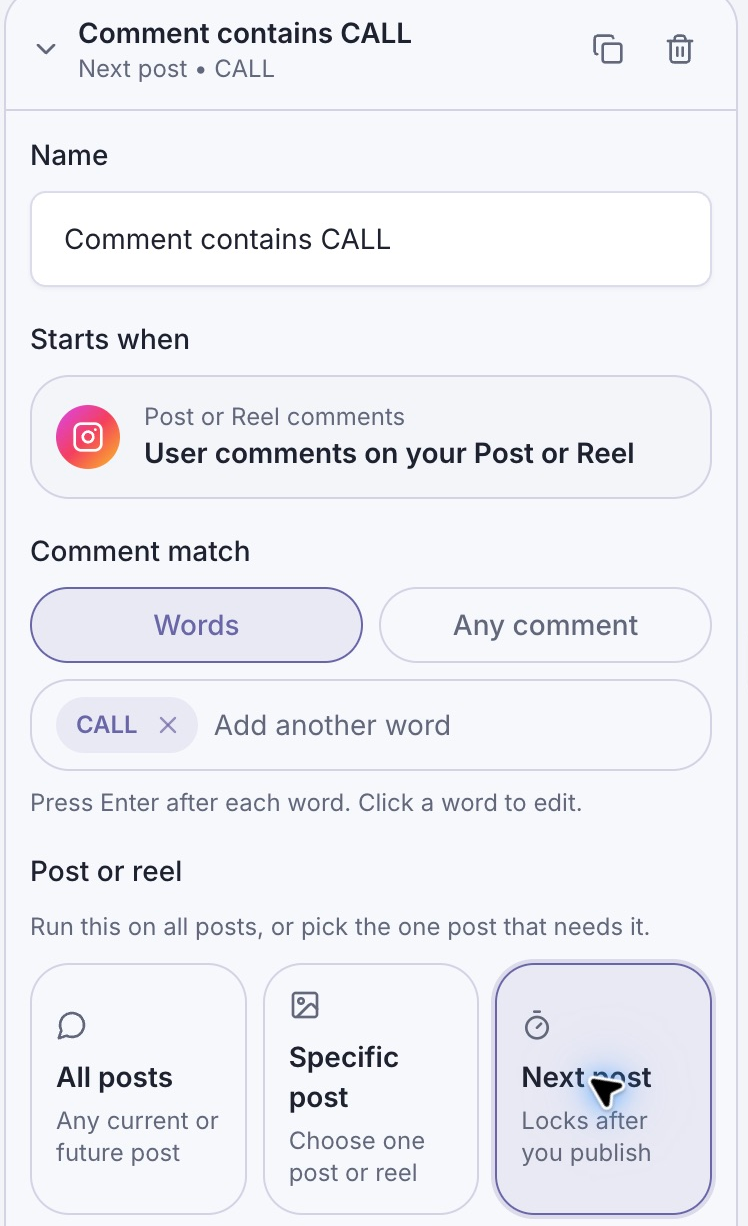
The post selection is part of the offer. With Next post, an unrelated post published first would receive that scope.
Use a caption that matches the destination:
Want to talk through whether business coaching fits your next step? Comment CALL and I'll send the page for a free, 20-minute discovery call, with the details and available times.
The first DM can explain what the call covers and show View call times. Check the destination on a phone while signed out. Avoid combining the booking page, a course, and a newsletter signup in the same first message when the viewer asked for a call.
You need a connected eligible Instagram professional account and the automation access available on your current plan. Review the Instagram automation rules before adding more steps. A link click is not permission for an unlimited sequence of later messages.
Use AI where the answer changes with the person
Some people will ask for the calendar and book. Others will reply, “I'm getting inquiries, but they never seem right for my service. Is this what you help with?” Give those conversations an advisor with a narrow job.
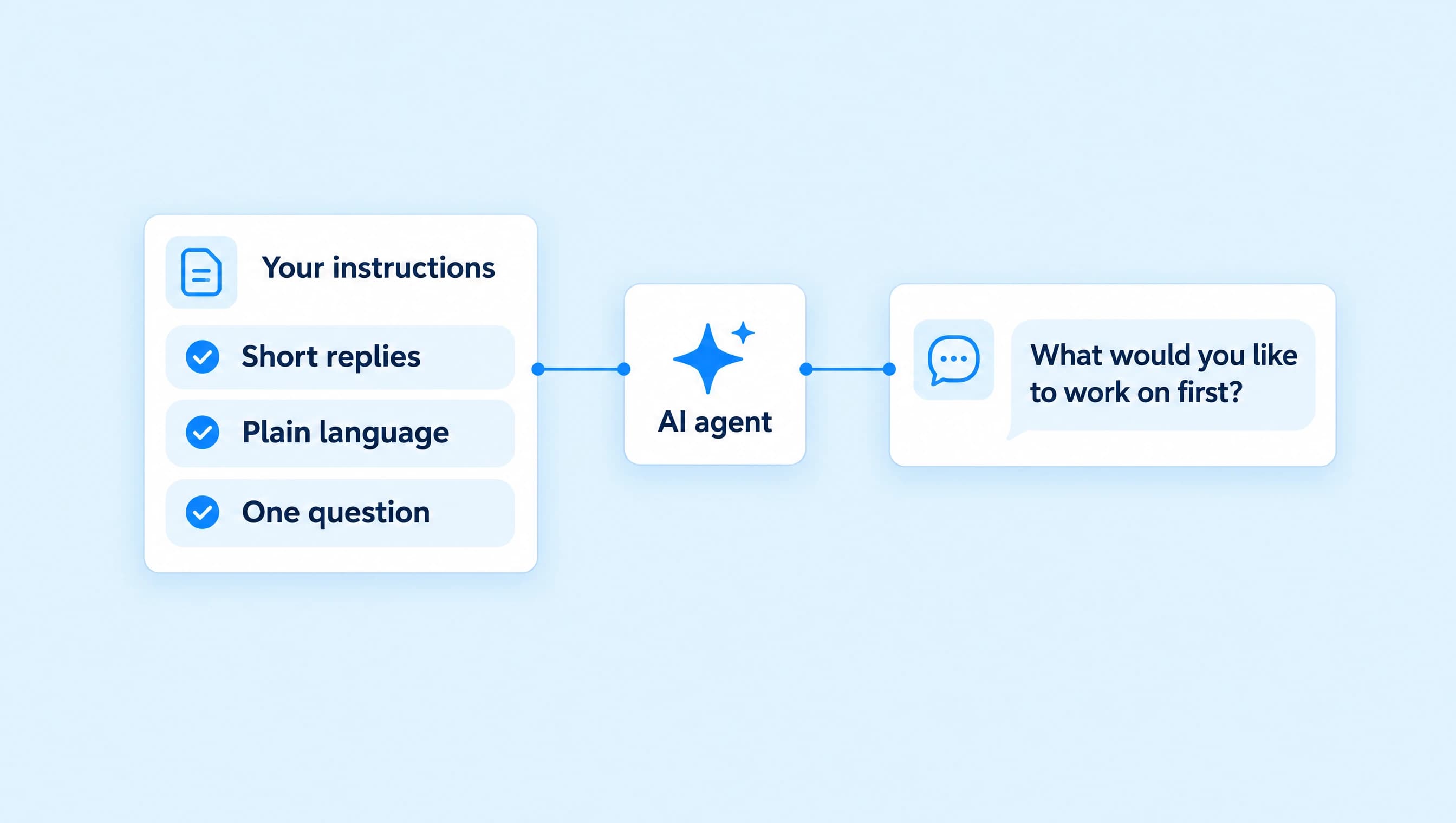
For Northline, the advisor uses the offer facts and asks about the person's goal, challenge, and timing when those details are missing. It offers the approved discovery-call Link when that fits the request. It should not restart the same questions when the person already answered them.
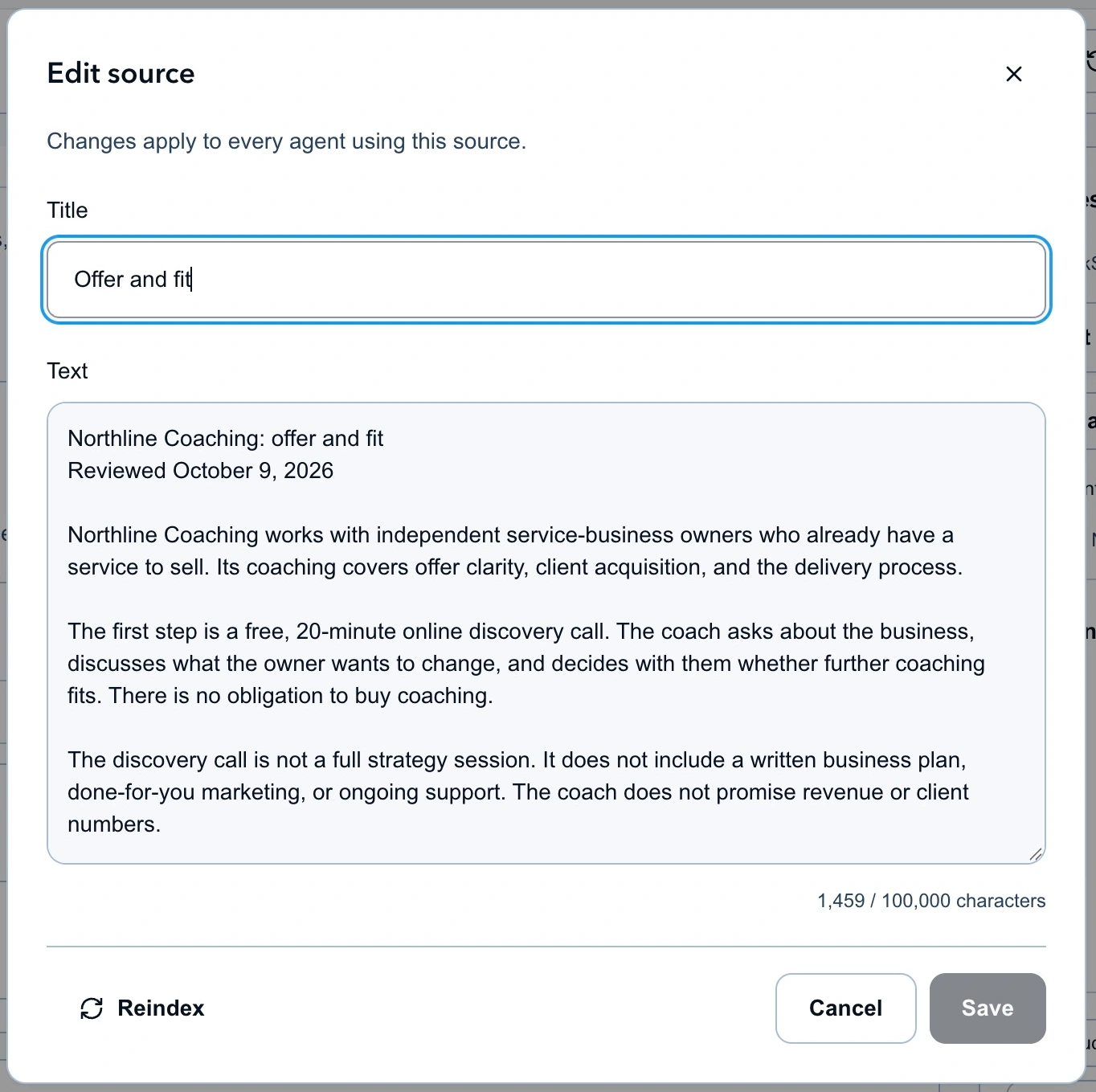
The source defines the call and its limits. It gives the advisor facts to answer from without inventing a coaching package or promised result.
Use the lead qualification guide for those instructions and knowledge sources. Keep this first advisor in Review first with Manual only routing, then assign it from Inbox when the conversation fits its job. Creating and running agents requires Starter or Growth and available AI credits, as described in agent setup.
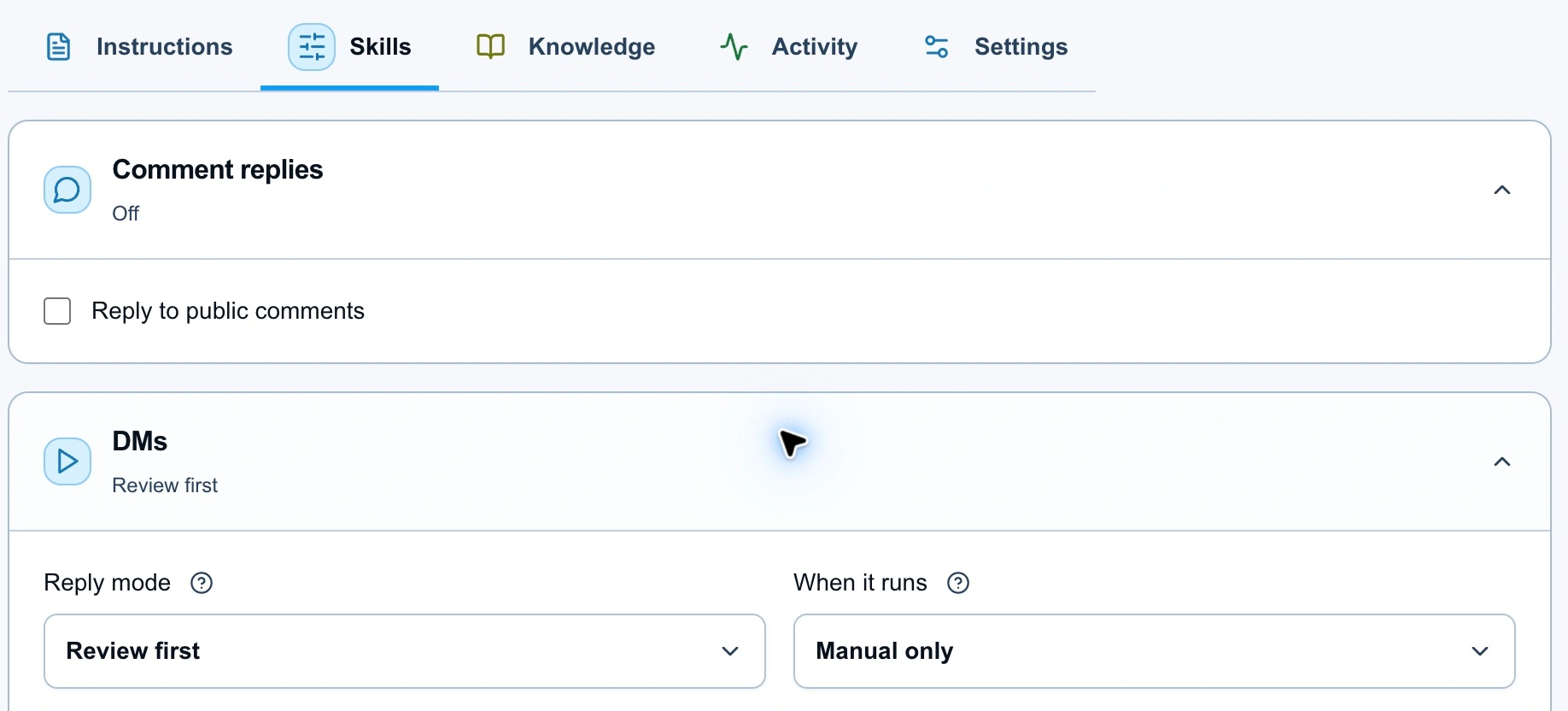
Manual assignment gives you a small set of conversations to inspect while you check the advisor's decisions. Review first keeps proposed replies under your control.
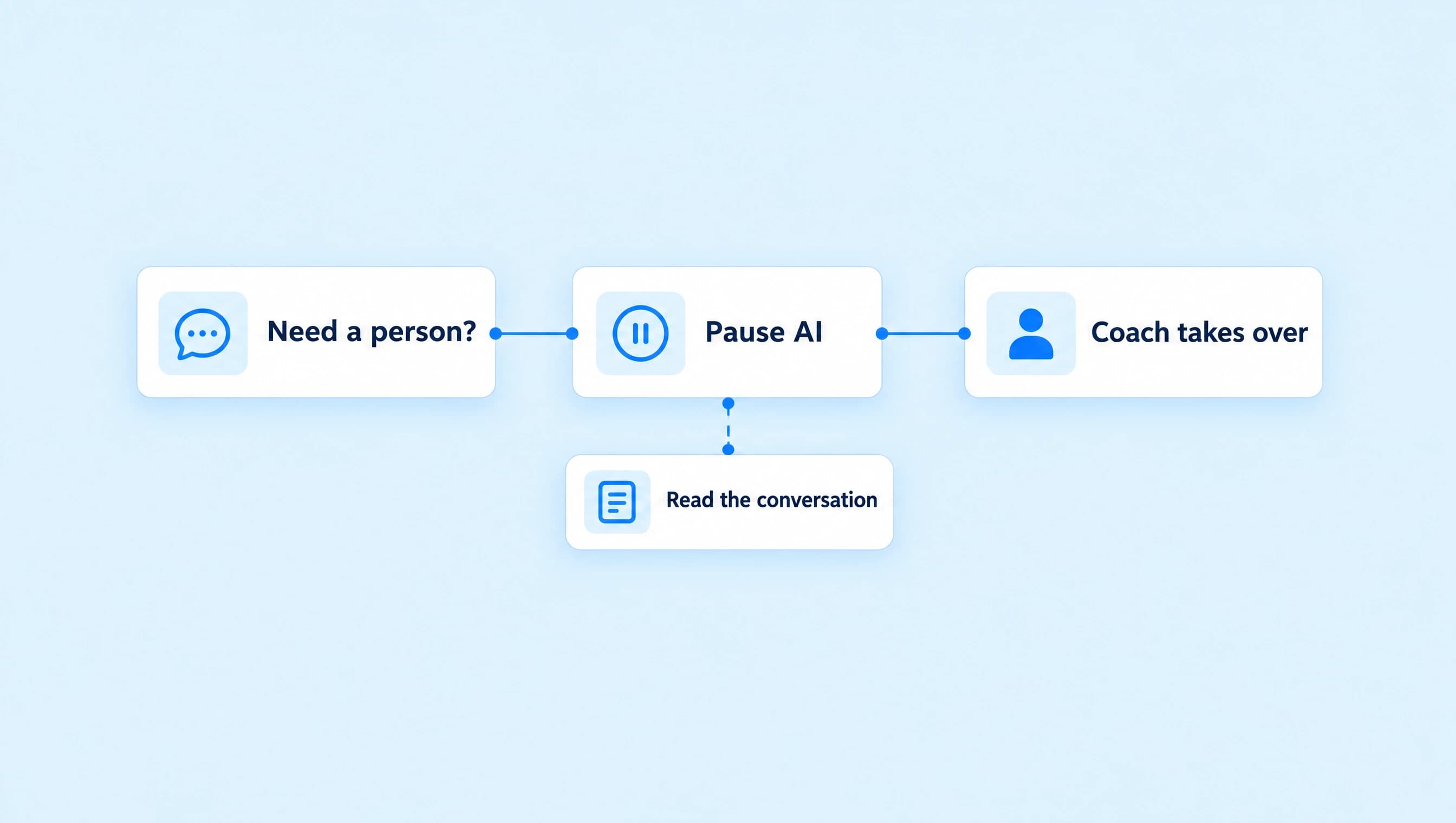
Give the agent a handoff rule for missing policy details, complaints, and direct requests for you. The human handoff guide covers taking over. If the facts are right but the replies sound wrong, work on the agent's voice before broadening its job.
For fitness coaching, define whether the agent handles program logistics and general offer questions. Route requests for personal assessment or decisions outside your service's scope to an appropriate person. The bot should not improvise a service you do not provide.
Use this launch checklist
A preview can show a tidy message while the actual destination is wrong. Check the stages separately and record what each check established.
| Check | Ready when |
|---|---|
| Offer | The caption, DM, and destination describe the same resource or call. |
| Page | A signed-out phone visitor can open it and find the information needed to continue. |
| Scope | The workflow watches the intended post or Story and the intended keyword. |
| Message | The text and button describe the next action without promising a completed booking or purchase. |
| Workflow | Check reports no unresolved setup issue; Preview shows the intended path. |
| Agent | Knowledge is indexed, approved links are correct, and Test agent handles the fit and handoff cases. |
| Delivery | A controlled receiving Instagram account gets the intended message after the supported test or live trigger. |
| Outcome | The resource opens, or the booking page allows a person to choose and confirm a time. |
| Human owner | You know who will review held replies and take over unresolved requests. |
| Measurement | You can distinguish runs, sends, clicks, and the confirmed business outcome. |
Use the agent testing guide for the checks before activation. A successful workflow check or Playground answer does not prove that a live Instagram message arrived. After publishing, use a fresh eligible interaction to check the actual trigger and inspect the receiving account.
If a message fails, read its Activity result before changing the whole setup. The delivery troubleshooting guide separates trigger, permission, timing, and destination problems.
Decide what to add from the first conversations
Read the first five conversations before adding another campaign. Note unanswered questions, incorrect links, requests for a person, and places where the reader had to repeat themselves. Fix those before expanding from one Reel to every post.
Then add the next capability that solves a recurring problem:
- Use tags and custom fields when you need consistent information to find or review interested contacts.
- Add a supported follow-up when there is a clear purpose and an eligible path for the message. Check the current conversation state before sending anything else.
- Use DM click reporting when messages are arriving but you need to understand what happens after the button.
For Northline, that first useful launch is a working CALL reply, a clear discovery-call page, and an advisor ready for the questions that arrive afterward. Start there and let the conversations show what needs another step.