
Can you sell digital products on TikTok Shop? The US rules
TikTok Shop allows approved, invite-only sellers to list certain virtual goods in the US. Learn what that means for courses, downloads, and your own store.
Yes, certain digital products can be sold on TikTok Shop in the US, but access is restricted. Sellers must be invited and approved for the Virtual Goods category. Having a TikTok account or an ordinary Shop account does not establish that approval. TikTok Shop's Virtual Goods Requirements
For a creator selling a PDF or printable, check the exact product's eligibility before building a launch around Shop. A standalone store linked from your profile is a separate selling route, with its own account and content requirements.
What TikTok Shop permits
TikTok's permitted virtual-goods examples include online courses and software. Its September 2026 US requirements limit access to invited sellers and require approval before listing. Courses have additional rules covering accurate descriptions and realistic outcome claims. Read the category requirements.
The broader Prohibited Products Policy says digital products are prohibited unless approved under that category.
Confirm both your seller access and your product's category eligibility in Seller Center. A downloadable PDF, template, or ebook is not automatically approved because it is a digital file. The permitted examples do not establish permission for every download.
These are US rules. Sellers in other markets need to check their local Shop policies.
Keep Shop checkout and your own store separate
If you sell through TikTok Shop, keep the purchase inside its shopping flow. TikTok's traffic-redirection guidance prohibits using Shop videos and livestreams to send viewers to an outside checkout for the promoted product.
Approved virtual goods may have external redemption instructions after purchase. TikTok distinguishes that delivery step from directing people elsewhere to pay. Digital delivery requirements
A LinkStack product page provides a standalone checkout. It does not create a TikTok Shop listing or replace Shop approval. Use it for your own store and follow the rules that apply to the content you use to promote it.
Set up a standalone download page
Suppose you have made a printable trail-day packing list. The product page should show what is in the PDF, whether it is free or paid, and how the reader receives it.
The LinkStack example store lets you inspect that kind of download. Its checkout controls are a demo and do not take payment.
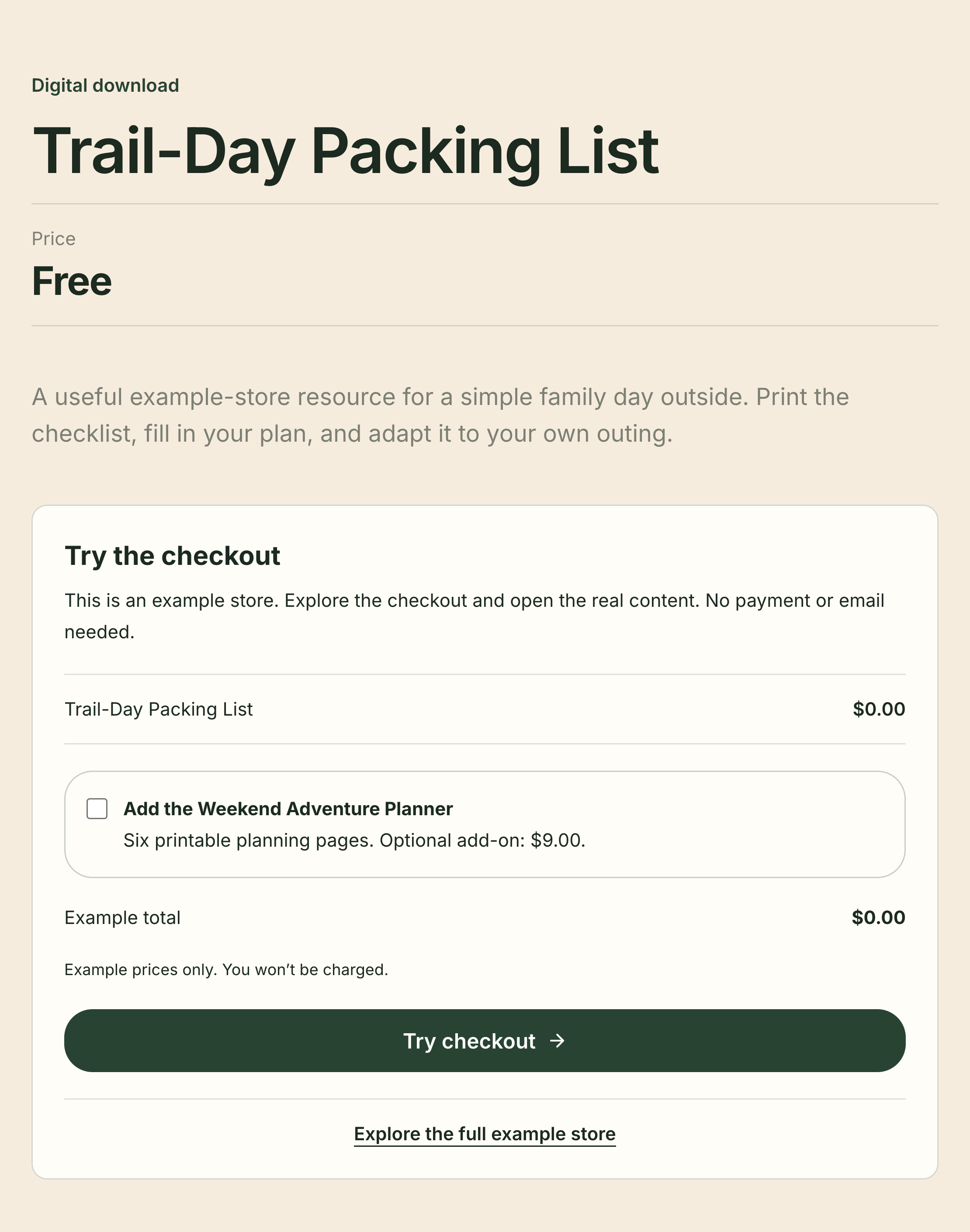
This is a standalone LinkStack example checkout. It is not a TikTok Shop listing, and its demo prices do not create a charge.
To make your own page, follow the digital-product setup guide:
- Choose Add a product on Home, then select Digital Product or Free Resource if available on your account.
- Add the name, description, price, and delivery file.
- Choose Save as Draft and preview the page.
- For a paid offer, finish Stripe setup until Payments ready appears.
- Publish when ready, then copy the public product link.
LinkStack supports Free plan selling for accounts with product access. Its platform fee is 10% on Free, 5% on Starter, and 0% on Growth, with Stripe processing separate. Compare the current plans before choosing one.
Add your store to an eligible profile
TikTok's profile help says a website link requires at least 1,000 followers or a Verified Business Account. To add one, open Profile, choose Edit profile, then Add beside links and follow the website prompts. TikTok's profile-link instructions
Use the product's public URL for a single offer. If you have several offers, add a product card to your LinkStack bio page and use that page's URL.
For ordinary content promoting your own business, TikTok requires the content disclosure setting. Its help page explains how to select your own brand. Shop content remains subject to the separate shopping and redirection rules above. TikTok's commercial-content guidance
Check the path before sharing
Open the profile link from your phone. Confirm that it reaches the intended product, the price is visible, and the description matches the file you attached. If you use a bio page, give the product card the same name you use in the video.
Open Products to prepare the download, or use the example store guide to inspect a finished page first.