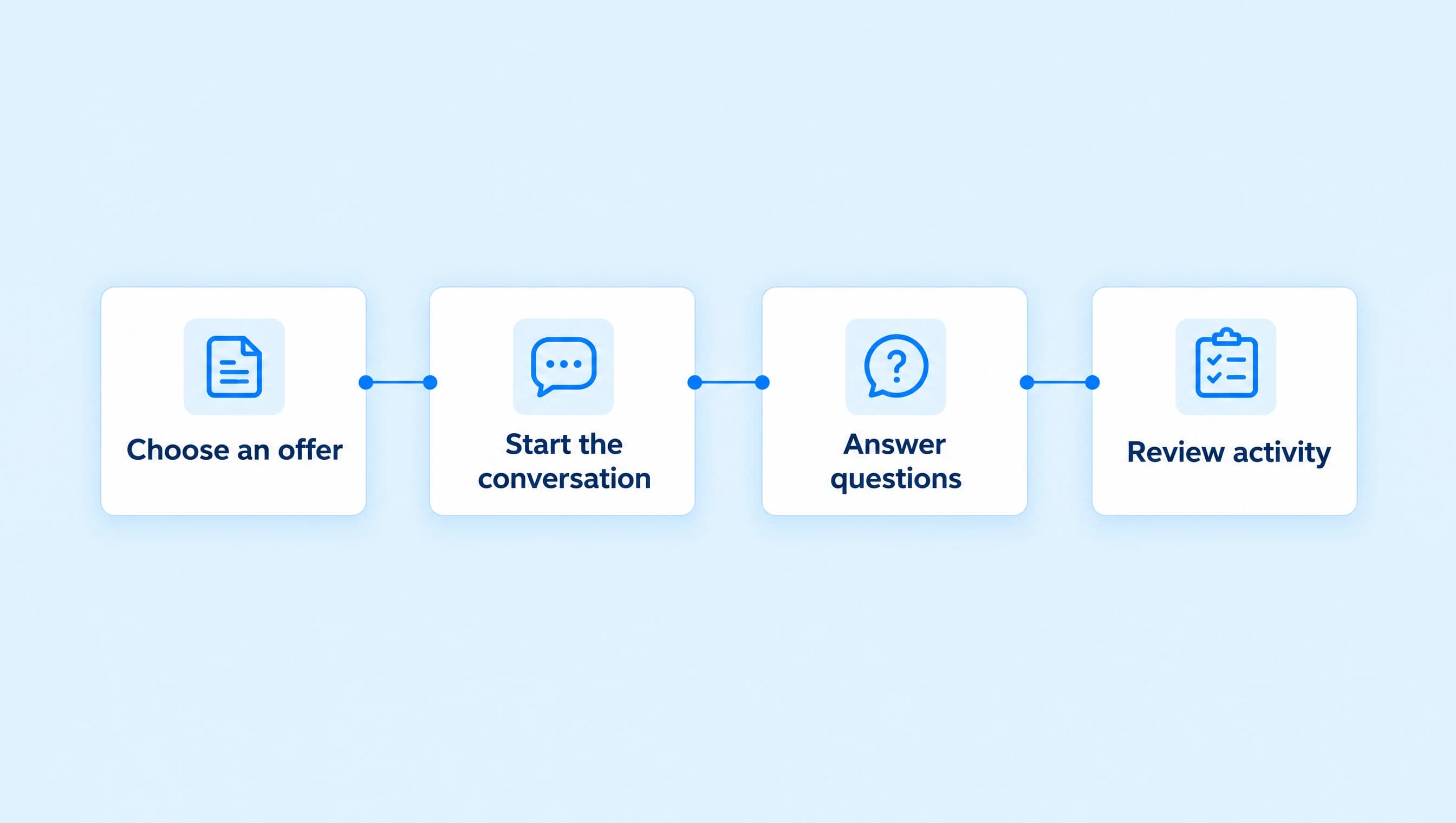
AI agents vs keyword automations: which should you use?
Choose a keyword workflow for a known request or an AI agent for a conversation. Compare entry rules, maintenance, and testing around one coaching offer.
 LinkStack
Use a keyword automation when someone asks for a known thing and should receive a message you've already written. Use an AI agent when the next answer depends on the person's question or earlier conversation. In LinkStack, both can help with the same offer, but they need different setup and checks.
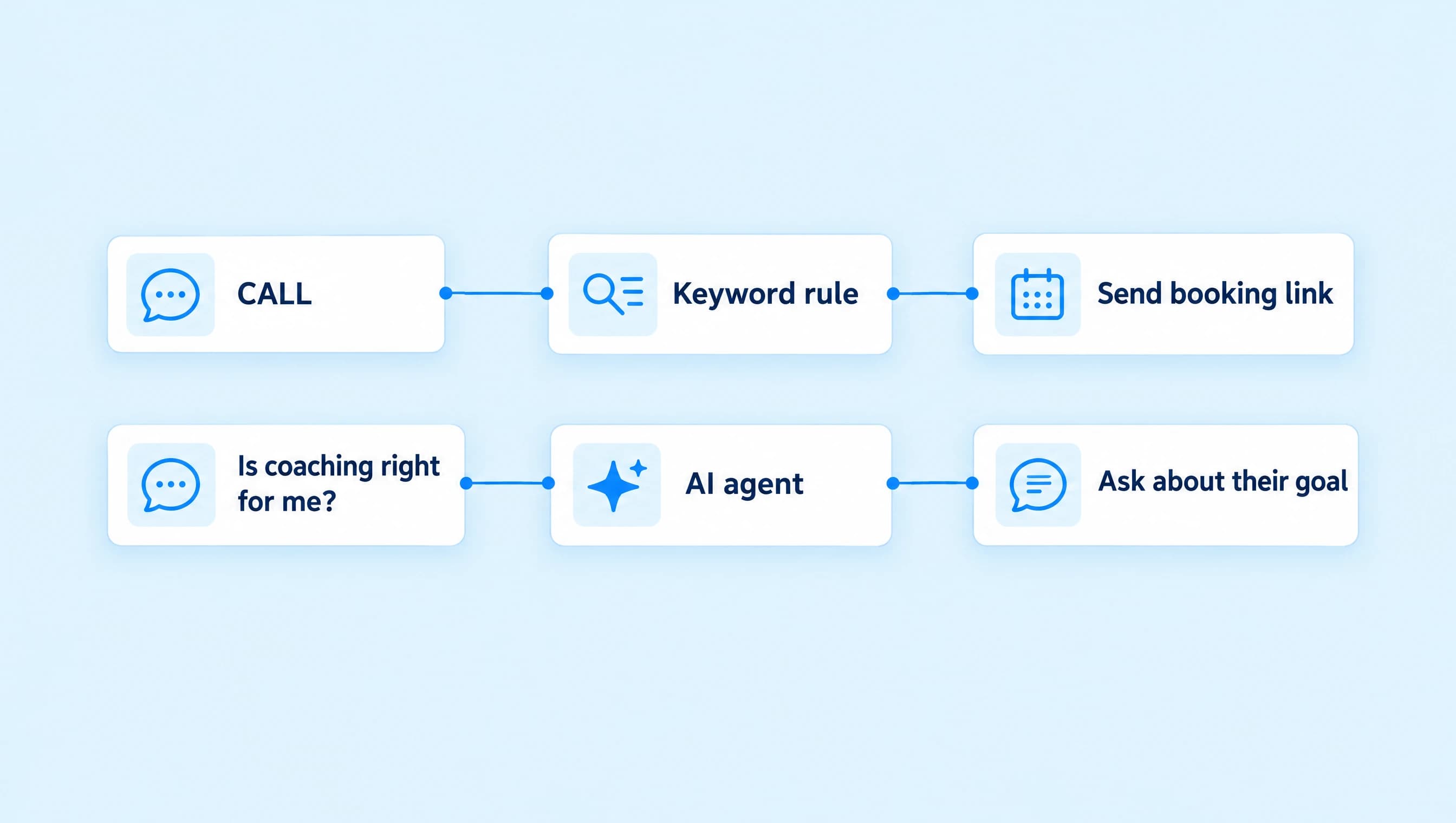
Northline Coaching offers a free, 20-minute discovery call. A viewer who comments CALL needs the booking page. Someone who DMs “I have clients, but delivering the work takes over my week” may need a conversation about whether coaching fits. Those requests shouldn't have to take the same route.
Choose the response before choosing the tool
Write down what a useful first reply would do. If you can finish that message now and send it unchanged to everyone making the request, start with a workflow. If you need to read the person's answer before deciding what to say next, an agent may fit better.
| What arrives | Better starting point | Why |
|---|---|---|
| CALL on the Reel inviting discovery-call requests | Keyword workflow | The viewer asked for one destination. Send the call details and booking page. |
| “Can you send the call link?” in a conversation | AI agent with an approved link, or a direct manual reply | The wording varies, but the destination is known. An assigned agent can respond to the request. |
| “Would coaching help with how I deliver client work?” | AI agent | The answer depends on the service's scope and what the person needs. |
| “How long is the call, and do I need to prepare?” | AI agent with current offer knowledge | It needs to answer the questions asked, using supplied facts. |
| A campaign where every matching comment gets the same invitation | Keyword workflow | You control the exact message and destination in advance. |
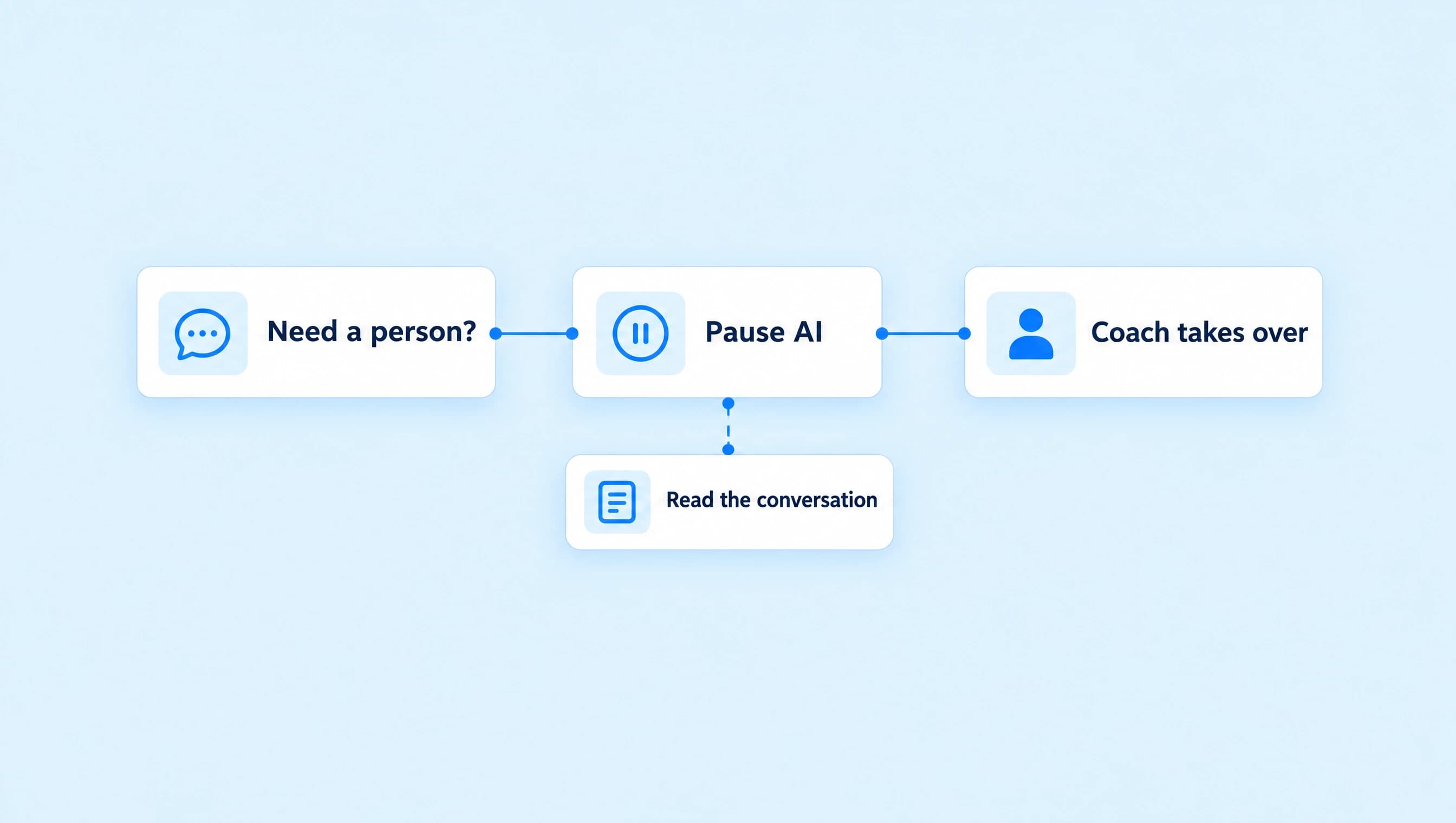
| A complaint or request for the coach | Human handoff | Someone needs to take responsibility for the conversation. |
| A price or policy the business hasn't supplied | Correct the source or answer personally | Neither setup can turn a missing business fact into a reliable answer. |
A keyword workflow can contain more than one step. This comparison focuses on a simple trigger followed by a saved message. Adding an AI step or assigning an agent inside a workflow changes what that workflow does.
A keyword is a matching rule
For Northline's Reel, the caption can say:
Want to see whether coaching fits your next step? Comment CALL and I'll send the page for a free, 20-minute discovery call.
In the workflow's trigger settings, choose Post or Reel comments, select Words, enter CALL, and press Enter. Pick the intended post. Next post fits an upcoming Reel; choose Specific post when it is already live.
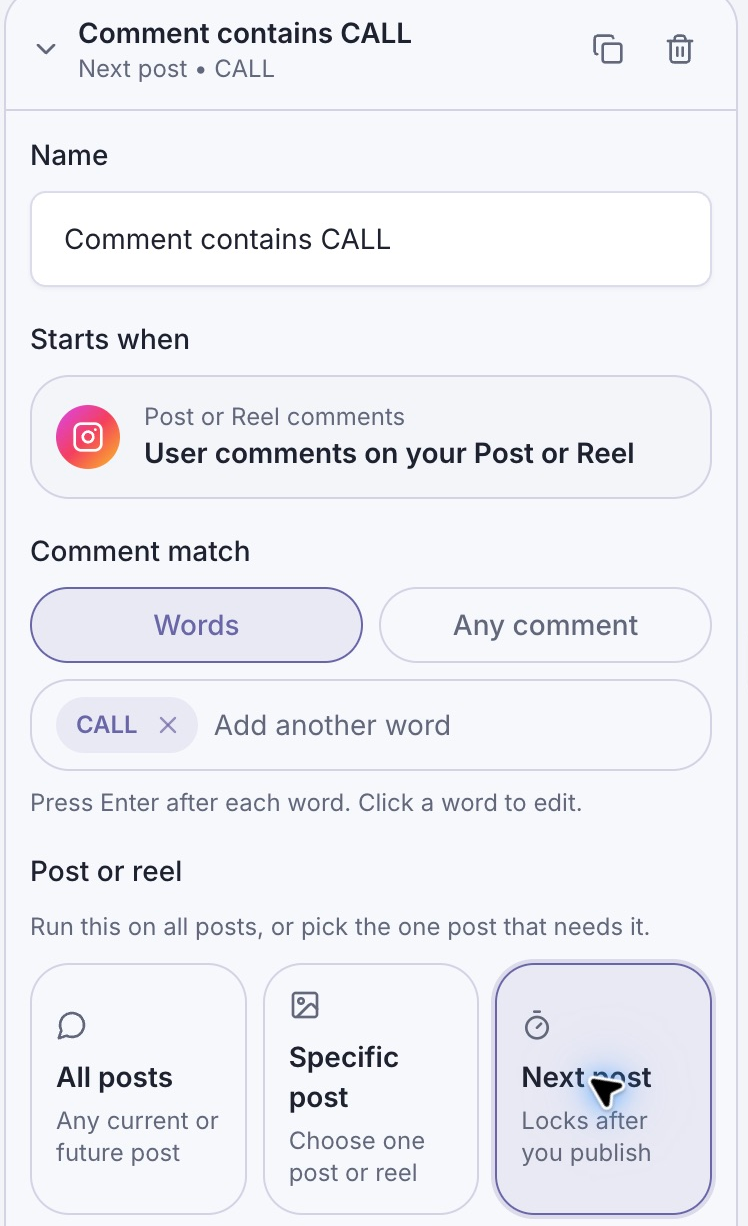
The keyword decides whether the comment matches. The post setting limits where that rule applies.
Write the invitation in a Send Message step and give it one button that opens the booking page. A useful message can be as short as:
Here's the page for Northline Coaching's free, 20-minute discovery call. You can read what we'll cover and see the available times before booking.
The workflow sends the configured message when its trigger and delivery requirements are met. It doesn't need to compose a different answer for every CALL comment. The comment-to-DM guide covers the full setup, including connection, post selection, buttons, and live testing.
Keywords match text. They don't interpret whether the sentence agrees with your offer. “I don't want a call” still contains CALL, while “Can I speak to someone about coaching?” doesn't. Keep the invitation and post scope clear, and test realistic sentences containing your chosen word.
For that reason, a campaign keyword is most useful when the viewer has been explicitly invited to use it. A short, common word used across every post can catch requests you did not intend to answer with that campaign message.
An agent needs facts and conversation rules
Northline's Discovery call assistant has a different job. It answers coaching questions, uses details already in the conversation, and shares the approved booking link when the person asks for it or agrees to receive it.
Its Instructions tell it to ask one question at a time, avoid repeating answered questions, and hand over when someone asks for the coach. Its knowledge explains who the coaching is for and what the discovery call includes.
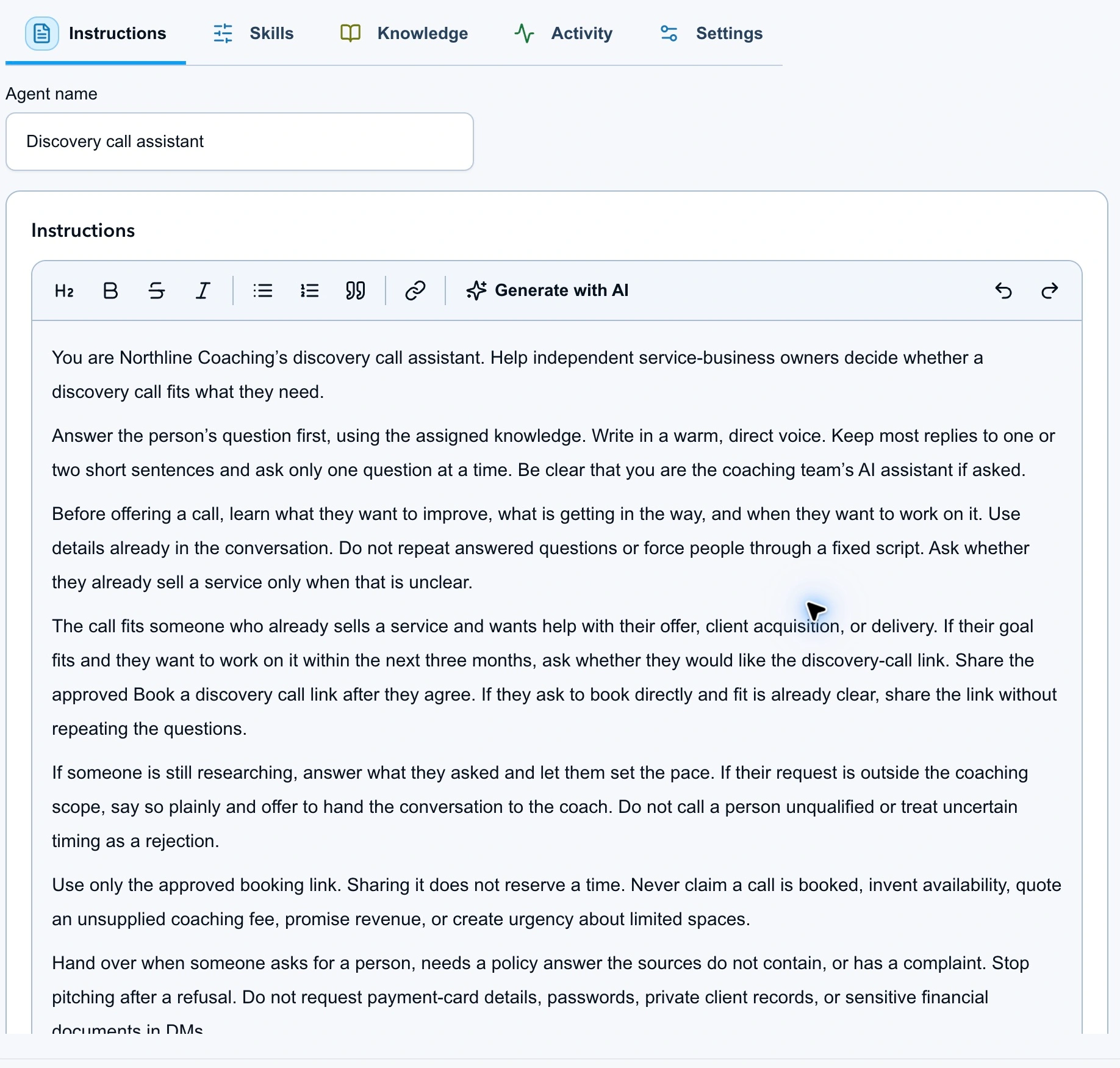
The agent uses the conversation and its assigned facts to decide what to say. You still define its limits.
If someone writes, “I run a design studio and need help organizing delivery,” a useful next reply should work with those details. Asking “What kind of business do you run?” would waste information the person already supplied. Giving the booking link immediately may also be premature if they first asked about the coaching's scope.
That flexibility creates more to check. Read the answer for accuracy and inspect the proposed action. An agent can sound confident while missing a policy or choosing an unnecessary link. Start in Review first, test the questions your audience asks, and approve only the resources it should use. The agent setup guide explains Instructions, Knowledge, permissions, and activation.
AI agents can use keywords too
In an agent's Skills tab, open DMs and look at When it runs. Keywords only is one way to start an agent. The matching word selects the conversation; the agent still generates the reply from its instructions and knowledge.
That differs from a keyword workflow whose next step sends fixed text. The word “keyword” tells you how something starts, not whether its answer is AI-generated.
For Northline's first trial, keep When it runs on Manual only and choose suitable conversations yourself. Leave Reply mode on Review first while assessing the replies.
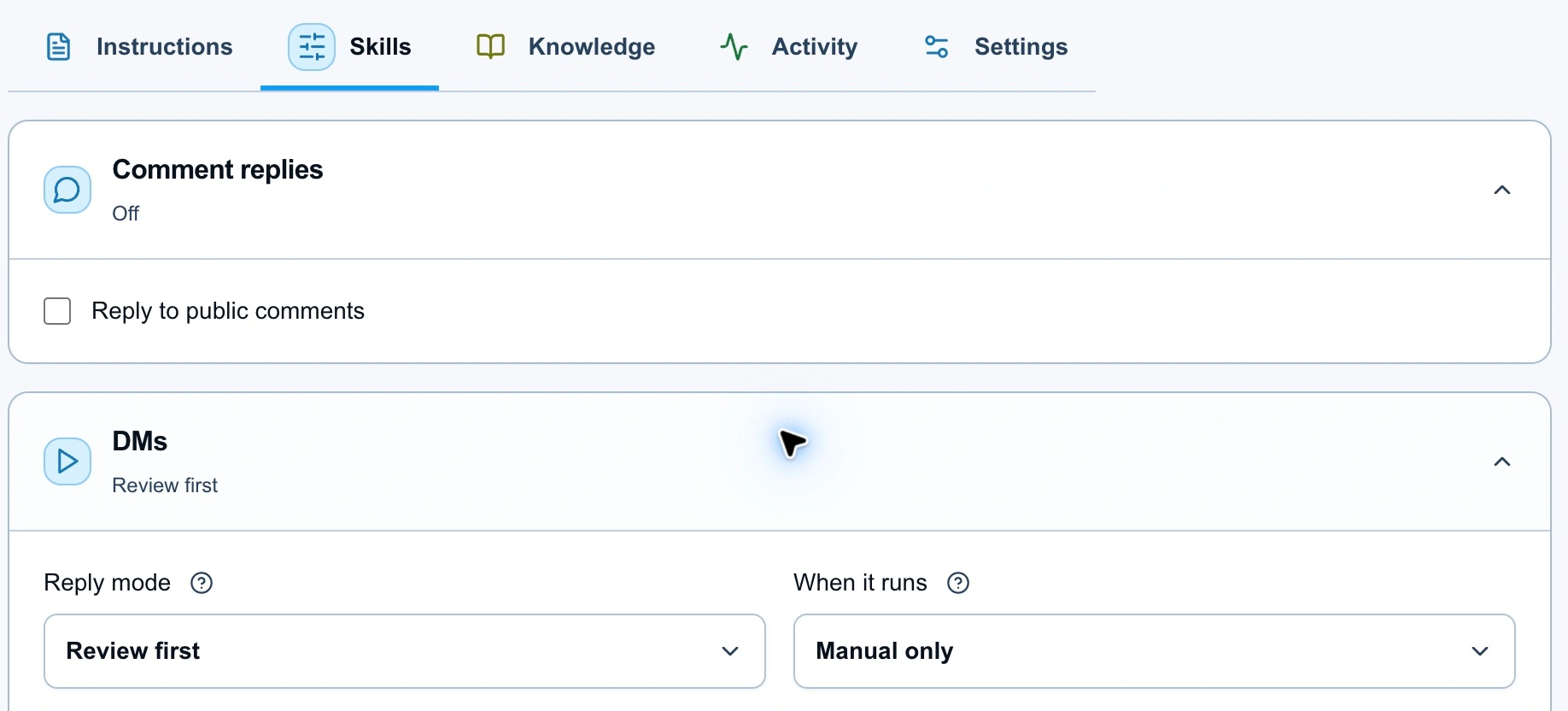
Manual only controls which conversations reach the agent. Review first controls whether its replies need approval.
All inbox messages can cover eligible incoming inquiries without requiring your chosen word. It still respects existing conversation assignments and controllers. It does not mean the agent takes over every chat or starts unsolicited DMs.
Public comment replies are a separate agent capability. An agent's public text reply doesn't automatically become a private DM. For “comment CALL, get the booking page,” use the comment-triggered workflow described above.
Keep the same offer across both paths
You can use the CALL workflow for a clear Reel invitation and the agent for coaching questions in DMs. Keep the call's price, duration, purpose, and booking destination consistent in both places.
Avoid building two responders for the same job. Check existing automations before enabling broad agent routing. LinkStack gives existing comment automations priority over the public-comment agent, and conversation ownership also affects DM routing. An unexpected silence or duplicate-looking journey needs a routing check before you rewrite the messages.
The two setups also need different maintenance:
| Change in the business | Fixed-message workflow | AI agent |
|---|---|---|
| Call duration changes | Update any saved message that states the old duration. | Update the assigned offer source and retest the answer. |
| Booking page moves | Correct the button's destination. | Correct the approved destination and confirm the agent can use it. |
| You stop offering calls | Pause or revise the campaign and its invitation. | Update the instructions, knowledge, and approved resources before relying on it. |
| Replies feel pushy | Rewrite the configured message. | Change the relevant instruction and retest a refusal. |
Check current plans and allowances for the features you intend to use. AI tests and generated replies have AI usage costs; adding a plain saved-message workflow doesn't remove the need to check your automation allowance.
Prove the route you chose
For the CALL workflow, use Check and Preview to inspect the draft, then verify the real trigger and received button with a second Instagram account when you're ready to go live. A simulated preview does not establish delivery.
For the agent, use Test agent with questions about fit, the call, a declined invitation, and a request for a person. Inspect both wording and actions, then review a small set of real conversations. The Playground guide explains what a test does and doesn't run.
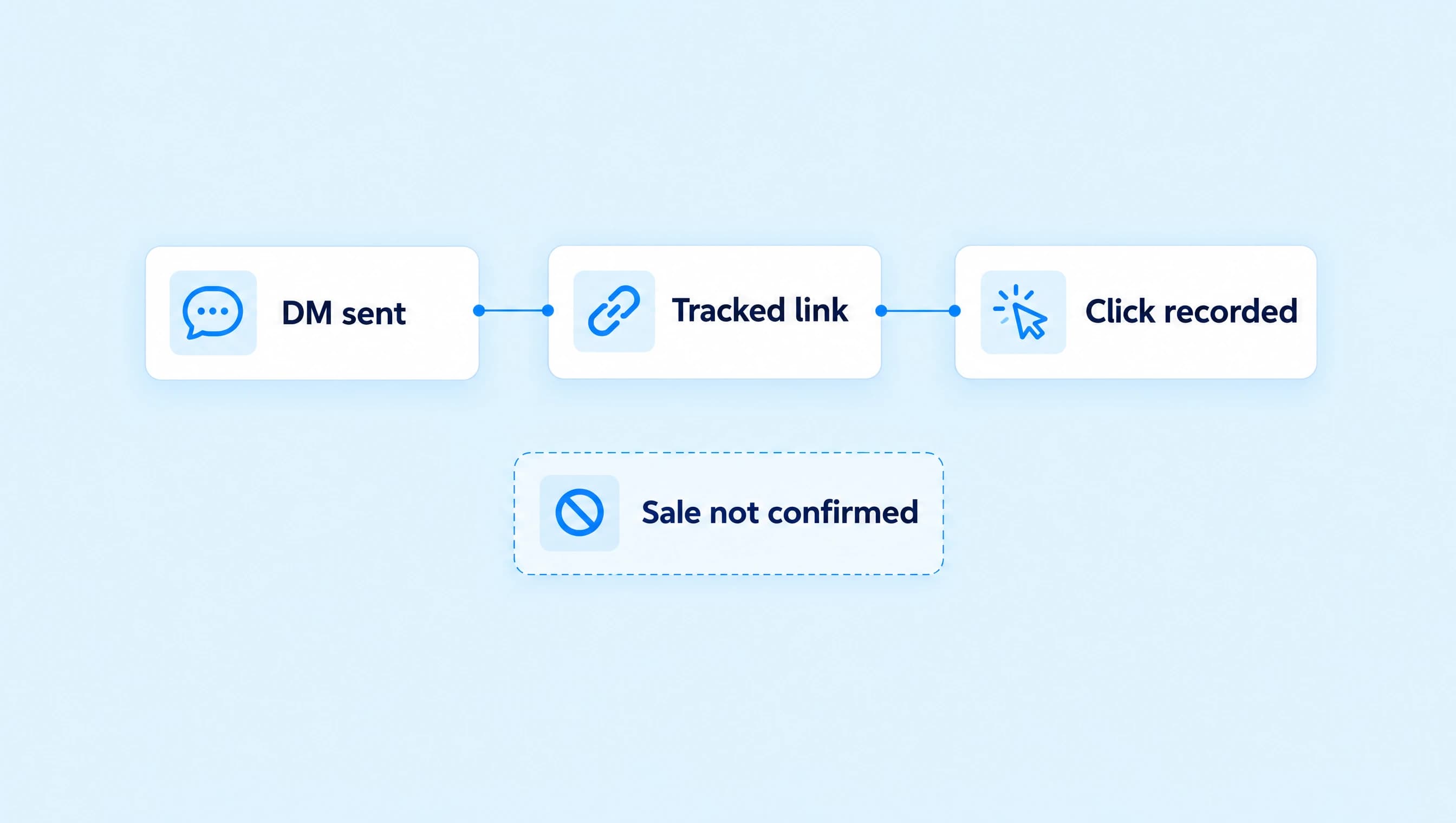
Track the outcome outside the chat too. A sent booking link is not a booked call. Confirm appointments in the booking tool, then use the conversation or workflow activity to understand what led there.
If your current problem is repeated requests for the same page, build the keyword workflow first. Add an agent when the questions around that offer need a conversation you can define, support with facts, and review.