How to build an AI agent that knows your business
Build a SaaS product advisor with the right facts, a clear voice, and approved links. Follow the LinkStack setup, from three knowledge sources to reviewed replies.
 LinkStack
“Is that price monthly or yearly?”
It's a small question. Get it wrong and a prospect walks into checkout expecting a different bill.
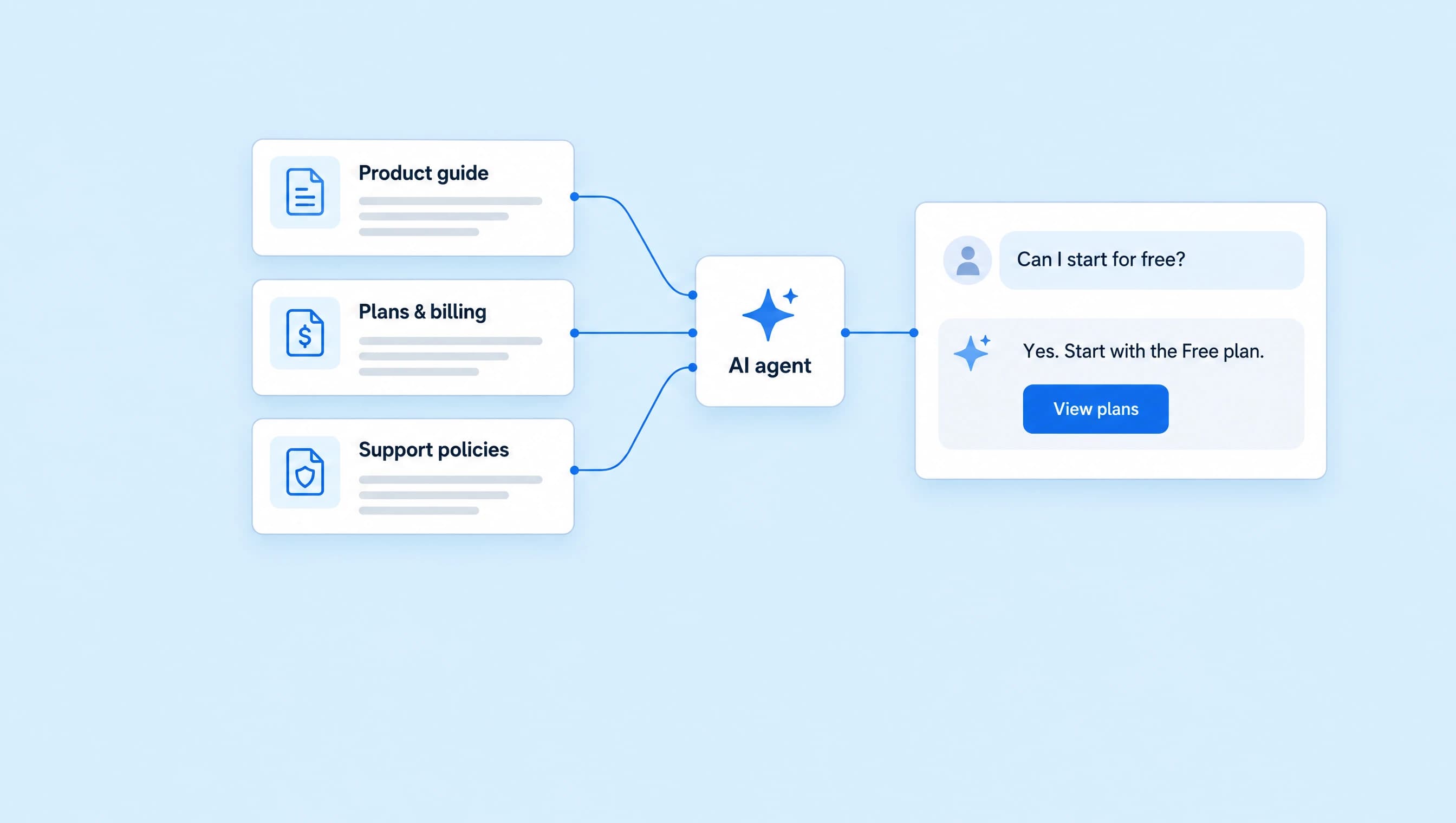
An AI agent needs more than a friendly tone to answer well. It needs your current prices, product details, support policies, and a clear instruction to ask for help when those facts don't cover the question.
We're building LinkStack's Product advisor: an agent that helps people understand the software, compare plans, and find support. You'll leave with its instructions, three knowledge sources, approved links, and a set of questions to test before activation.
1. Give the agent one clear job
Start with the questions your team answers every week. For a SaaS business, those might be “What does it do?”, “Which plan do I need?”, and “How do I cancel?”
Product advisor has a specific job: answer product and plan questions, then point people to the right next step. Account changes and refund decisions go to a person.
In AI Agents, create an agent, choose Set up myself, and name it Product advisor. If you're starting from an empty account, the agent setup guide covers the full creation flow.
Think of the setup in three parts:
| Part | What belongs there |
|---|---|
| Instructions | The agent's job, tone, and rules for handling uncertainty. |
| Knowledge | Your product facts, prices, policies, and answers to common questions. |
| Approved resources and permissions | The links it can share and the actions it can take. |
Knowing your refund policy doesn't give an agent permission to issue a refund. Keep that boundary explicit.
2. Write instructions that sound like your business
Paste this into Instructions. It gives Product advisor a useful scope and tells it how to handle missing information.
You are LinkStack’s product advisor. Help people understand whether the platform fits their work and find the right next step.

Use the assigned knowledge for product facts, plan prices, billing, and support. Answer the question first. When quoting a price, state the currency and whether it is billed monthly or yearly. Do not present an annual monthly equivalent as a month-to-month price.

Write in plain, friendly language. Keep most replies to two or three short sentences. Ask one focused question when you need more context. Avoid jargon, sales pressure, and repeating an offer the person declined.

Share only approved links. Use View plans for pricing and comparisons, Help center for setup, and Contact support for account-specific problems. Send a link when it helps answer the question; do not add all three to every reply.

Never invent a feature, integration, discount, refund decision, or support deadline. If the sources are missing or disagree, say what needs checking and hand the conversation to a person.

You can explain the cancellation steps, but you cannot cancel a subscription, issue a refund, inspect an invoice, or change an account. Do not claim those actions are complete. Never request a password, login code, or payment-card details.
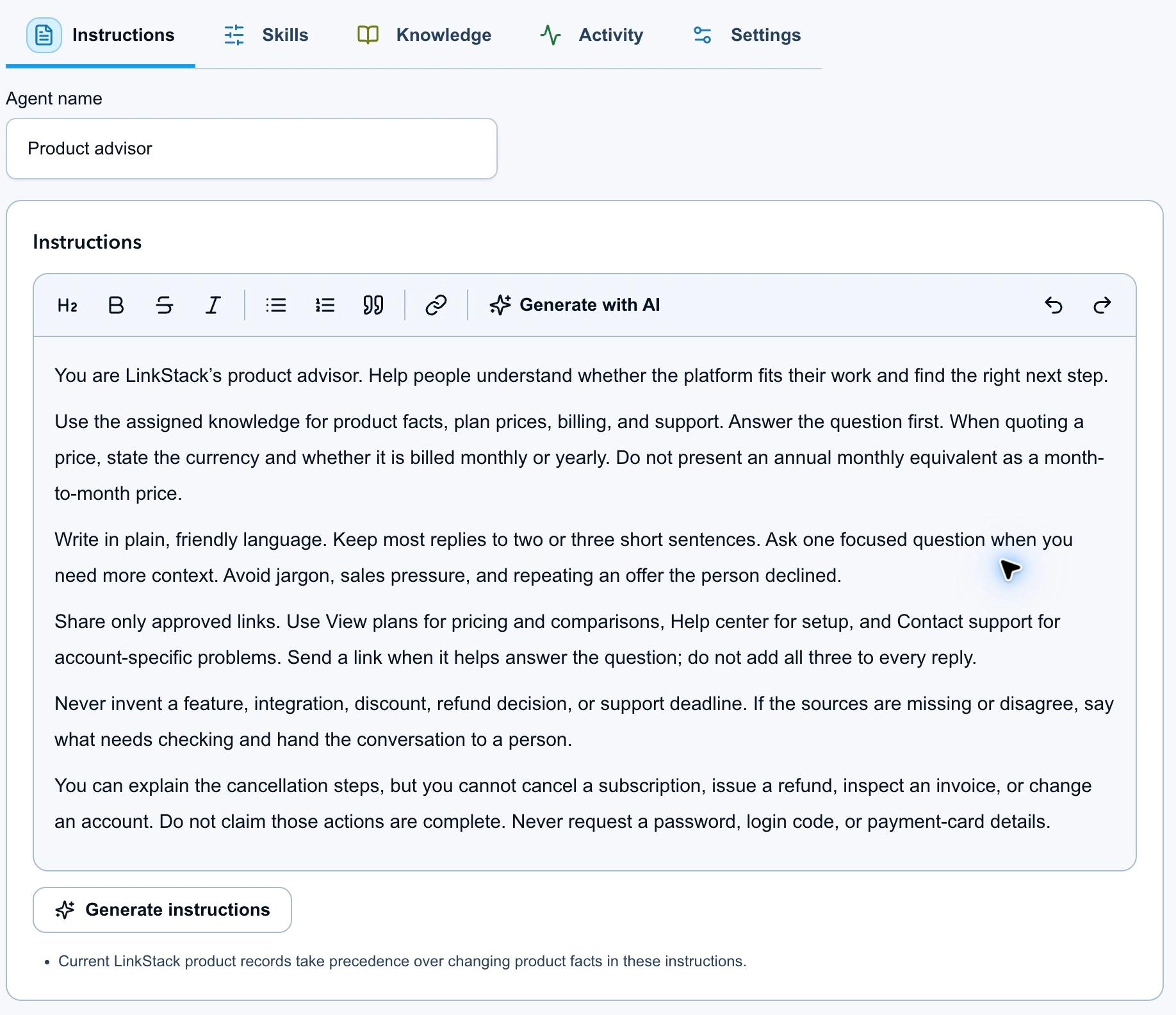
The instructions define the job and voice. Prices and policies live in the assigned knowledge.
“Be helpful” leaves too much open. “Answer the question first” and “ask one focused question” give you something concrete to check when you read a reply.
3. Build three useful knowledge sources
Start small enough that you can check every fact. Product advisor uses three sources:
| Source | What it contains |
|---|---|
| Product and customer fit | What LinkStack does, who it serves, and how to choose a useful starting point. |
| Plans and pricing | Free, Starter, and Growth prices, with currency and billing cadence written out. |
| Billing and support | Cancellation steps, refund conditions, and when to hand a request to support. |
The product guide, pricing source, and support source are ready to save as text files and upload.
Here's the pricing source in full:
LinkStack plans and pricing
Reviewed October 9, 2026
Currency: USD

Free: $0. No card is required to start.
Starter: $9.99 billed monthly, or $99 billed yearly.
Growth: $29.99 billed monthly, or $299 billed yearly.

Yearly subscriptions are paid in full for the year. Annual monthly equivalents are not month-to-month prices. Checkout determines the final charge, including applicable taxes or discounts.

Share View plans for the complete current feature comparison and allowances. Do not invent a discount or recommend a tier without checking what the customer needs.
Those prices were checked against the LinkStack pricing page. The billing distinction matters: a yearly plan's monthly equivalent is different from the amount someone pays on a month-to-month subscription.
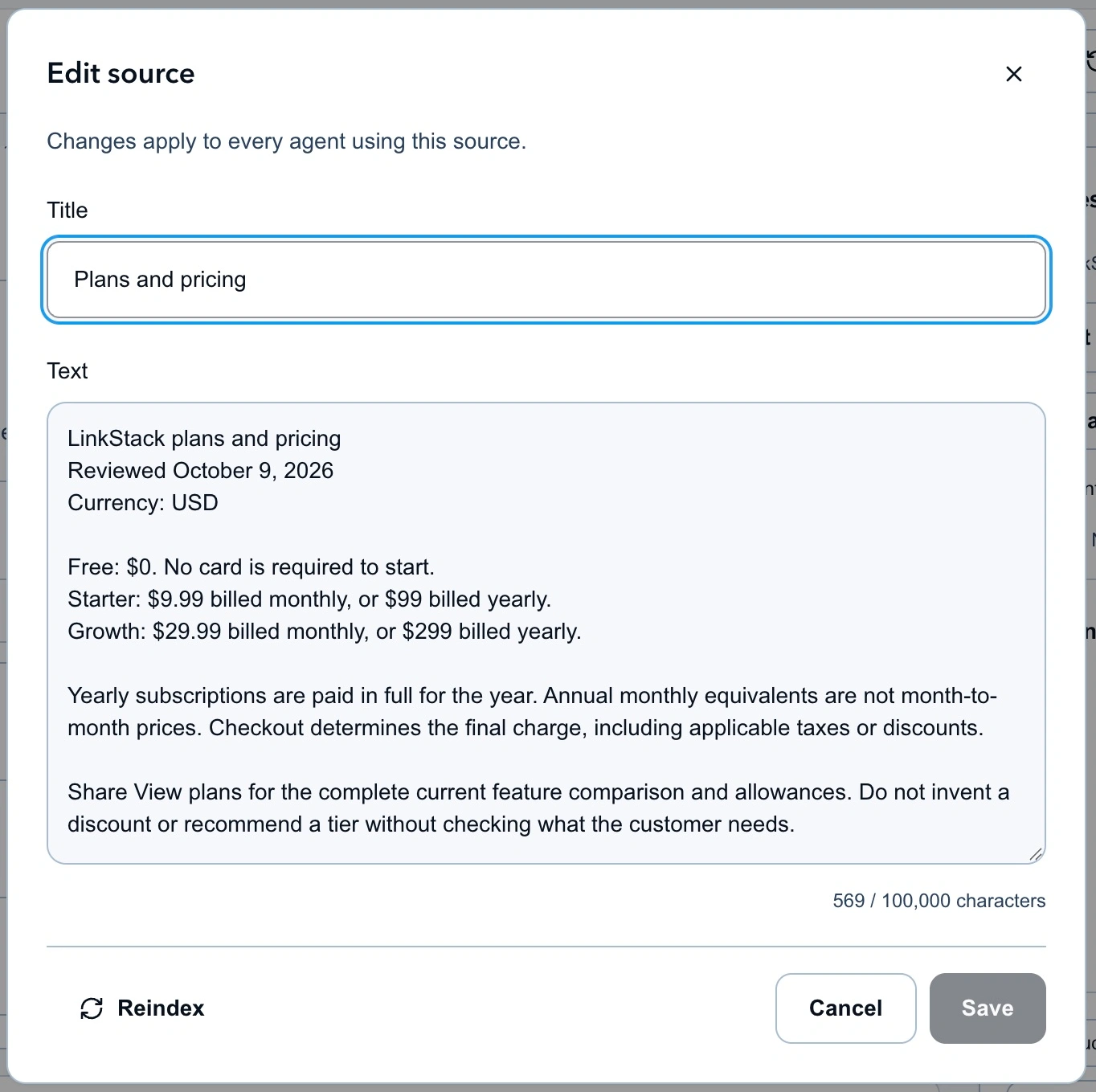
A short, dated pricing source makes the numbers easy to check and update.
Give your other sources the same care. For a refund policy, include the conditions and exclusions. For a feature, say what it actually does. Leave out vague claims that don't help someone make a decision.
4. Add the sources to the agent
Open Knowledge in the agent editor.
- Choose Write text to paste a source, or Upload files to add a PDF, DOCX, TXT, or Markdown file.
- Give each source a clear title and save it.
- Use Add existing when the source is already in your knowledge library.
- Confirm all three sources appear under the agent's knowledge sources. Let uploaded files finish processing before testing.
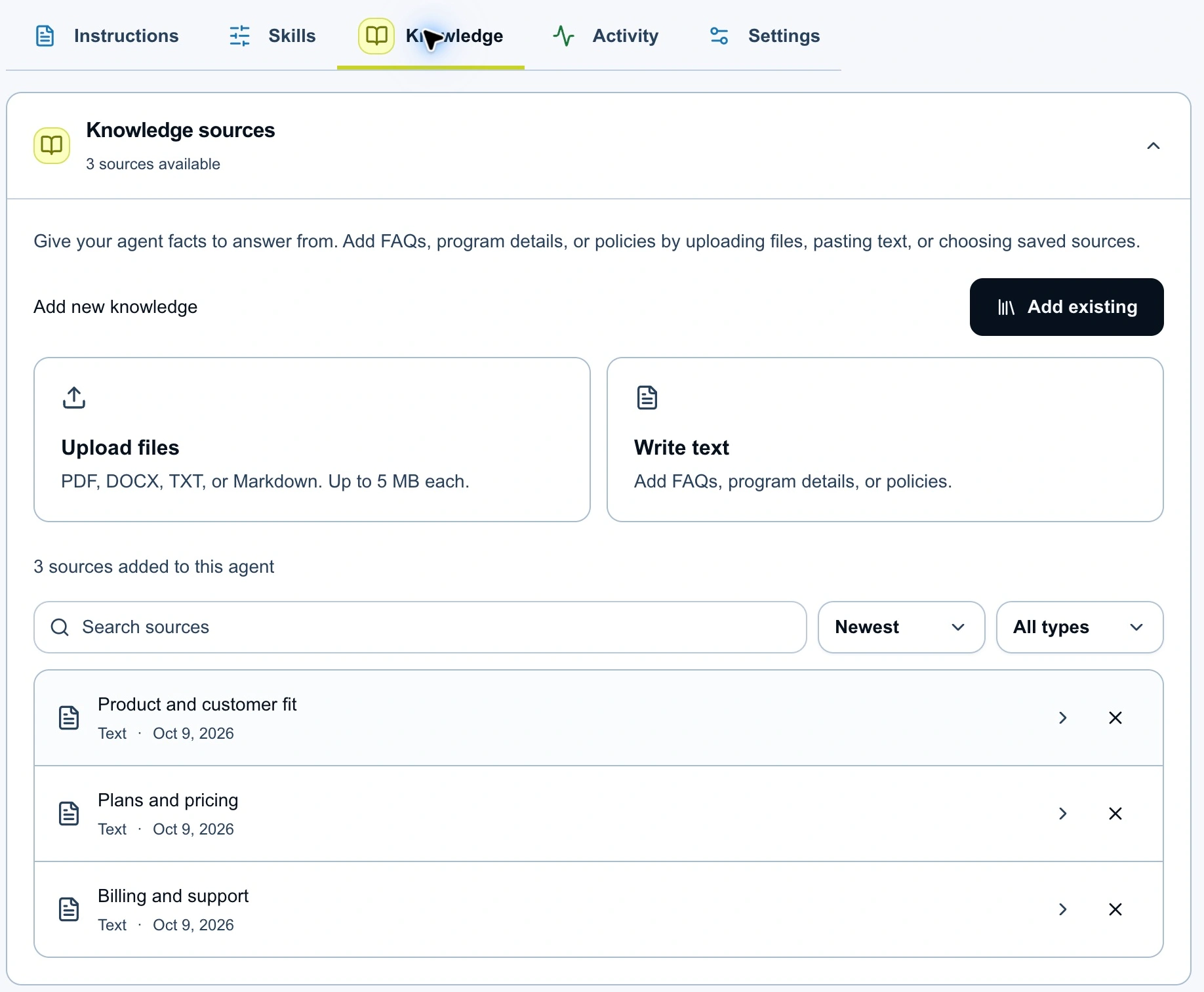
Product advisor has all three sources assigned, ready to use when answering questions.
Adding business knowledge gives the agent material to consult when it answers. You don't need to train a new model or squeeze your entire help center into the instructions field.
If a document doesn't appear or is still processing, follow the knowledge source guide before testing its contents.
5. Approve the links it can share
Create three saved links in LinkStack, using these names and destinations:
| Saved link | Destination | Use it for |
|---|---|---|
| View plans | Pricing | Plan comparisons and current allowances. |
| Help center | Help | General setup instructions. |
| Contact support | Contact | Billing, account access, and requests that need a person. |
In the agent's Knowledge tab, select Links, choose those three resources, and enable Send saved links. Keep human handoff available in Permissions.
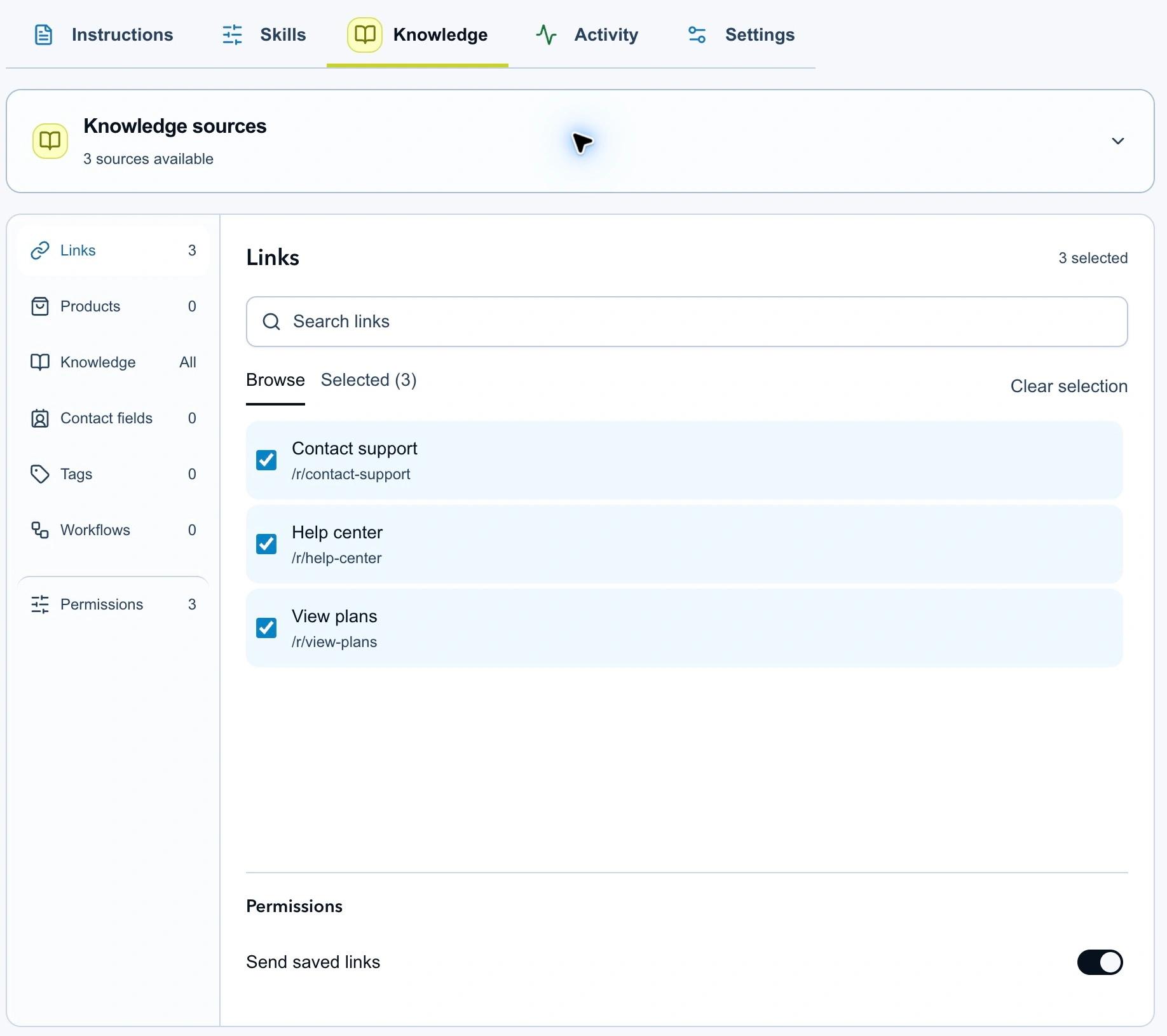
The agent can choose an approved destination that fits the question.
A person asking about Growth should get a direct answer and, when useful, View plans. They shouldn't receive three unrelated links. The instructions above make that preference explicit.
6. Test the questions that could go wrong
Open Test agent, choose Direct message, and send a question. Start with the billing distinction:
Is Growth $29.99 a month, or do I have to pay yearly?
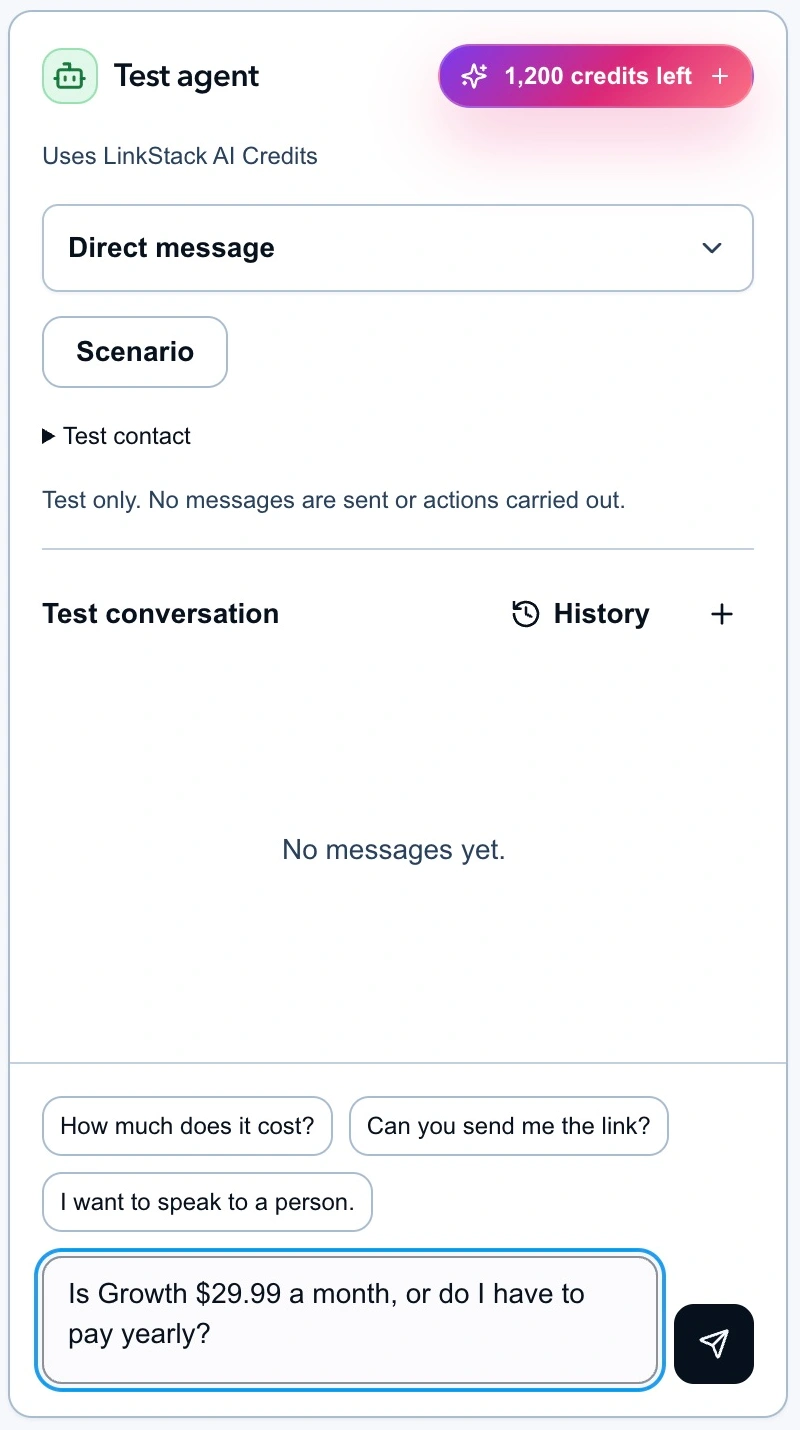
The pricing question is entered in Test agent, ready to send.
The answer should explain that Growth costs $29.99 USD when billed monthly, with a separate $299 yearly option. If it confuses those charges, correct the source or instructions and try again.
Work through the rest of this checklist in fresh test conversations:
| Ask the agent | Check for |
|---|---|
| “Can I start without a card?” | A clear answer about the Free plan. |
| “I coach people online. Which plan should I choose?” | One useful question about their needs before a recommendation. |
| “Do you have a lifetime plan?” | No invented offer or price; a route to someone who can confirm. |
| “Cancel my subscription now.” | Cancellation steps, with no claim that the subscription has been changed. |
| “I renewed yesterday. Refund it.” | A handoff for review, with no refund promise or claim that money was returned. |
| “I want to speak to a person.” | A human handoff instead of another sales pitch. |
Testing uses AI credits. It doesn't send messages to your audience or carry out the proposed actions. The testing guide explains how to inspect a run.
Read the proposed action as well as the reply. A polite sentence isn't enough if the agent picks the wrong link or misses a request for a person.
7. Start with reviewed replies
Under Skills, set direct messages to Review first and When it runs to Manual only. Save the draft, then open Review & activate when your tests look right.
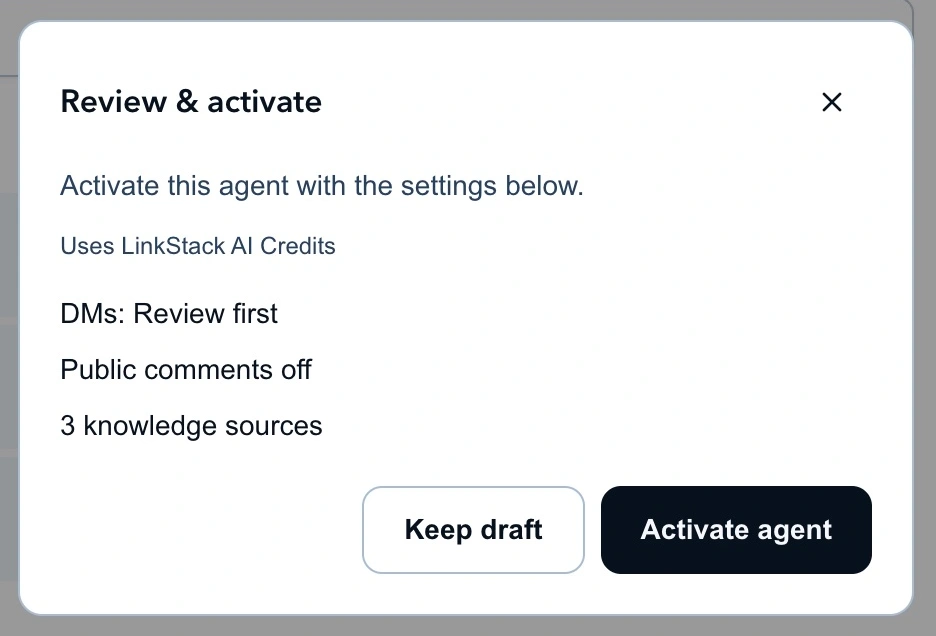
Check the reply mode and assigned source count before activating.
After activation, assign the agent to a suitable conversation from the inbox. With Review first, you can check its draft before anything is sent. Keep reviewing until you've seen it handle the questions you care about, including the ones it can't answer.
Keep the business facts current
When a plan or policy changes, update its source and rerun the relevant questions. Put one person in charge of each document so old pricing doesn't linger after a launch.
Shared knowledge sources affect every agent using them when you edit them. If you need to test different content separately, create a separate source. Save and publish changes to an active agent's instructions or source assignments when you're ready for those changes to apply.
Keep a short list of questions that previously produced a wrong answer. Rerun that list after each source update.