Instagram DM automation rules: what you can send and when
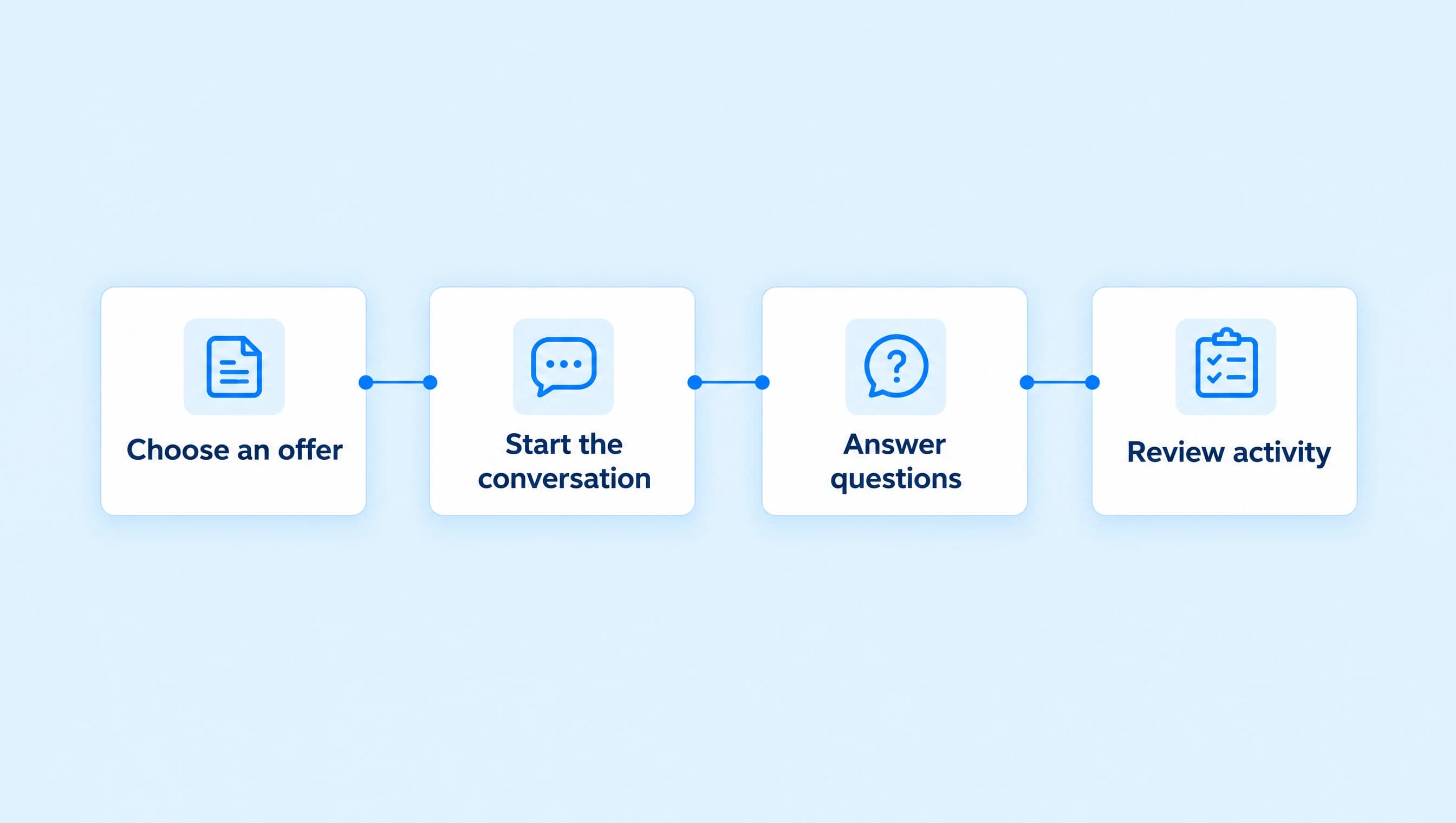
Plan your Instagram DMs around the first private reply and the conversation that follows. Use a CALL campaign timeline to check messages, buttons, and delays.
 LinkStack
A CALL comment can start one private reply. It does not, by itself, give your automation an open conversation to continue. Make the first DM deliver the page you promised, then let any further messages depend on a qualifying response.
For Northline Coaching, that means sending the page for its free, 20-minute discovery call when someone comments CALL. A reminder tomorrow needs a separate eligibility check, even if the person clicked the booking button today.
The first private reply has its own deadline
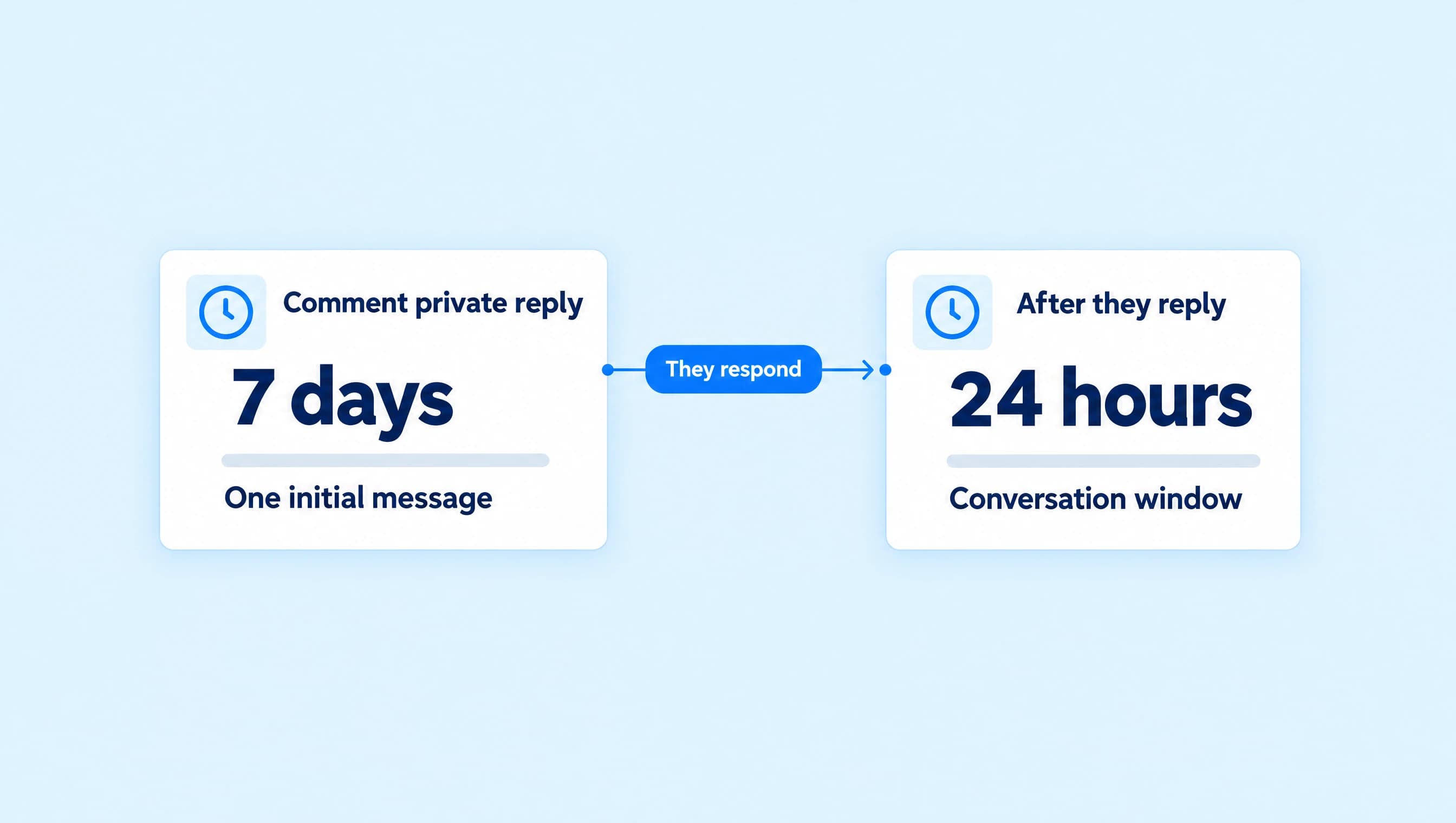
For post and Reel comments, Meta allows one initial private reply per comment, sent within seven days. Further messages require a response from the recipient and must stay within 24 hours of that response. Instagram Live has a different initial deadline: private replies must be sent during the broadcast. Followers receive private replies in their Inbox; nonfollowers receive them in Requests. These are Meta's published private-reply rules.
The seven-day allowance is not a seven-day DM conversation. Use it to fulfill the request made in the comment. For Northline, the first message should contain the discovery-call invitation and destination, so the viewer can act without receiving another message.
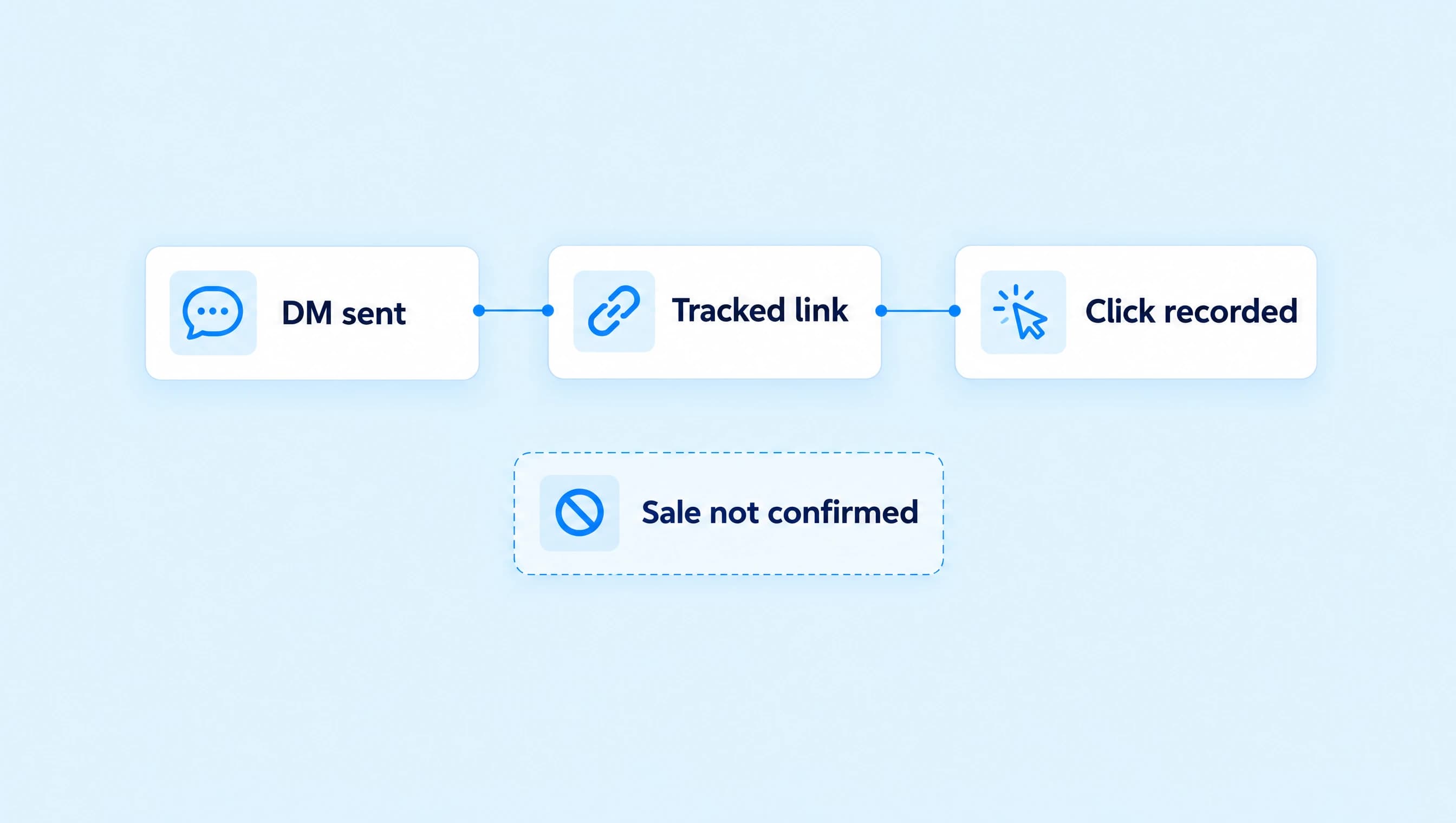
Delivery location matters when checking the flow. A person who does not follow the account may need to look in Requests. A message being sent does not establish that they opened it or booked a call.
What actually opens the conversation window?
LinkStack's normal automated Instagram DMs use a rolling 24-hour window. An incoming DM, story reply, or qualifying quick reply or postback interaction can open or refresh it. A public comment, ordinary website-button click, or outbound message does not. The messaging-window guide explains which events count.
This distinction is easy to miss with booking buttons. Book a discovery call may open a website, which is useful for the viewer. That website visit is not a chat reply. Don't add a follow-up on the assumption that pressing any button starts the DM timer.
A qualifying chat button sends an interaction back through Meta. Its behavior matters, not its label. If the next message depends on that interaction, check the button's configured action before publishing.
Follow one CALL request through the clock
The times below illustrate a planned flow, not a recorded conversation. Assume the person has no open DM window when they leave the comment, and sends no other messages beyond those shown.
| Time | What happens | What it means for the automation |
|---|---|---|
| Monday, 10:00 a.m. | The person comments CALL on Northline's Reel. | The matching comment can receive its initial private reply. |
| Monday, 10:05 a.m. | The first DM delivers the discovery-call page. | Sending it does not start a normal conversation window. |
| Monday, 10:15 a.m. | They open the booking website from the button. | The click alone does not allow another automated DM. |
| Monday, 11:00 a.m. | They message, “Is the call online?” | Their reply opens the normal DM window. |
| Tuesday, 10:50 a.m. | A relevant follow-up reaches its send step. | It is within 24 hours of the last qualifying reply, subject to other delivery checks. |
| Tuesday, 11:01 a.m. | Another follow-up reaches its send step. | The window has expired if no new qualifying interaction arrived. |
Apply that clock to the person's last qualifying interaction, not the Reel's publication time, your latest outgoing message, or the moment you edited the workflow. A later incoming reply changes the calculation. Merely waiting does not.
Build an opening message that can stand alone
Keep the campaign invitation specific:
Want to see whether coaching fits your next step? Comment CALL and I'll send the page for a free, 20-minute discovery call.
In the trigger, choose Post or Reel comments, select Words, enter CALL, and press Enter. Use Next post for an upcoming Reel or Specific post for one already published.
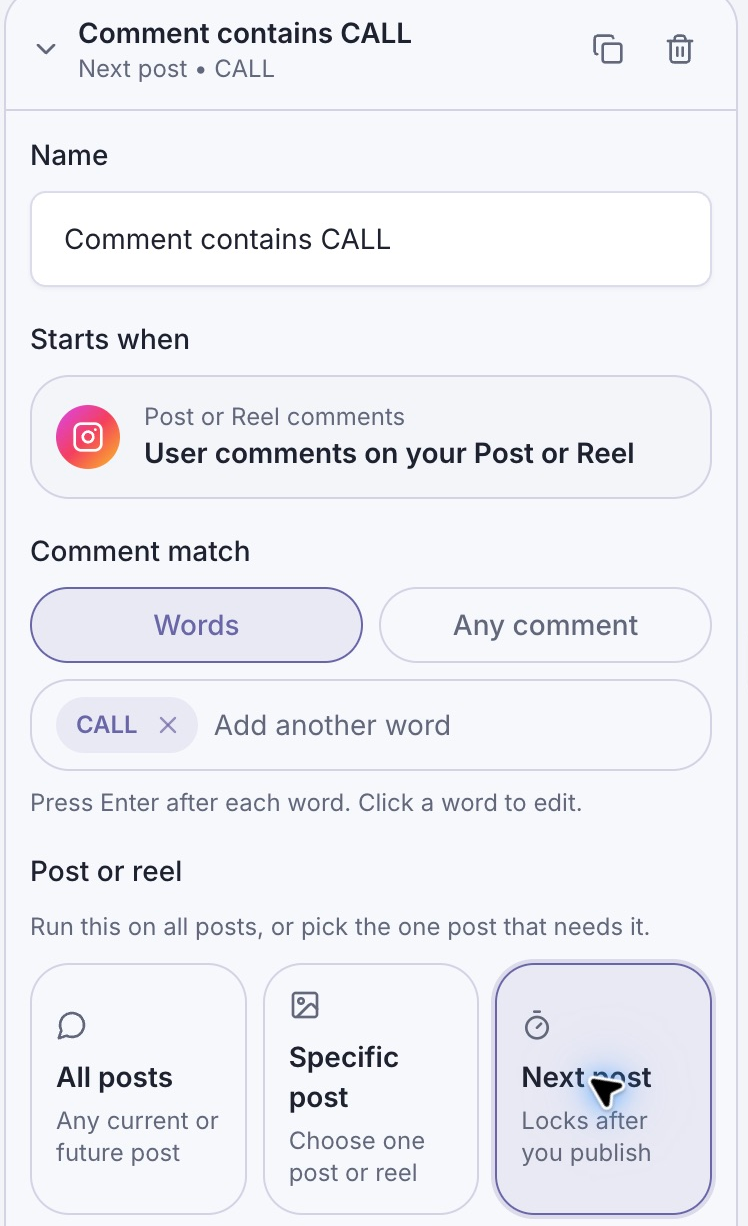
The post setting keeps the CALL invitation tied to the intended Reel. Matching the comment starts the flow; later messages still need their own delivery eligibility.
For an Instagram comment trigger, LinkStack's first Send Message step must contain one text, image, or audio content block. Put additional content in later steps, which wait for an open DM window. For this offer, one text block with a booking button is enough:
Here's the page for Northline Coaching's free, 20-minute discovery call. You can read what we'll cover and choose an available time. If you have a question before booking, reply here.
Add Book a discovery call as the website button and select the correct destination. This delivers what the caption promised. It also gives the person an honest reason to reply if they need help, without making another chat interaction a condition for seeing the page.
The comment-to-DM setup guide covers connection, message editing, buttons, and testing in detail.
A delay cannot keep an expired window open
A Delay step schedules when the workflow reaches the next action. It does not create permission to send that action. Even a short delay after the initial private reply is insufficient if the person has not responded and has no open DM window.
LinkStack checks the applicable window and skips expired automated sends. Queued work also needs to remain eligible when it reaches delivery. Plan around the reply you need, not just an elapsed number of hours. See the messaging-window guide before adding reminders.
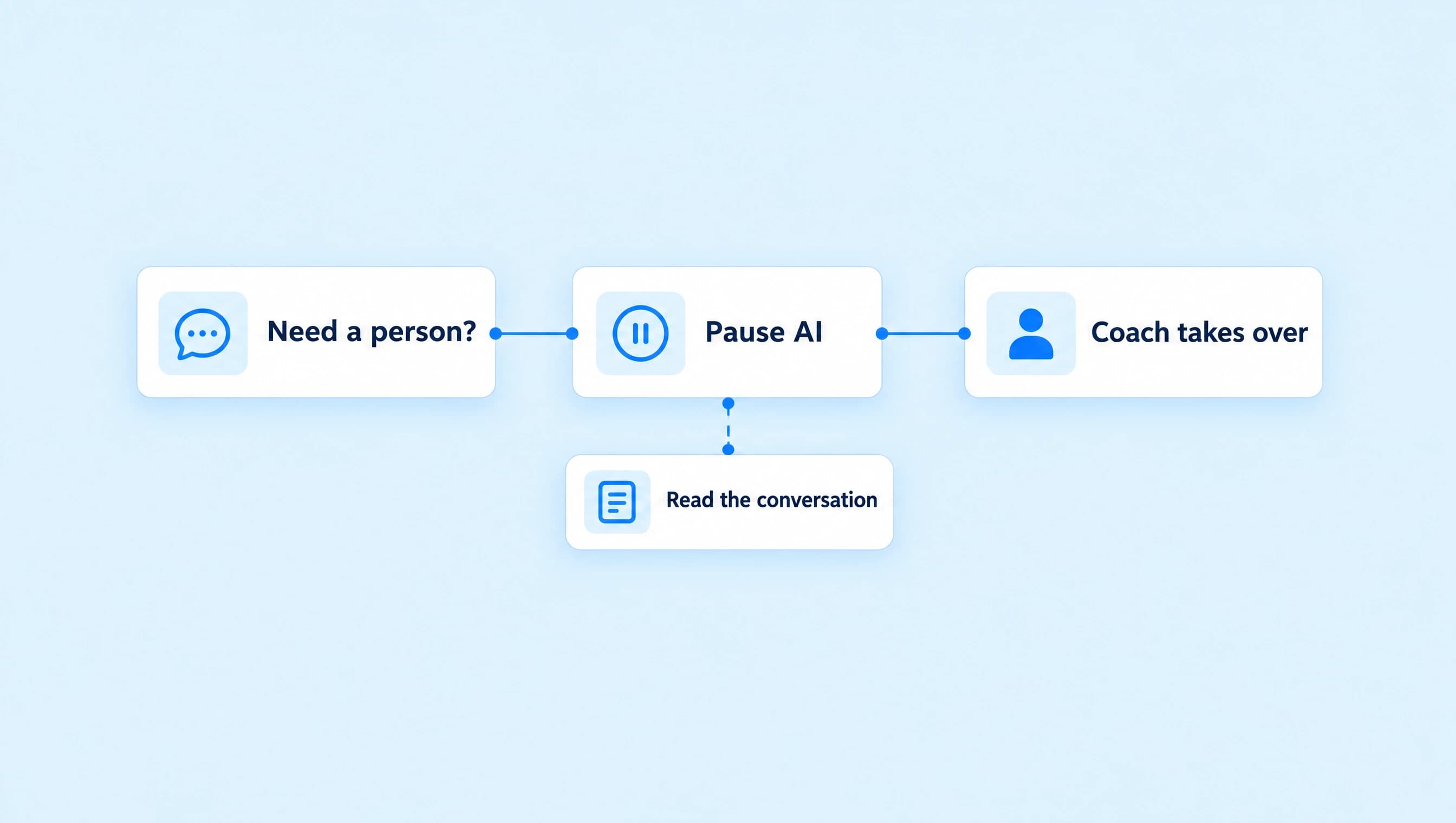
Manual support replies have their own provider eligibility shown in Inbox. Check the conversation's available reply state and the guide instead of treating an automated-flow deadline as a universal rule for every manual support reply.
Check these six things before promoting the Reel
- Promise: The caption asks for CALL and promises the discovery-call page, matching the saved message.
- Scope: The trigger watches the intended post or Reel, not an unrelated campaign.
- First message: One supported content block delivers the useful information and correct booking destination.
- Further messages: Each later step has a valid conversation path. A website click alone is not treated as a reply.
- Timing: Delays and queued work cannot outlast the applicable window and still send automatically.
- Verification: Use Check and Preview for the draft, then verify the published trigger and received booking button with a second Instagram account. Preview is simulated; it does not prove live delivery.
Start with the single CALL-to-booking-page response. Add follow-ups only when you can explain which incoming interaction makes each one eligible and why the person would find it useful.