
 vs
vs
Geniuslink vs LinkStack for creator affiliate traffic.
Route affiliate traffic, publish your bio page, and track your links from one account. LinkStack keeps country destinations, app-opening paths, and click analytics beside the content you share.
Free plan. No credit card required.
In this article
Why choose LinkStack?
Choose LinkStack to manage your affiliate links and the creator page around them together. Share product recommendations, configure country destinations, and track clicks from your bio page and social posts.
From a comment to your creator store.
1. They ask for the link
 Instagram comment
A follower
GUIDE
2. LinkStack sends your reply
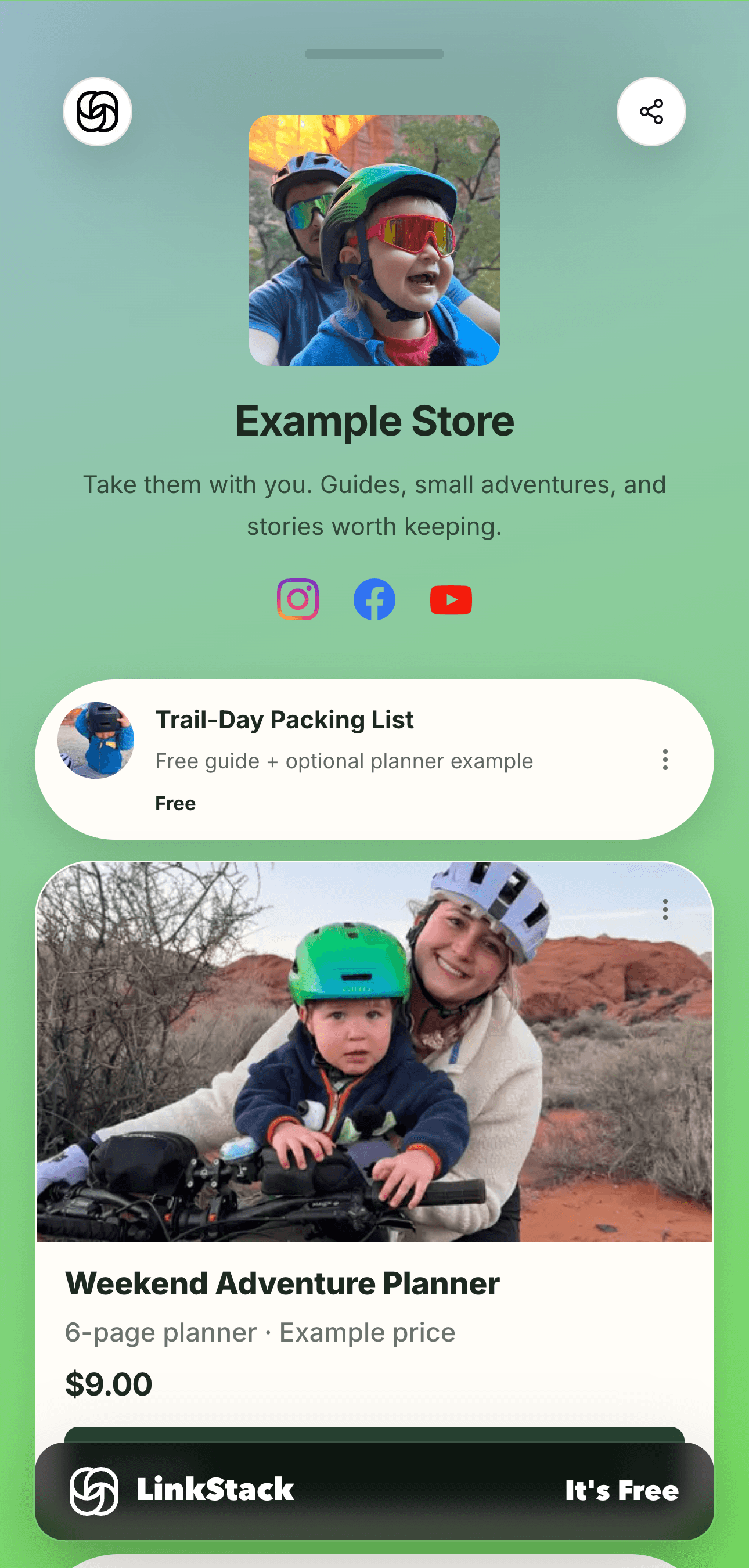
Here you go! My free packing list and weekend planners are all right here.
See my guides3. Your page brings it together
Feature comparison
| Feature | LinkStack | Geniuslink |
|---|---|---|
| Creator homebase | LinkStackIncludes link-in-bio pages for products, social links, and Links. | GeniuslinkPrimarily focused on intelligent link routing. |
| Amazon creator workflow | LinkStackBuilt around creator product links, app-aware paths, and link-in-bio distribution. | GeniuslinkAffiliate localization and link management. |
| Pricing mental model | LinkStackPlan-based optimized-click limits for creators who want predictable tiers. | GeniuslinkUsage-based pricing can scale differently as clicks grow. |
| Analytics context | LinkStackShows bio, Link, source, device, country, and route outcome context. | GeniuslinkFocuses on link performance and localization reporting. |
Availability varies by plan. App opening depends on the destination, device, and browser.
Share one link. Set the destination by country.
Keep your regional Amazon storefronts and affiliate tags together. Attach the program to your links, choose a default destination, and share with your audience.
Explore country routing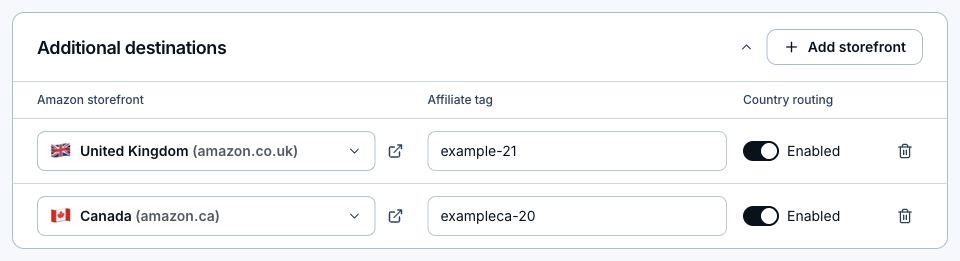
What does LinkStack cost?
USD. Paid prices below are monthly equivalents, billed yearly. Monthly billing is also available.
LinkStack
- Free
- $0/monthTry your bio page, links, and first automations.
- Starter
- $8.25/month$99 billed yearlyCustom social previews and more room for links and automations.
- Growth
- $24.92/month$299 billed yearlyEmail, a custom domain, and 0% LinkStack selling fee.
LinkStack selling fees are 10% on Free, 5% on Starter, and 0% on Growth. Stripe processing fees apply separately. Features and usage allowances vary by plan.
Common questions
Which tool is better for creators?
LinkStack is built for creators who want more than routing: bio pages, Links, posts, and analytics in one place.
Can I bring my Geniuslink links into LinkStack?
Yes. Upload a supported Geniuslink Links report, review the destinations, and import the selected links. LinkStack creates new URLs; use the import report to update the links you share. Original URLs and historical analytics do not transfer.
Try LinkStack with your next link.
Create a free account, share a link, and see how it fits your workflow. Add your page, products, and automations when you are ready.
No credit card required.