
How to upload and change your bio image
Add a profile image that makes the page feel like yours, then swap or remove it later.
4 min read
In this article
Steps
- Open Dashboard, then Bio.
- Choose the page you want to edit.
- Find the profile image section.
- Click Upload and choose an image.
- Wait for the preview to update.
- Save the page before closing the editor.
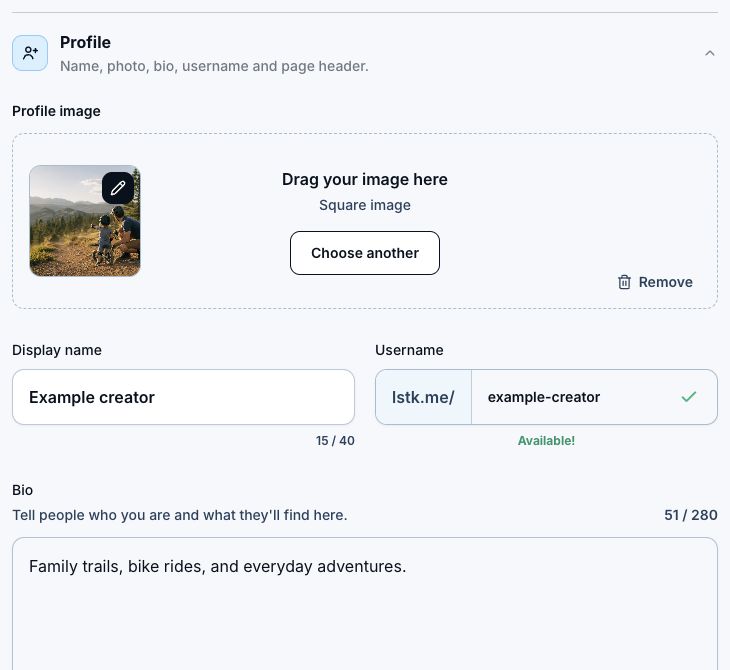
Image tips
- Use a clear square image when possible.
- Avoid tiny text inside the image.
- Check the preview on mobile width.
- Use Remove when you want to go back to initials.
Related articles
Still need help?
Support & feedback