
How to read your bio page analytics
See what people viewed, what they tapped, and which taps moved into Links.
5 min read
In this article
Terms to know
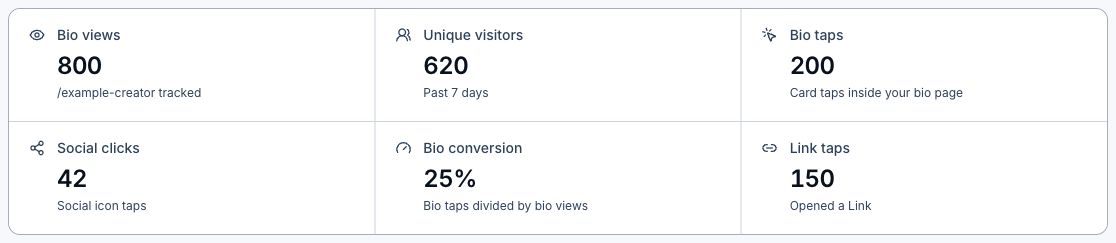
- Bio views are page visits.
- Bio taps are button or card taps.
- Bio-to-Smart taps are taps that continue into a Link.
- Deep link clicks are the billable redirect events after the tap.
- Authenticated owner previews and LinkStack health checks are excluded so they do not inflate totals.
Steps
- Open Dashboard, then Bio.
- Choose Analytics.
- Pick the date range.
- Click Refresh beside the date controls when you want the latest available data. Your selected bio page and date range stay the same.
- Review page views and taps.
- Find the strongest cards.
- Move high-intent links higher on the page.
Related articles
Still need help?
Support & feedback