
How to export form responses
Download collected contacts and response data as a password-protected ZIP with a CSV inside.
3 min read
In this article
Before you export
Exports come from Contacts. If you filter the Contacts table first, the export uses that search too.
Steps
- Open Contacts.
- Use the search box if you only want matching contacts.
- Click Export.
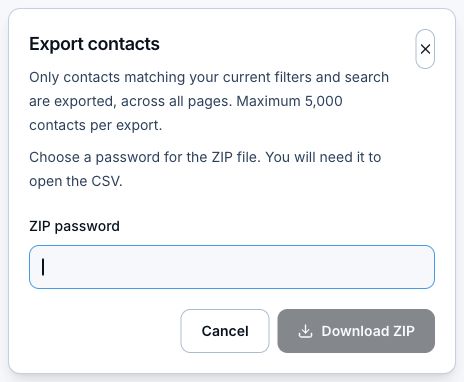
- Enter a ZIP password.
- Click Download ZIP.
- Open the ZIP with the password to access the CSV.
Privacy note
- Use a password you can share securely with the person opening the file.
- Treat exported contacts like customer data, because that is what they are.
- Some derived fields can depend on your plan.
Related articles
Still need help?
Support & feedback